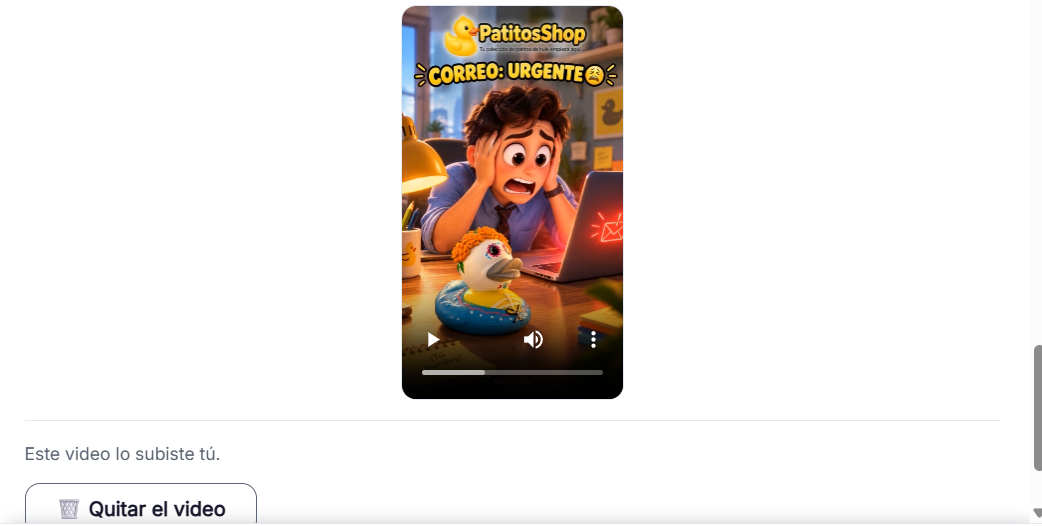
How to generate your reel's video with Meta AI
Meta AI is free and adds the voiceover for you: you don't need to record or generate the dialogue first.
Steps
The screenshots show RedesIA and the other apps with their interface in Spanish; the steps are the same in English.
- 1
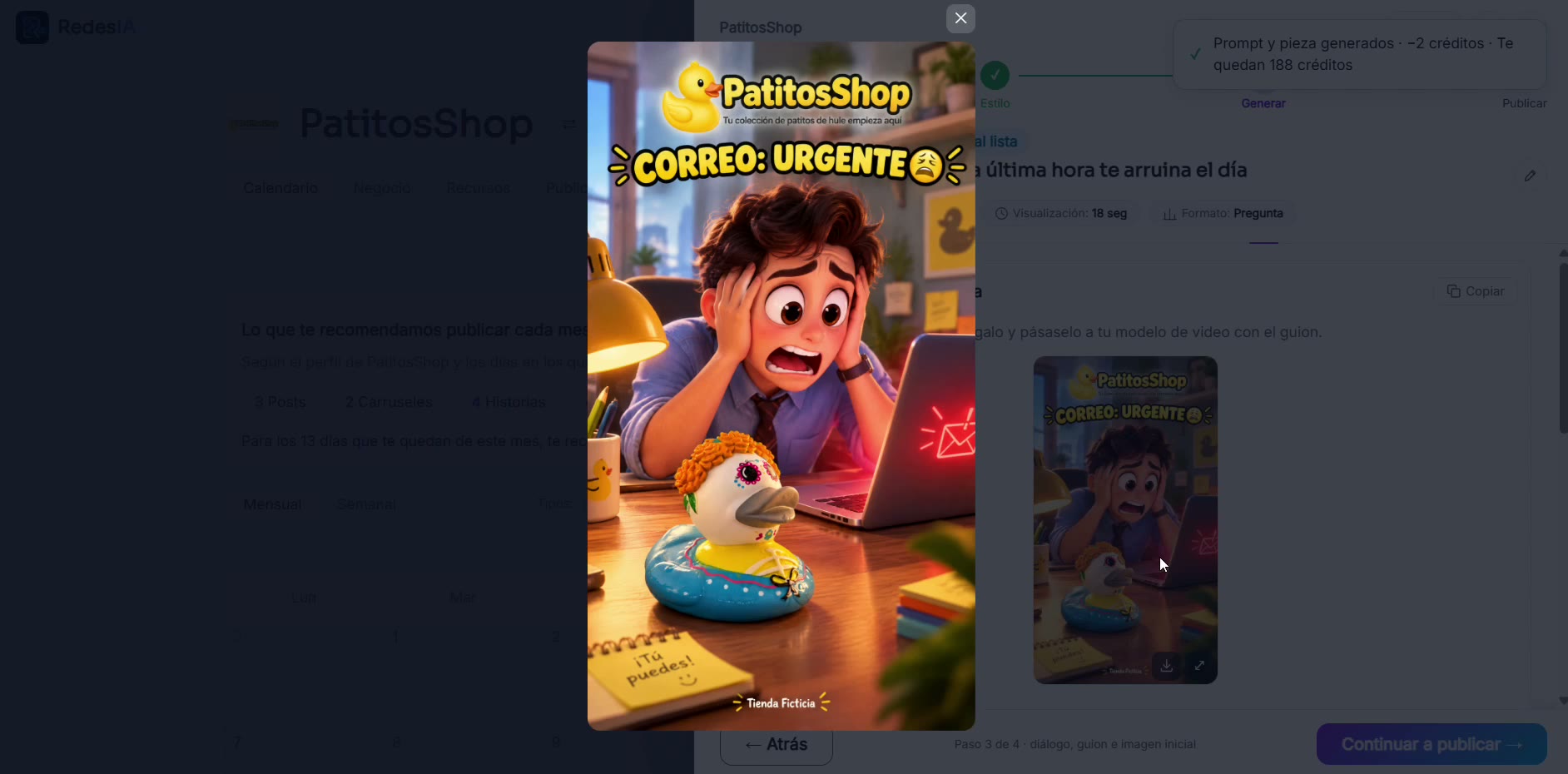
Generate your reel and copy the reference images
When you generate the reel, RedesIA builds the script, the dialogue and several reference images (your logo and one or two product photos), each with its own "Copy" button.
- 2
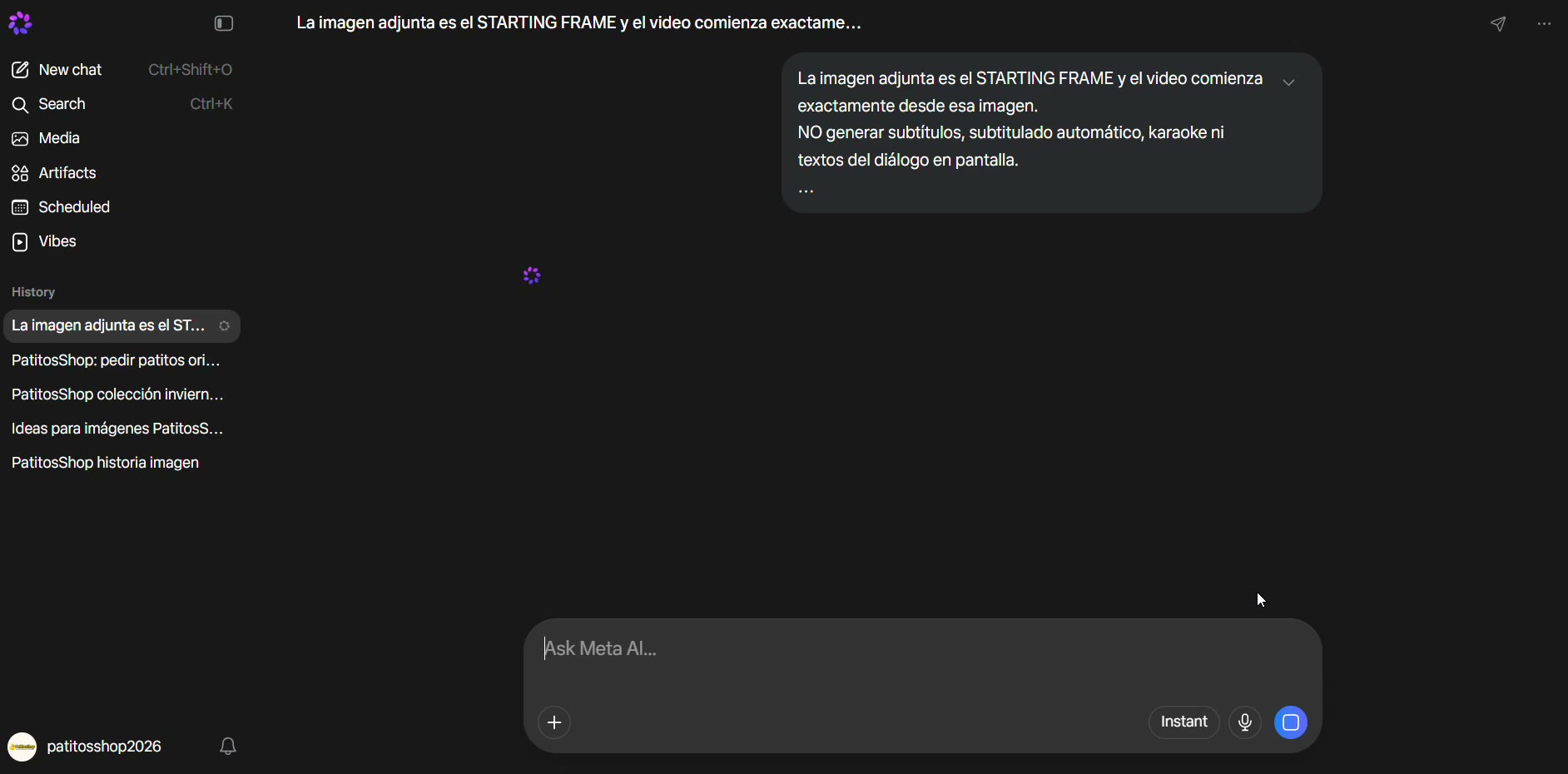
Go to Meta AI
Open meta.ai and log in with your Meta account, the same one you use for Facebook or Instagram. It's free.
- 3
Paste the logo and photos in the same conversation
Attach the logo and the product photos, one by one, in the same chat where you pasted the prompt. That way the video uses them as a reference instead of making something up from scratch.
- 4
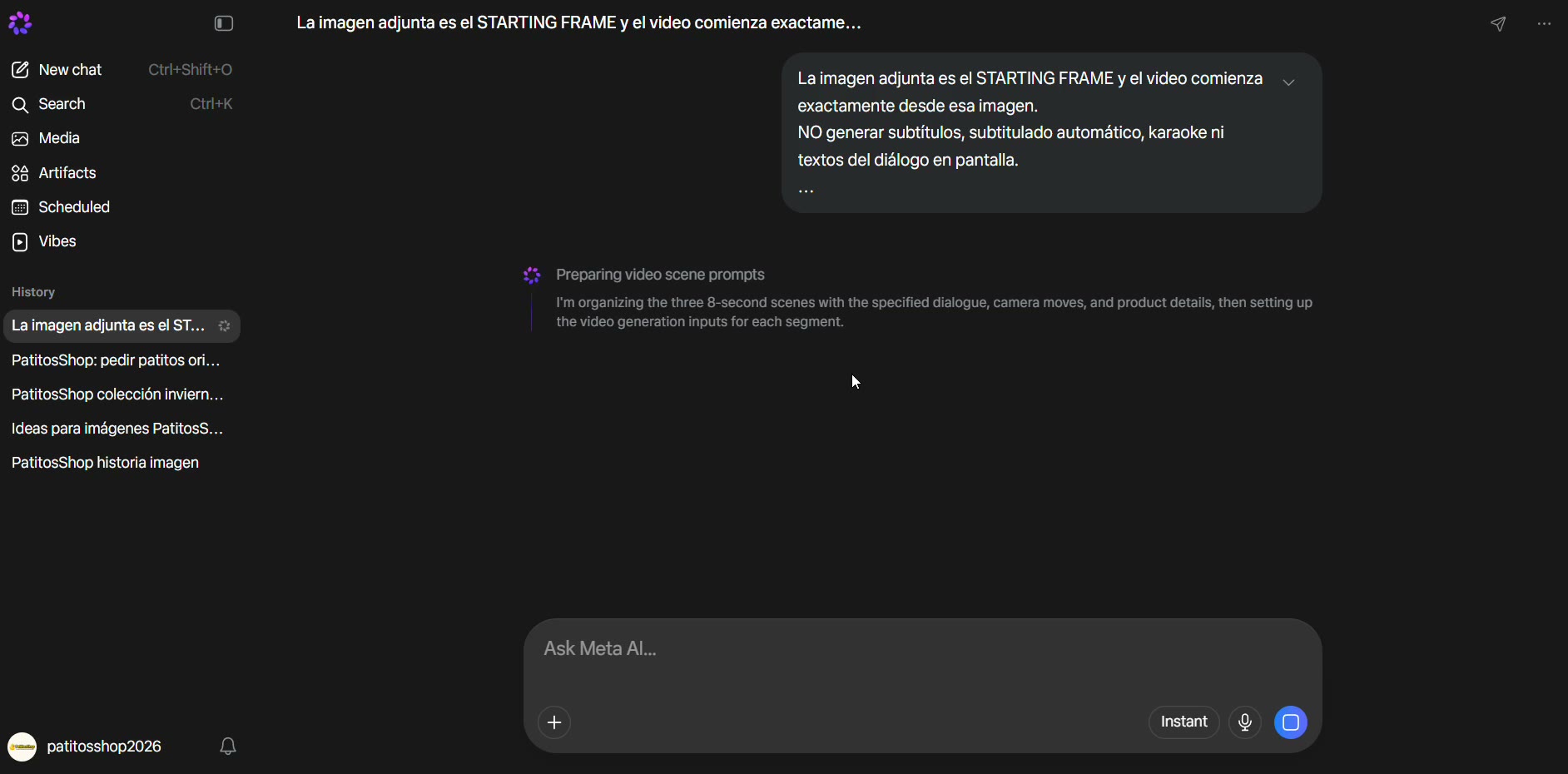
Paste the script and generate the video
Copy the script from RedesIA and paste it into the chat. Meta AI generates the video as several short clips (about 8-10 seconds each), not as a single piece.
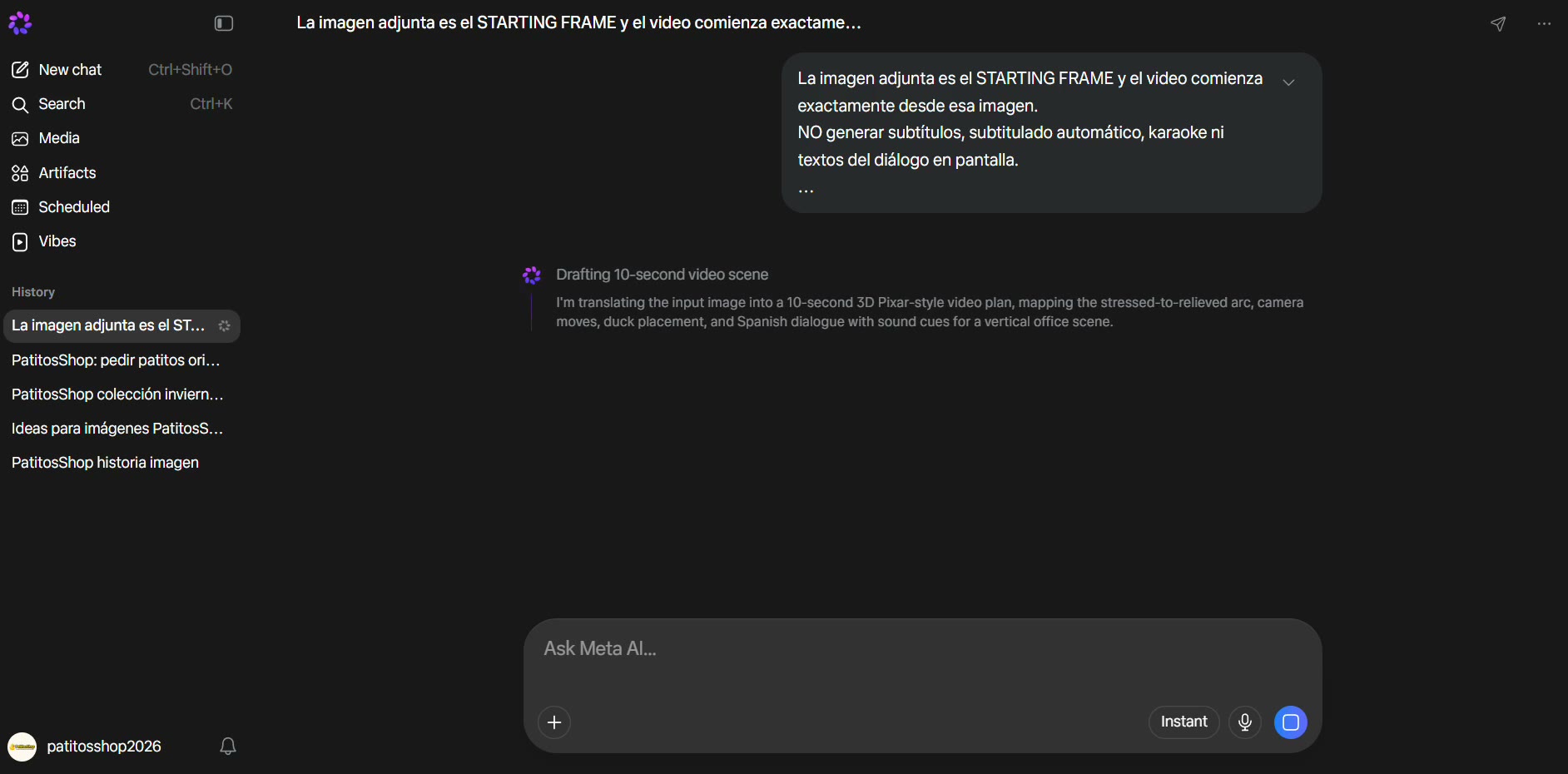 Meta AI does a great job with voiceover: the dialogue is already inside the script, so you don't need to record it or generate it first.
 - 5
Review each clip and download them
Watch the clips one by one. Pay special attention to the logo and to whether the characters look the same from scene to scene. If something doesn't come out right, generate it again.
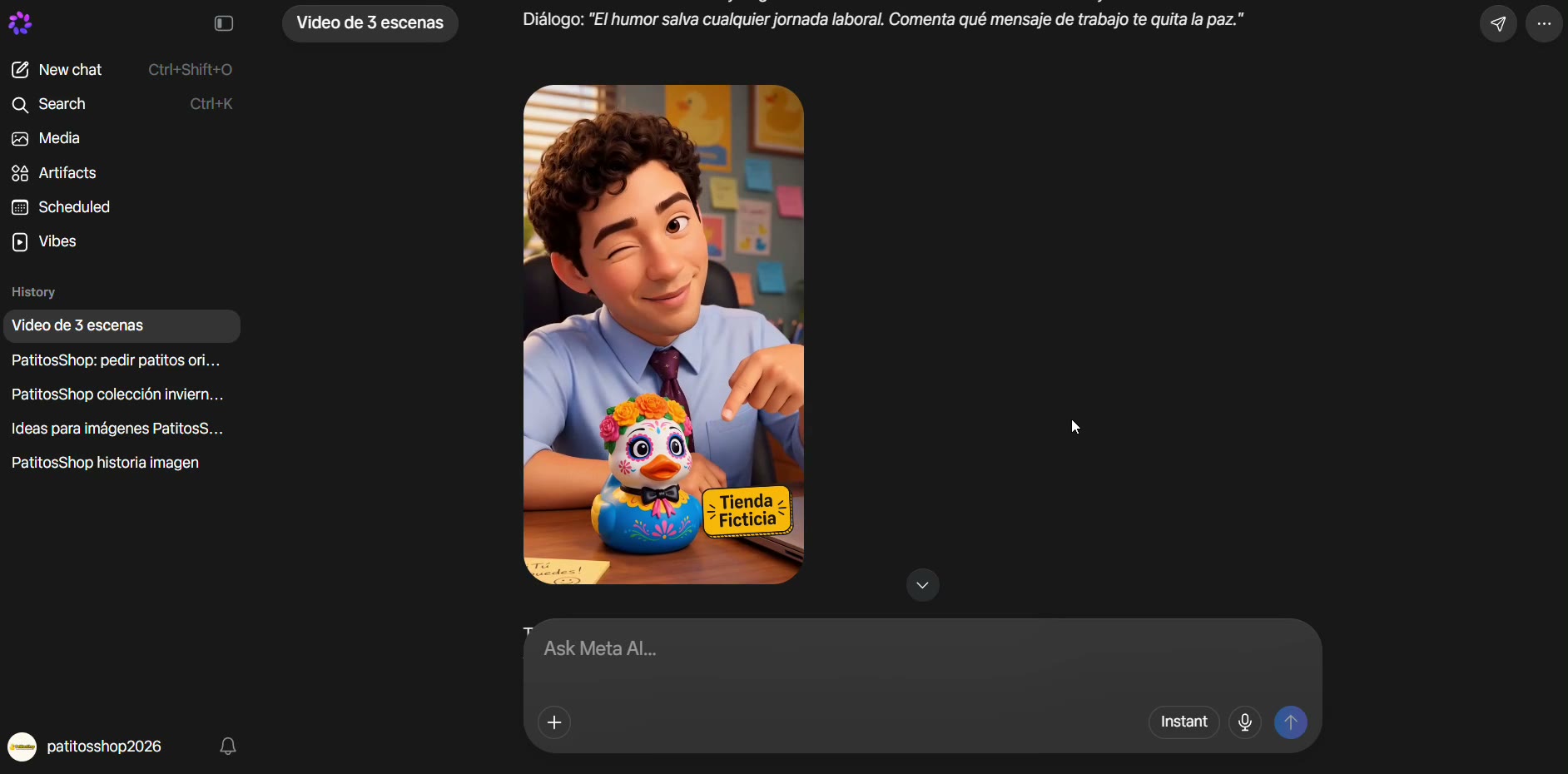 Meta AI is less consistent between scenes than Opus Pro Agent: sometimes it doesn't follow the logo as closely, and the voice or the character can change slightly from one clip to the next. If your brand depends heavily on that consistency, try Opus Pro.
 - 6
Upload it to RedesIA
Go back to step 3 of your post and upload the clips to continue to publishing.