
How to turn your RedesIA script into an AI video
If you don't want to be on camera, turn the same script into a video generated with AI.
Steps
The screenshots show RedesIA and the other apps with their interface in Spanish; the steps are the same in English.
- 1
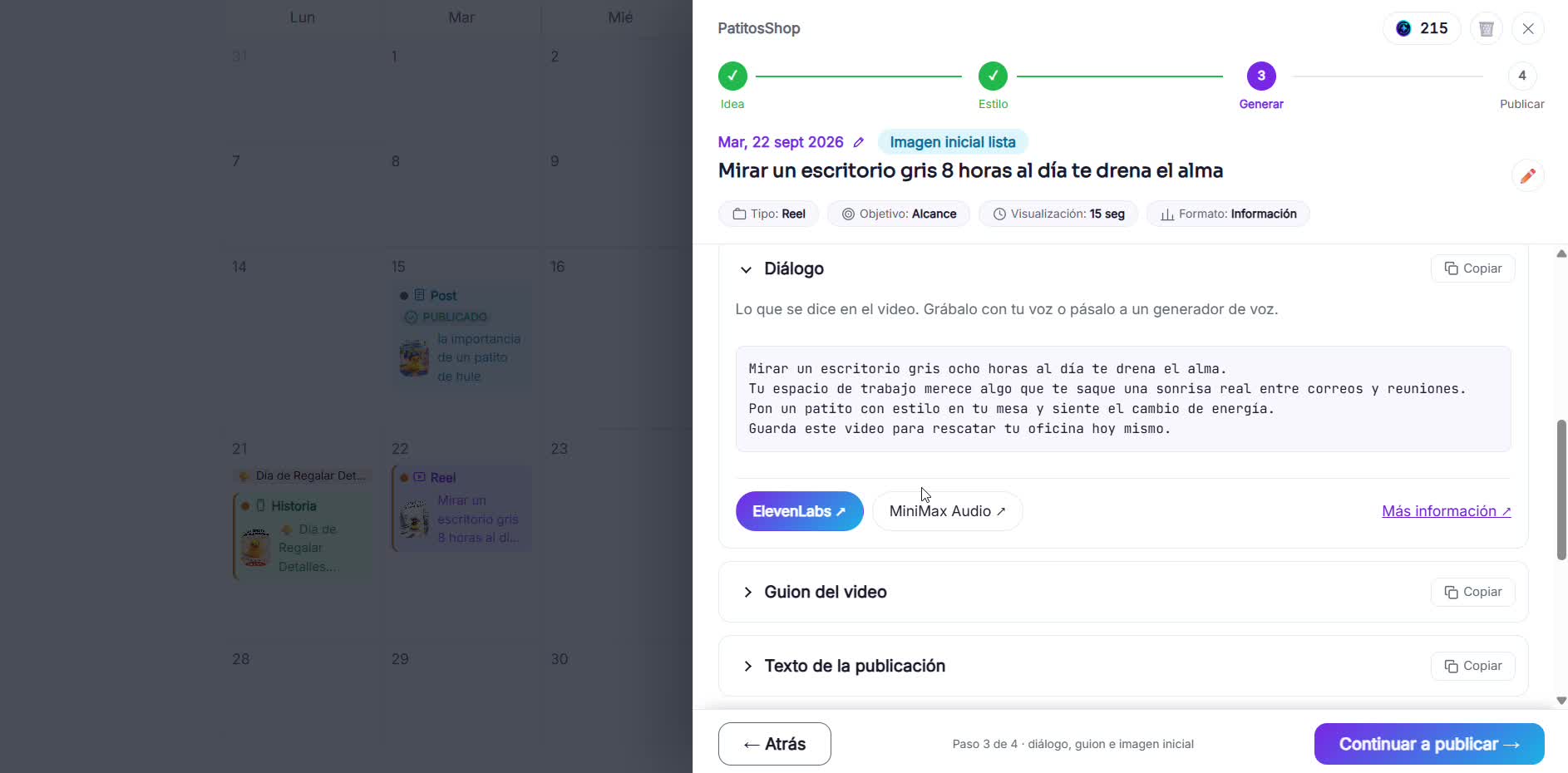
Copy the script, the dialogue and the starting image
From RedesIA, generate the dialogue and the scene-by-scene script, and download the reference starting image.
- 2
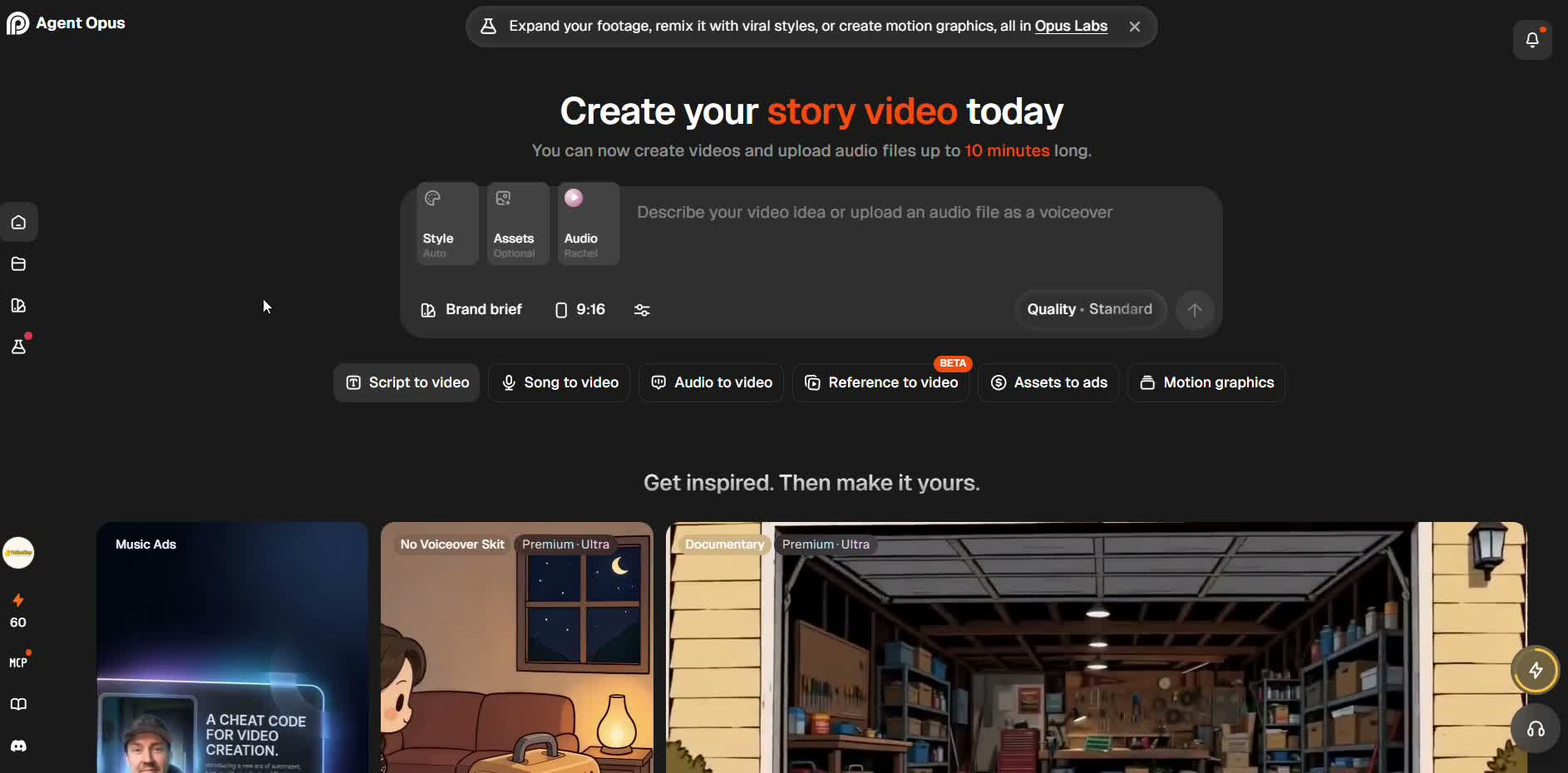
Choose an AI video tool
We recommend Agent Opus: it's easy to use and gives you 90 free credits when you create your account (one time only), enough for about 3 videos this size.
- 3
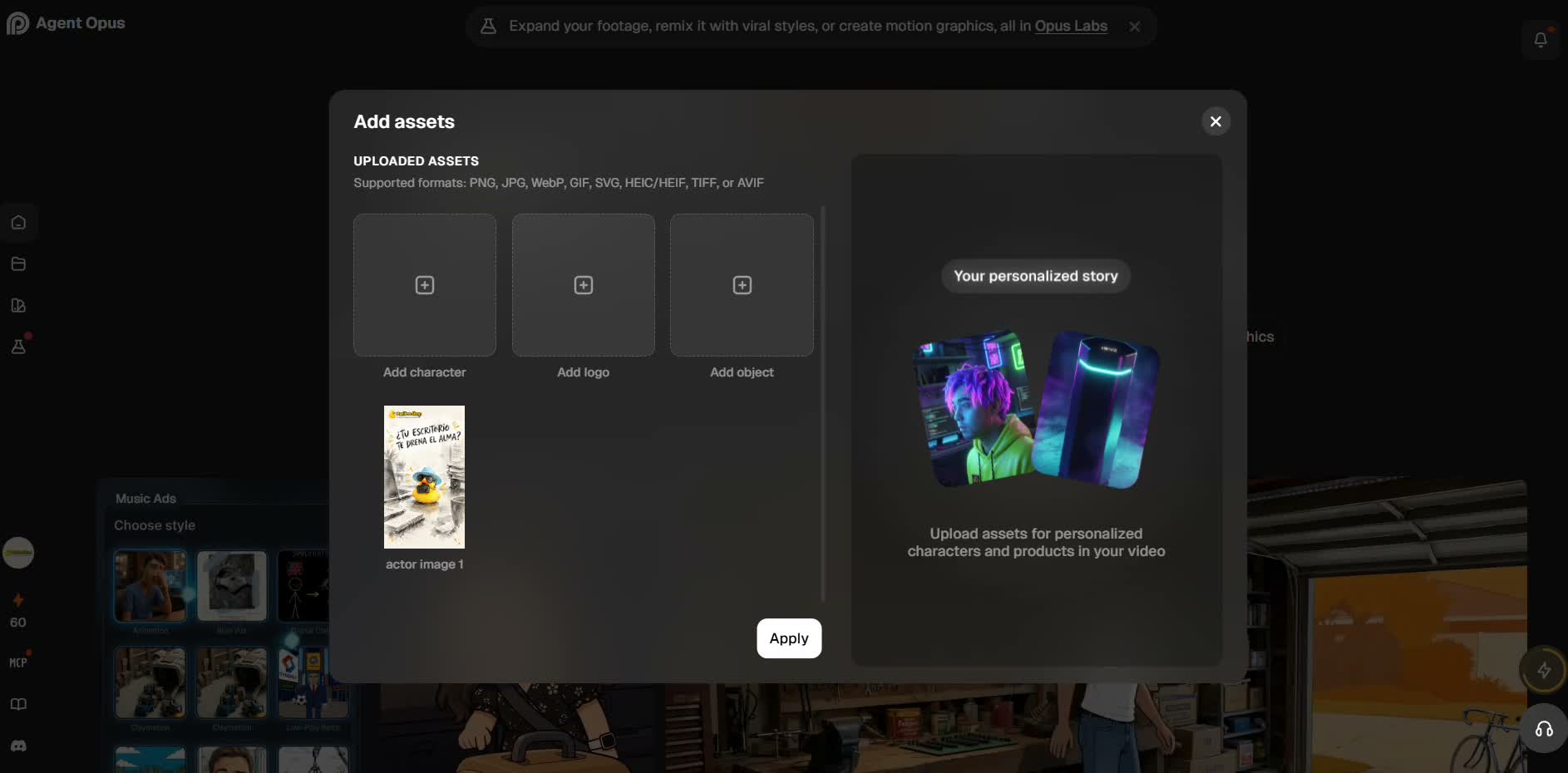
Upload your reference image and paste the script
Upload the character or logo from the starting image, and paste the dialogue or the scene-by-scene script into the text field.
 If you already generated the dialogue audio with an AI voice (previous guide), upload it along with the script instead of letting the tool make up the narration. You get more control over how it sounds.
 - 4
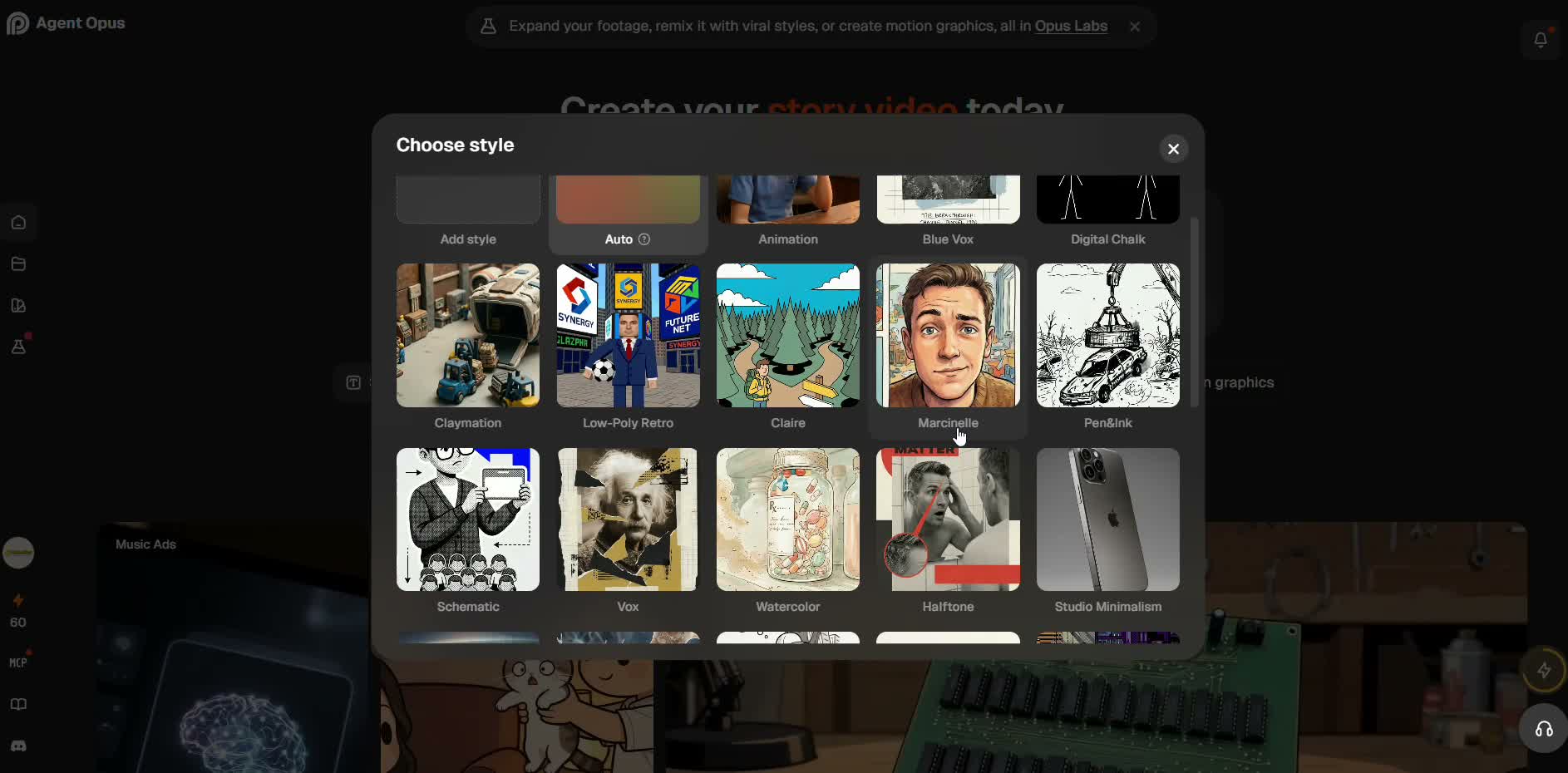
Adjust length, format and style
Choose vertical 9:16 and the visual style closest to your brand: watercolor, animation, low-poly and several more.
- 5
Generate, review and download
First it builds the storyboard (10-15 min), then the final video (10-20 min more). You don't need to sit in front of the screen the whole time. Compare the result with the original script and edit if needed (that costs extra credits).
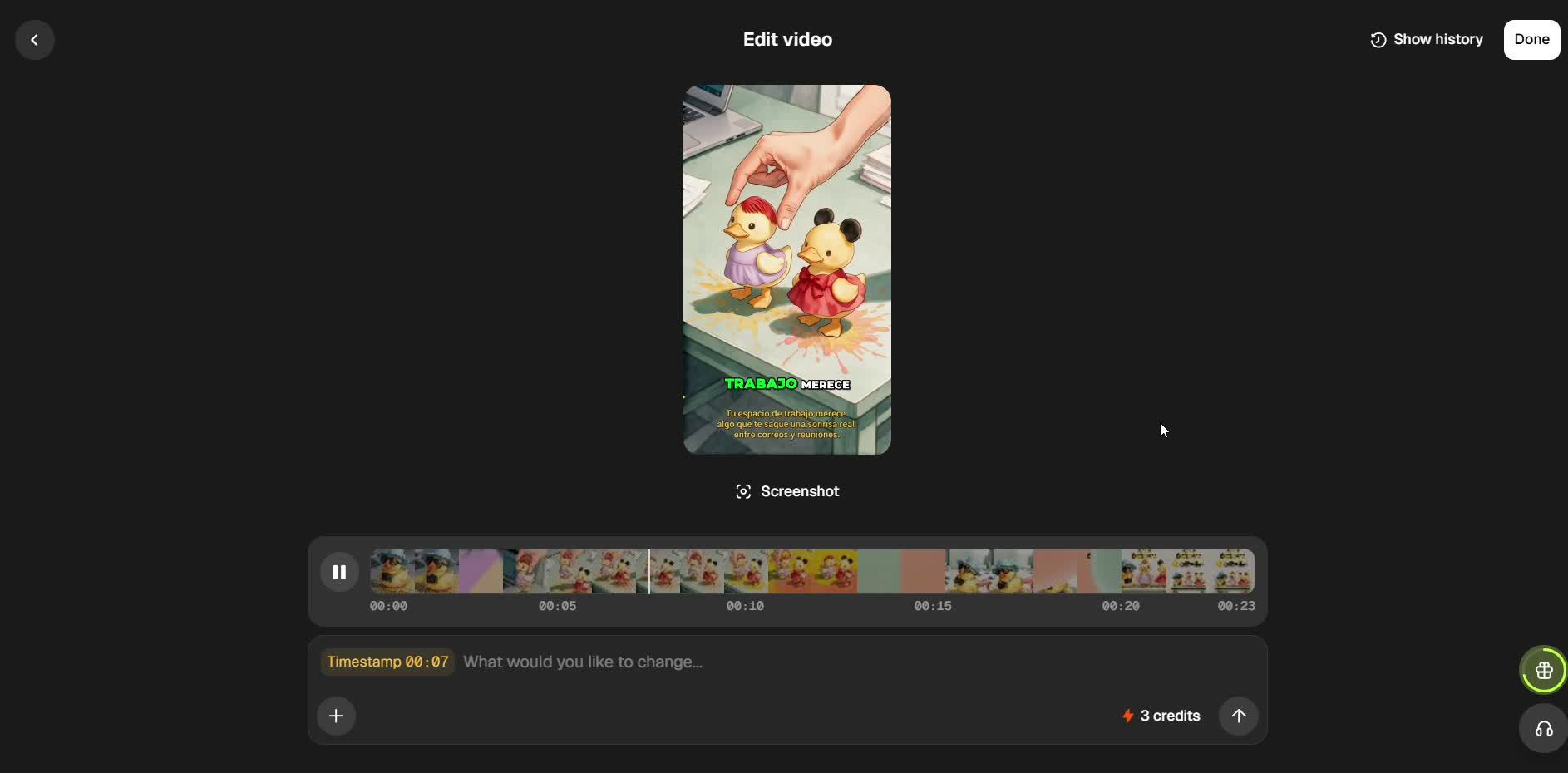 Without a paid plan, the video downloads with an Agent Opus watermark. If you need it clean, you'll have to upgrade your plan.