Resources · Videos from a script
Generate and edit your video with AI in CapCut
Turn your reel script into a video with Flow, then get it ready to publish with a quick edit in CapCut.
Steps
The screenshots show RedesIA and the other apps with their interface in Spanish; the steps are the same in English.
- 1
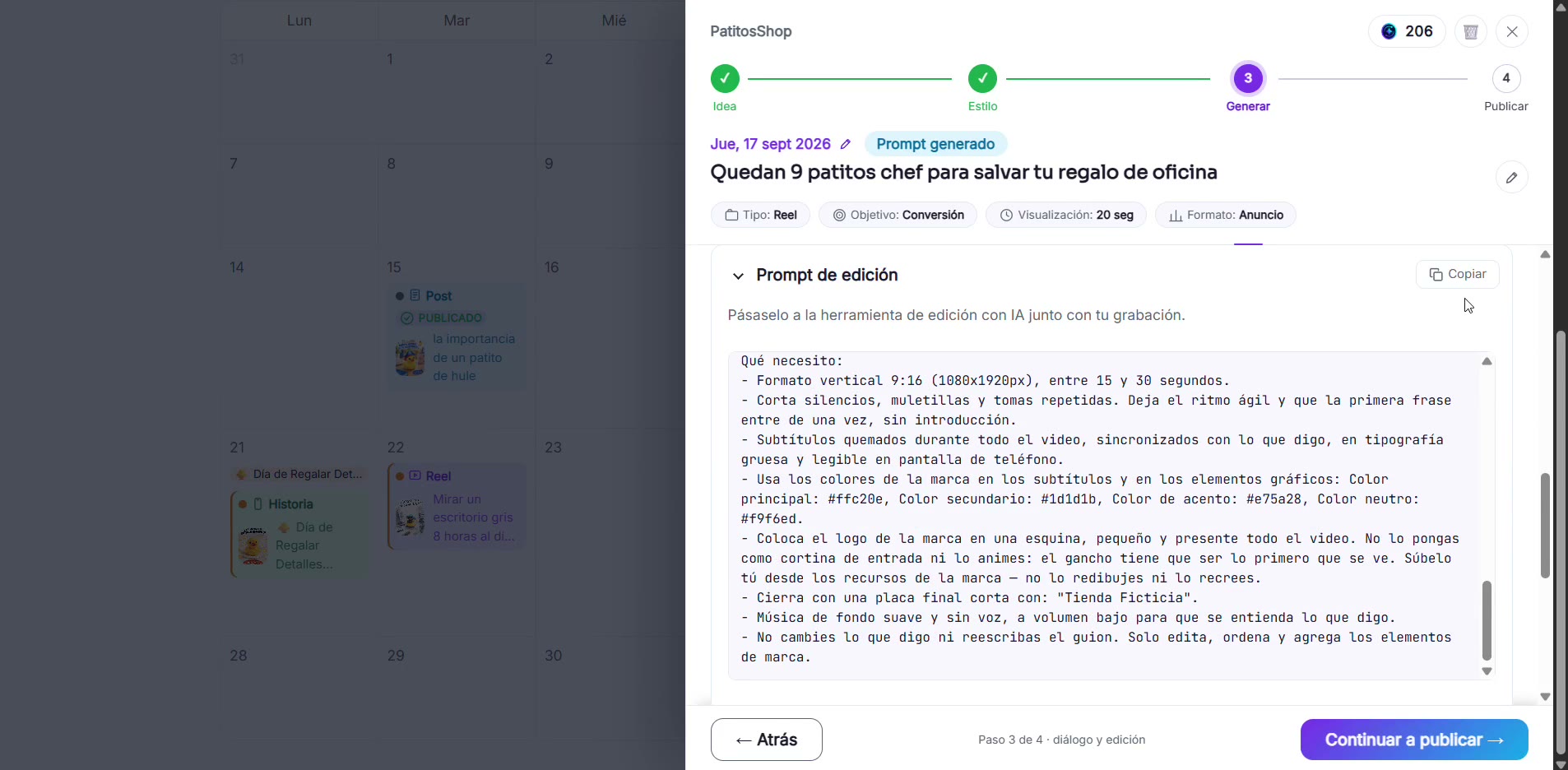
Copy the editing prompt and paste it into Flow
It's the "Editing prompt" section in step 3. Paste it into Flow (Veo3) along with the format you need, so it generates the video from your script.
- 2
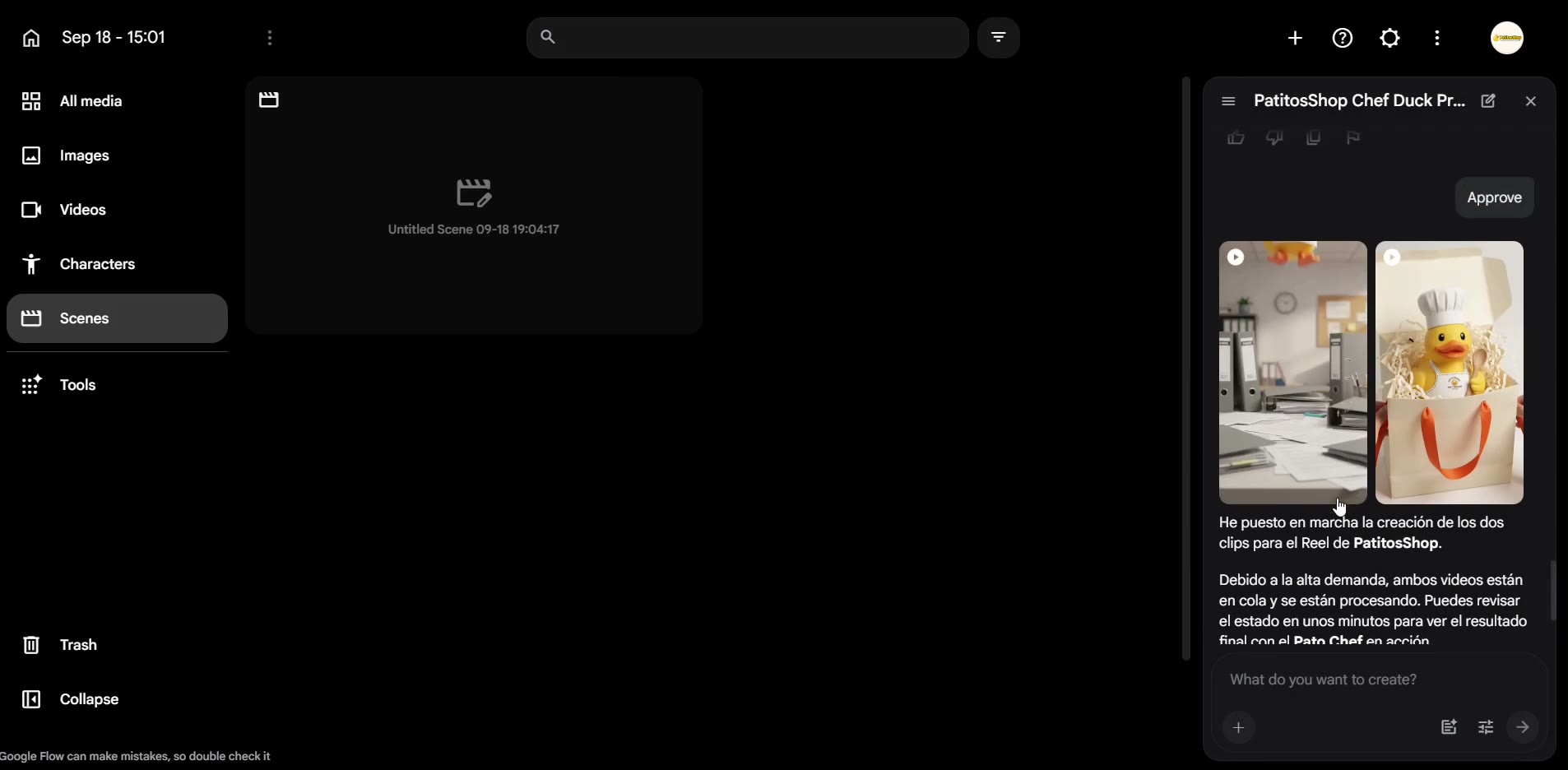
Wait for the AI to generate the clips
Flow tells you how many credits each generation uses before it starts, and shows you the result in a few minutes.
- 3
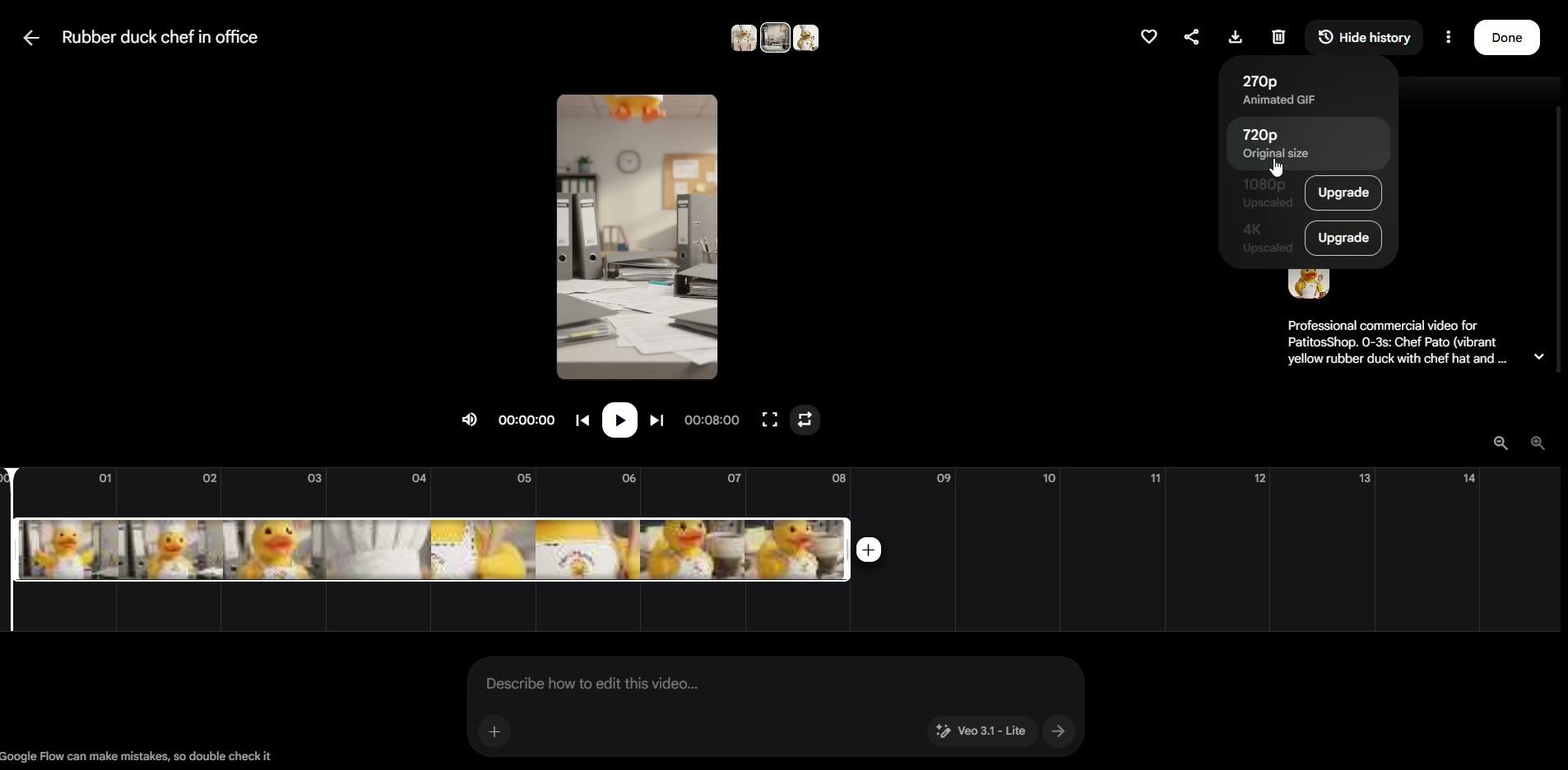
Download the videos you like best
You can generate several versions: pick the resolution and save your favorites to your computer.
- 4
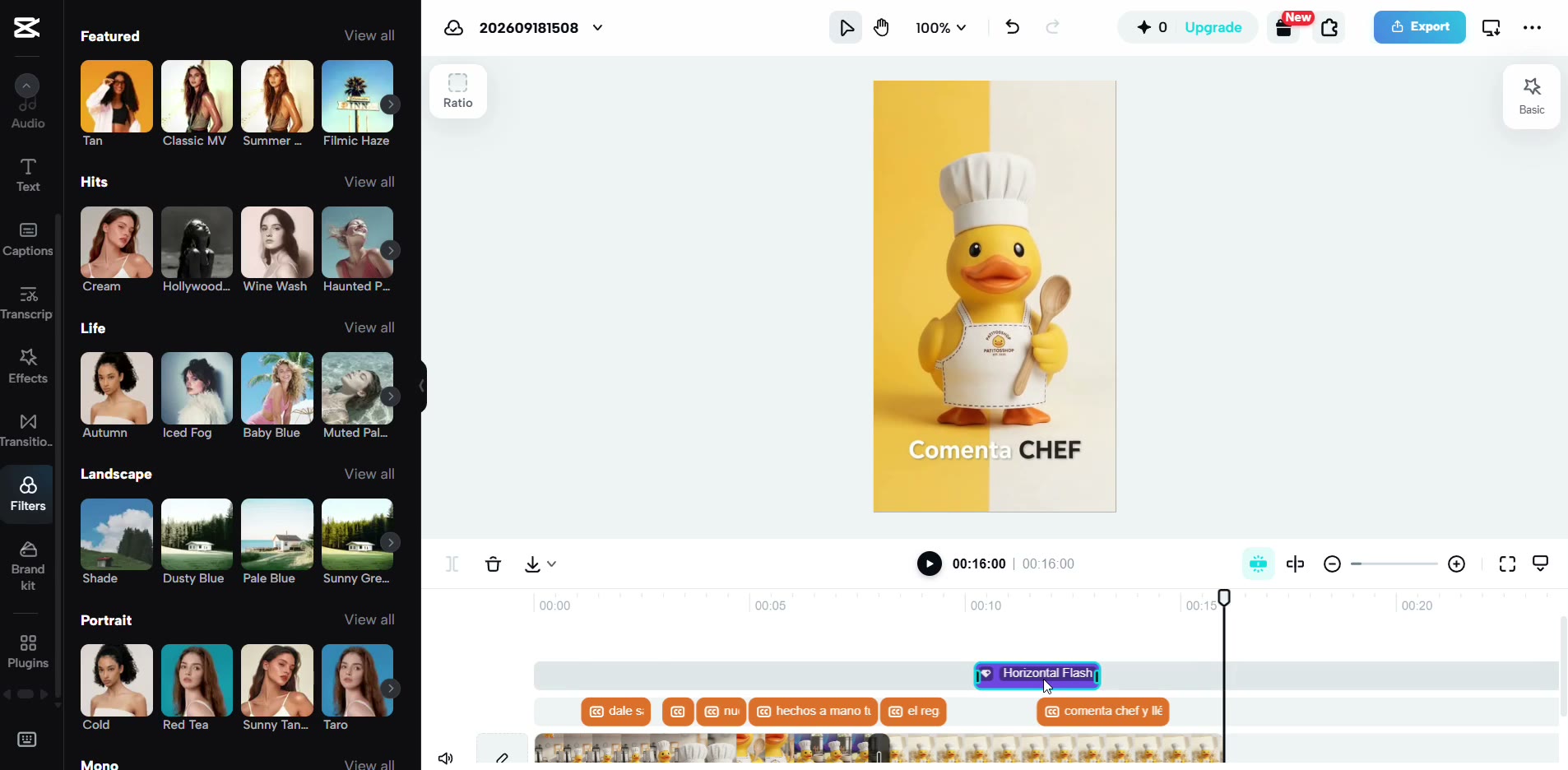
Upload the video to CapCut and edit it
Add text, stickers, music or transitions to give it the finishing touch before you publish it.
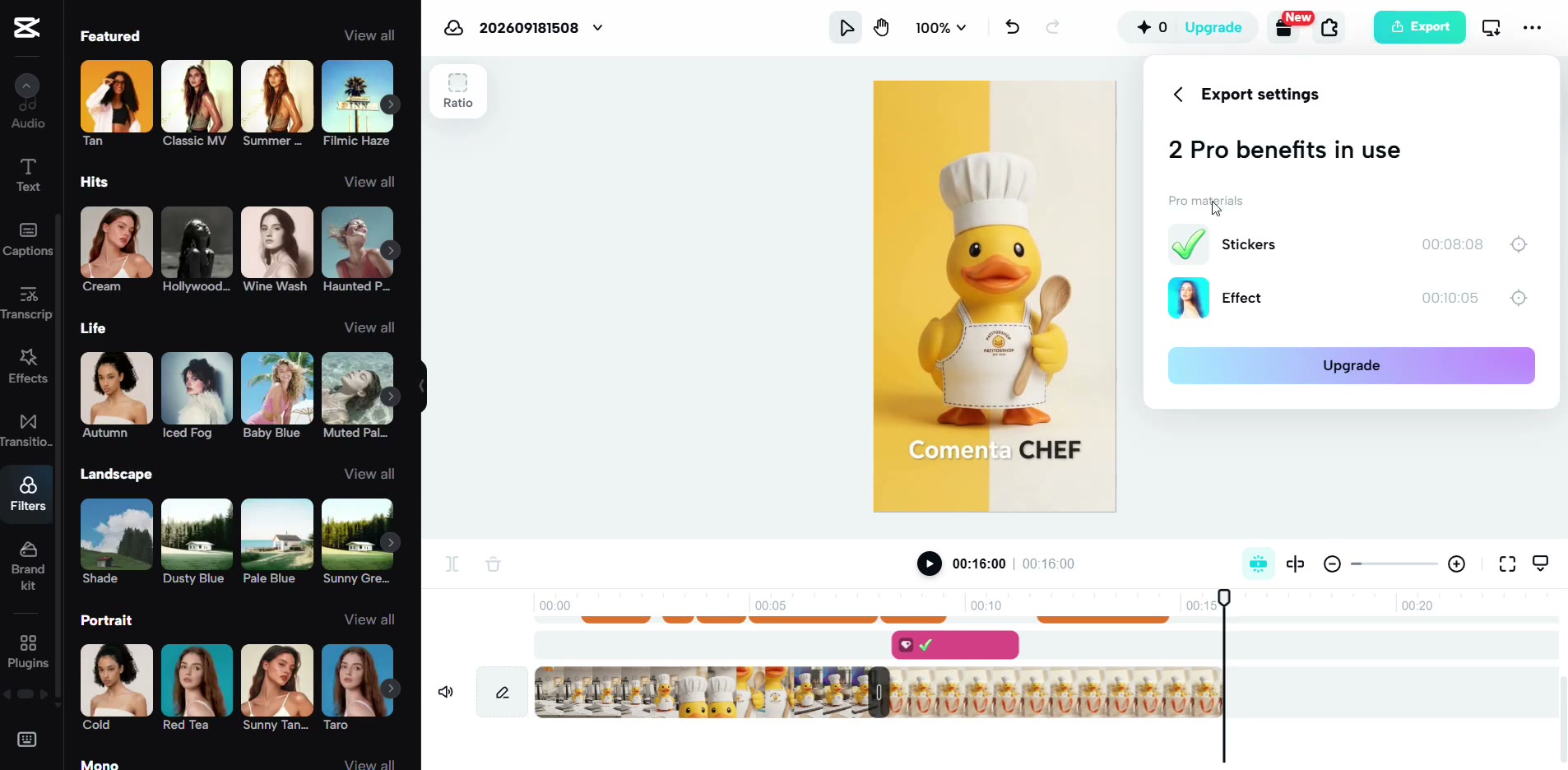
- 5
Export your video, ready to publish
Download it and upload it to RedesIA in the publishing step.