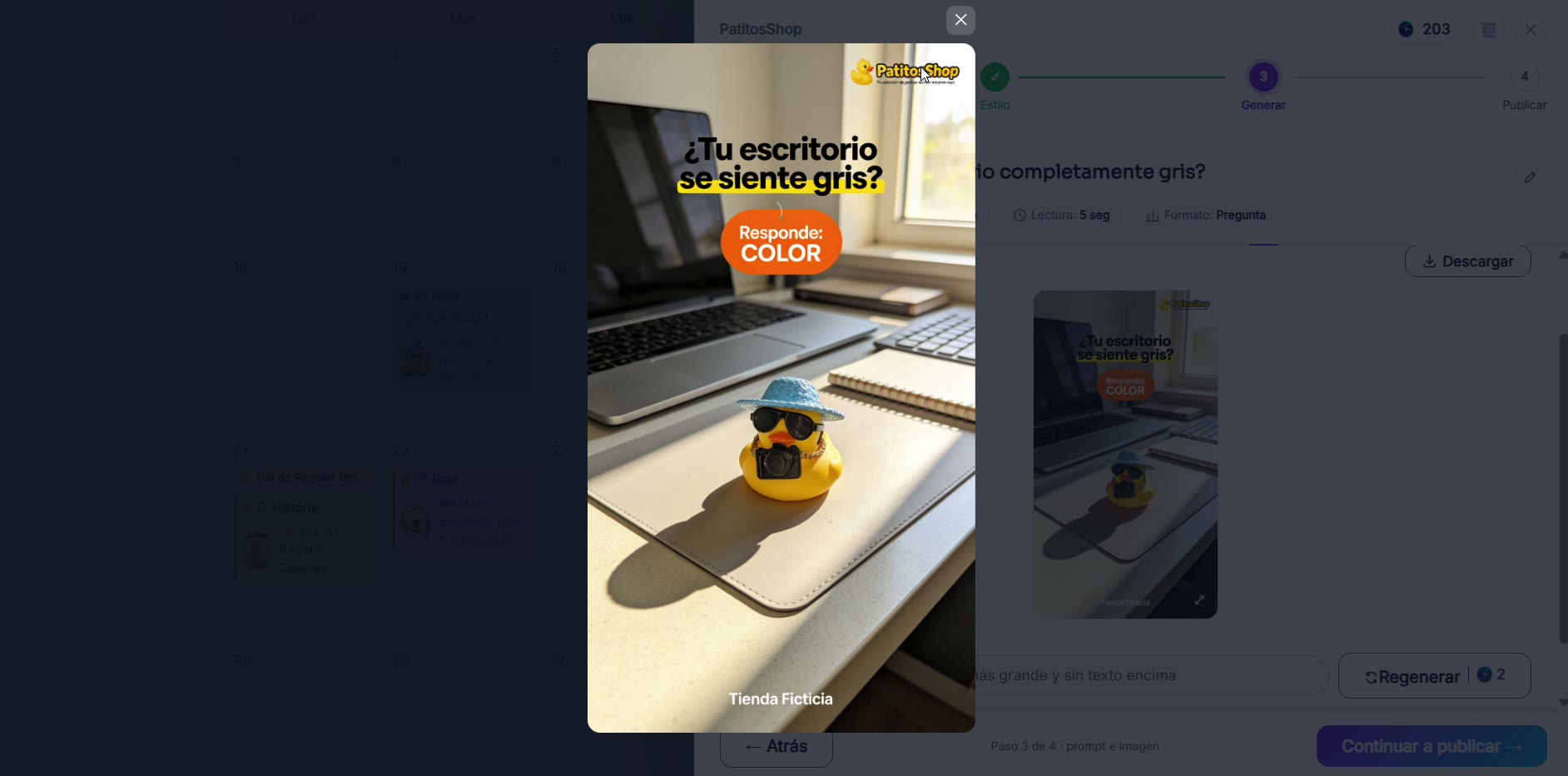
Use the prompt anywhere
The same prompt RedesIA generates can give very different results depending on the tool you use it in. Here's how to make the most of it anywhere.
Steps
The screenshots show RedesIA and the other apps with their interface in Spanish; the steps are the same in English.
- 1
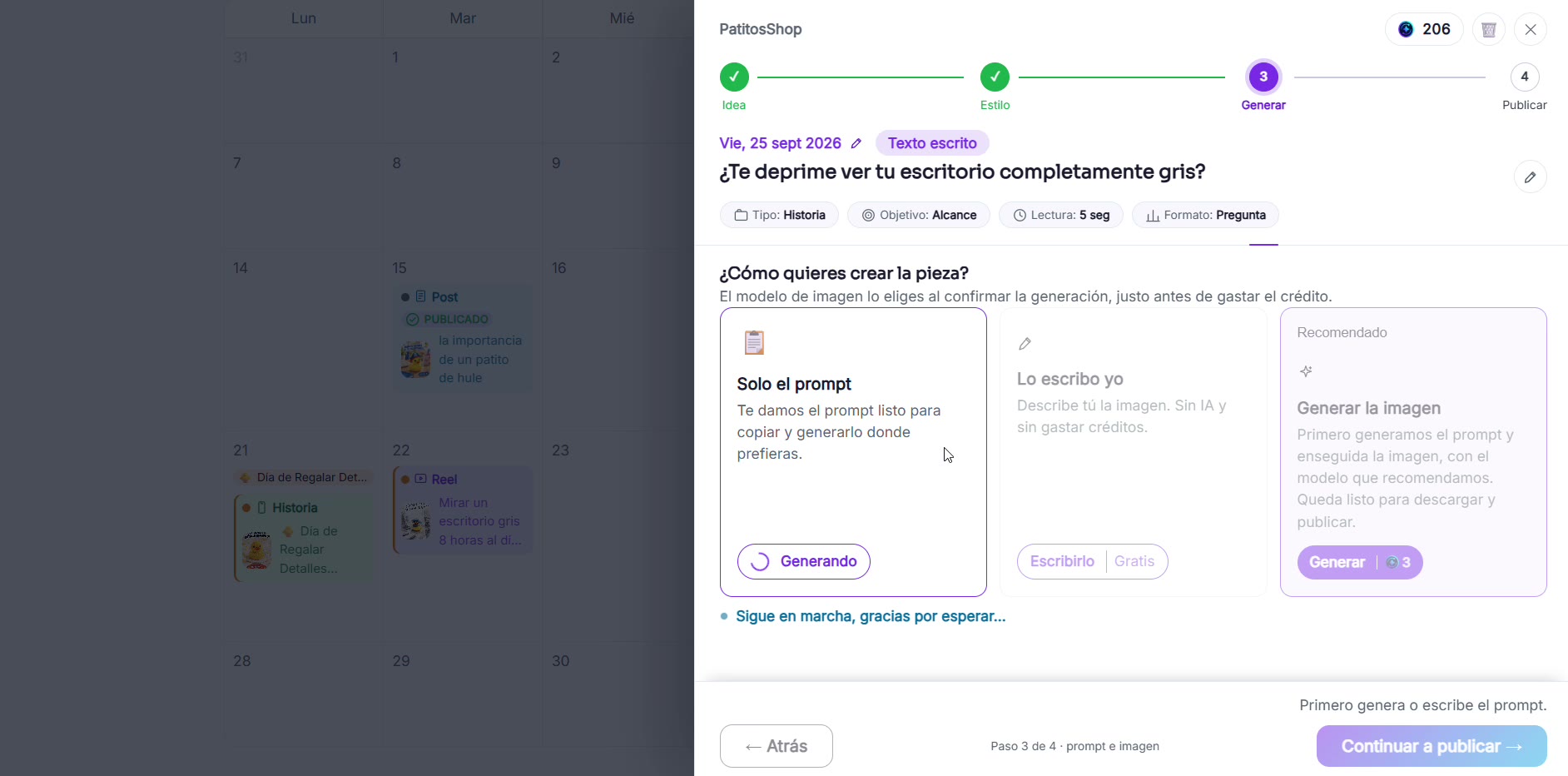
Generate the prompt in RedesIA
RedesIA builds the image prompt from your product. This example uses a duck from PatitosShop.
- 2
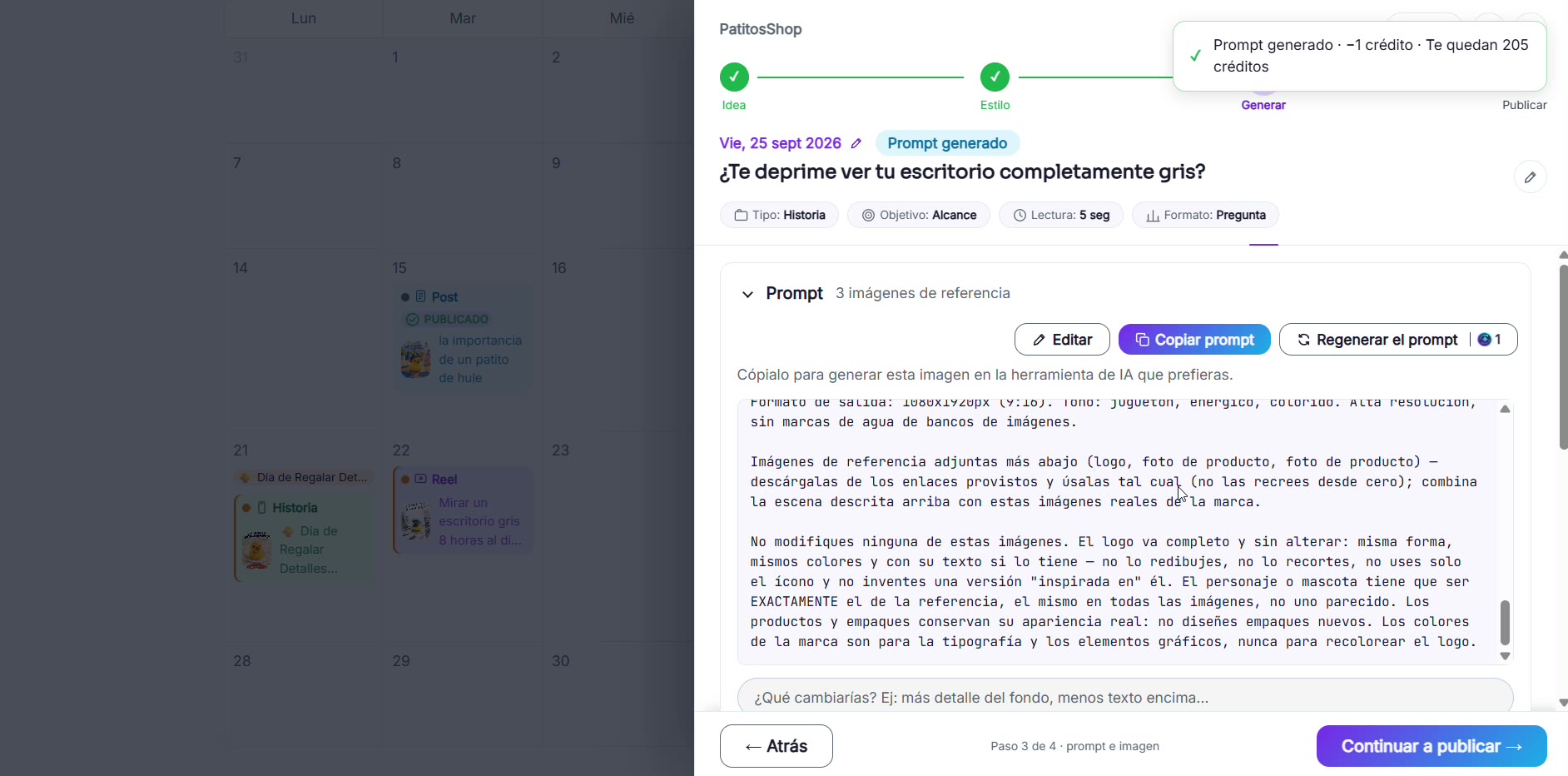
Copy the prompt
Use the "Copy prompt" button to take it to another tool.
- 3
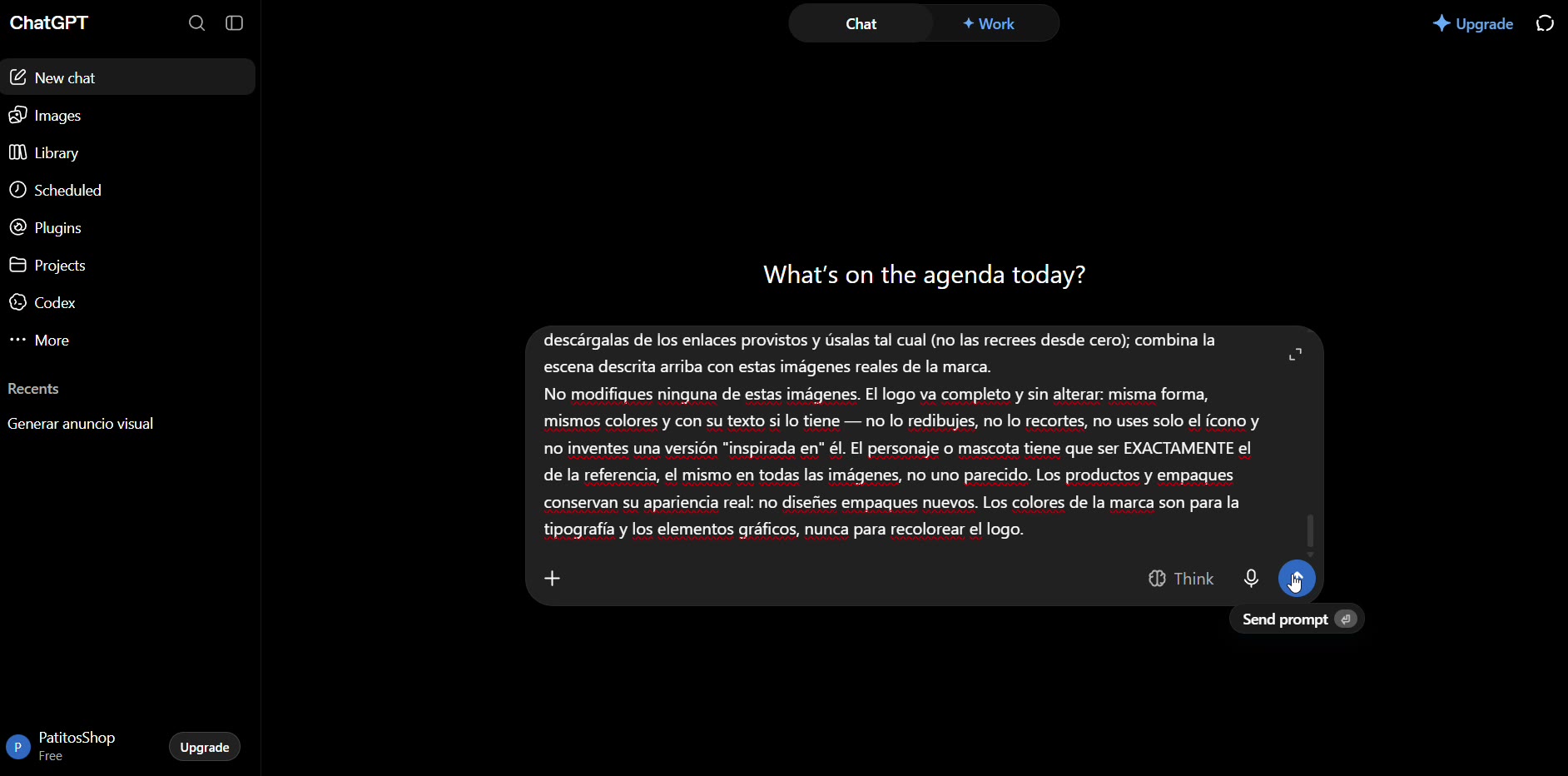
Paste it into several image tools
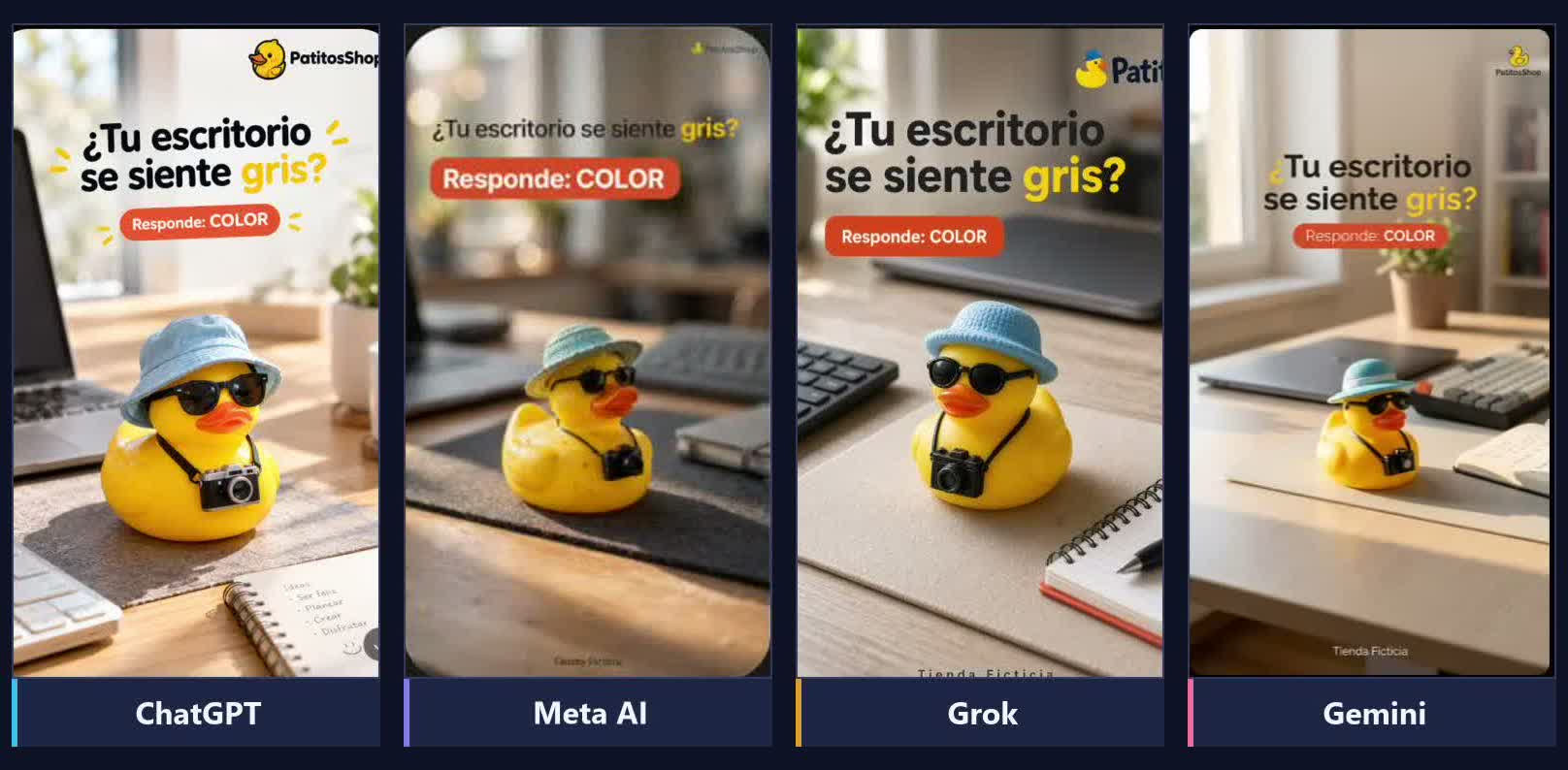
Try the exact same prompt in ChatGPT, Gemini (Nano Banana Pro), Meta AI or Grok.
- 4
Review each result
Look at how faithful it is to your product, the composition, the text and the style. They don't all give the same result, and the logo usually comes out different in each one.
- 5
Compare them with what RedesIA generates
RedesIA already knows your brand, so it places your real logo automatically without you having to ask.