Resources · Create accounts
Switch Instagram to a professional account
You need it to connect Instagram to Meta Business Suite, see your insights and publish directly from RedesIA.
Steps
The screenshots show RedesIA and the other apps with their interface in Spanish; the steps are the same in English.
- 1
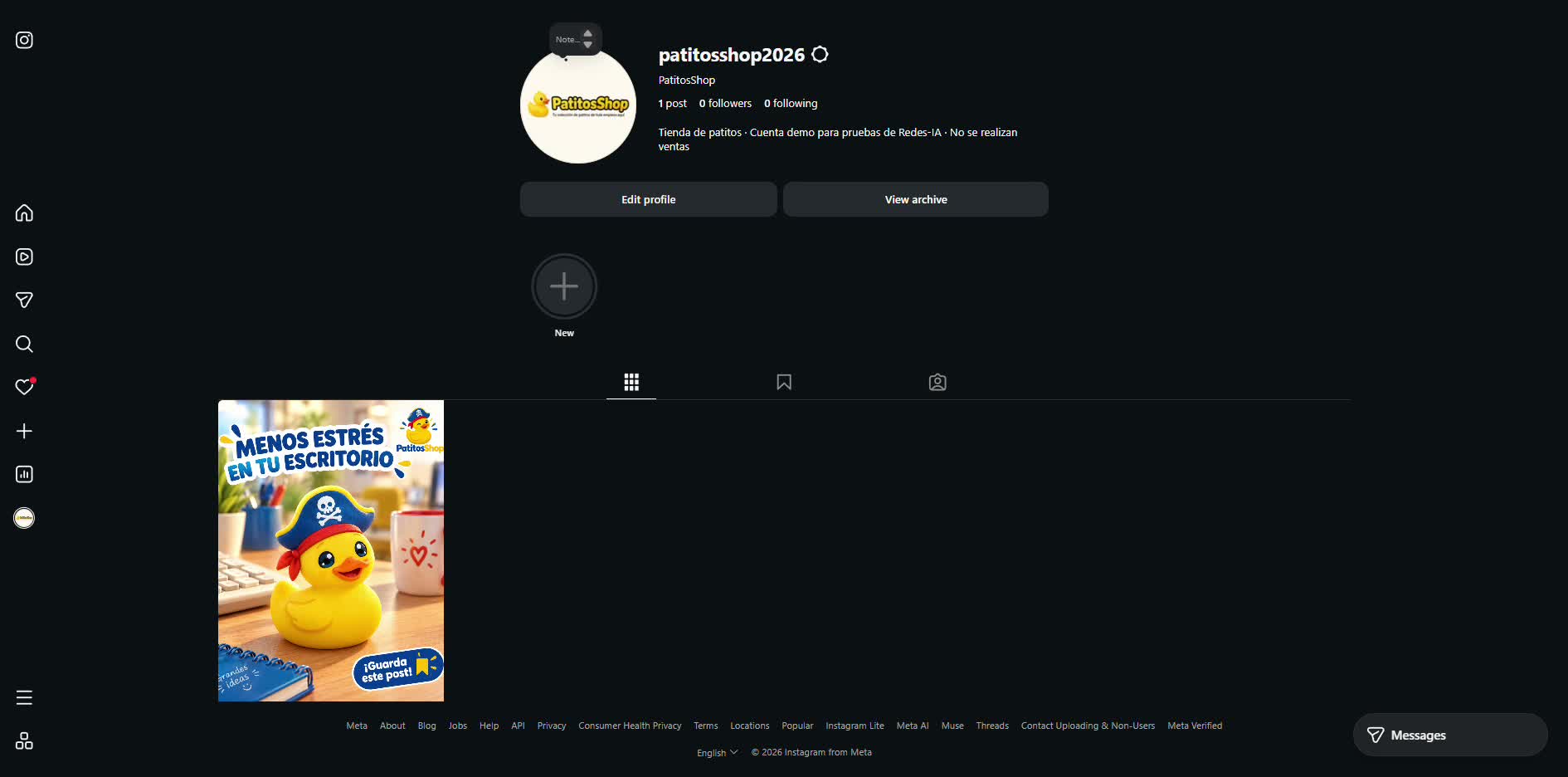
Open Edit profile
From your Instagram profile (it also works from instagram.com on a computer), tap "Edit profile".
- 2
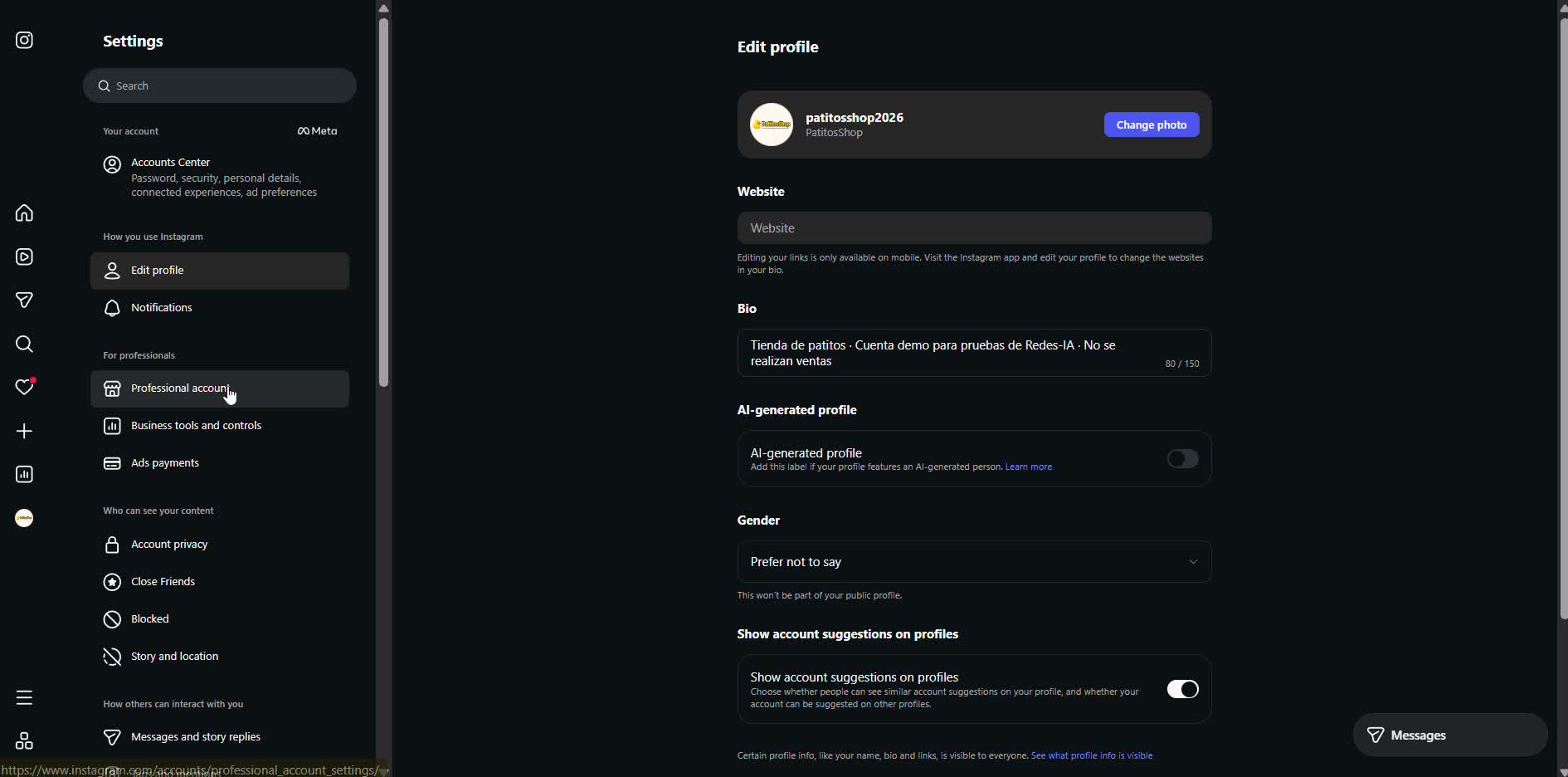
Choose "Professional account"
In the settings menu, under "For professionals", tap that option.
- 3
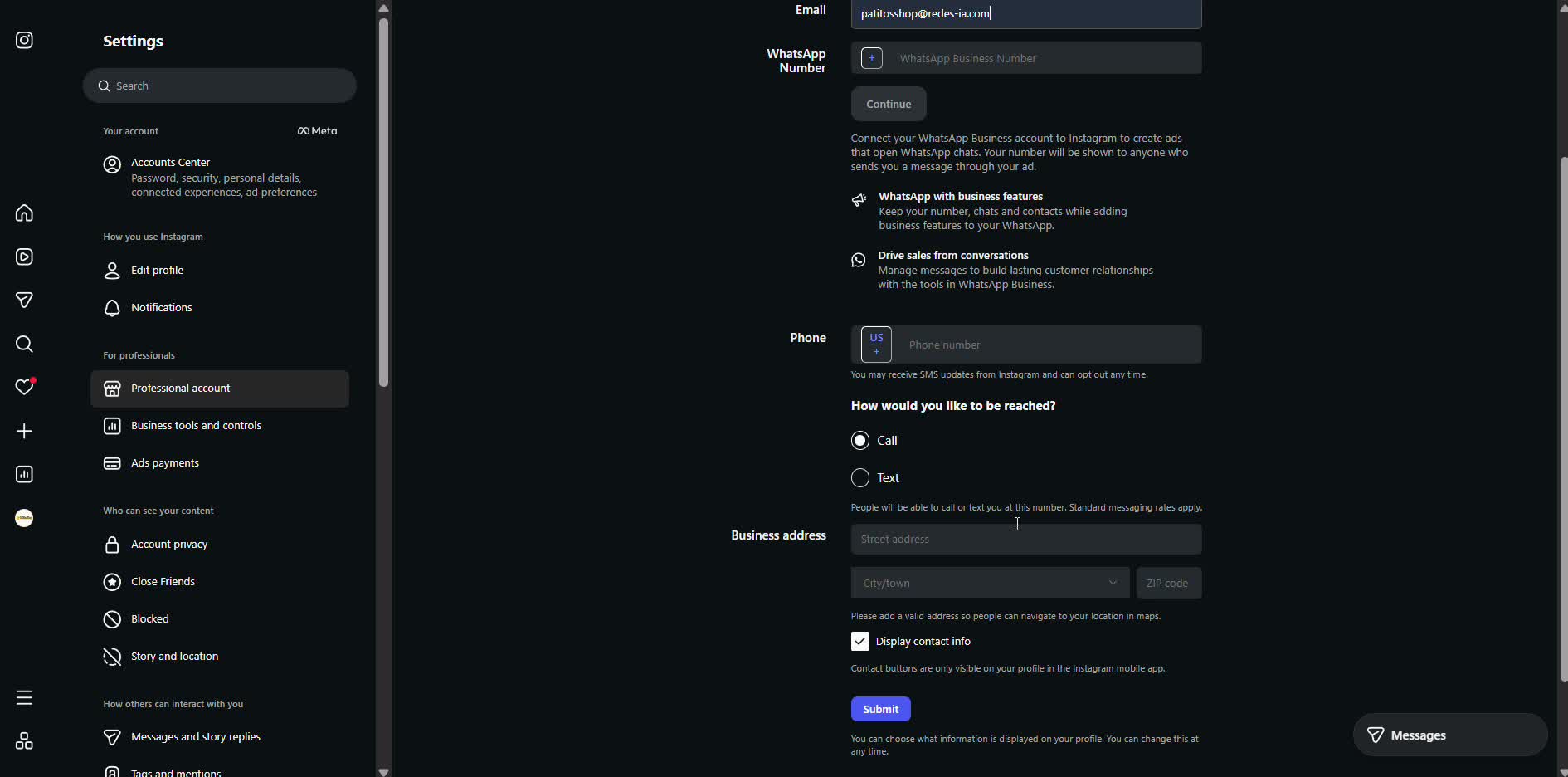
Check the category and add your email
Instagram already suggests a category (PatitosShop used "Gift Shop") — you can change it with "Change". The business email is the only detail you really need to continue; WhatsApp, phone and address are optional.
- 4
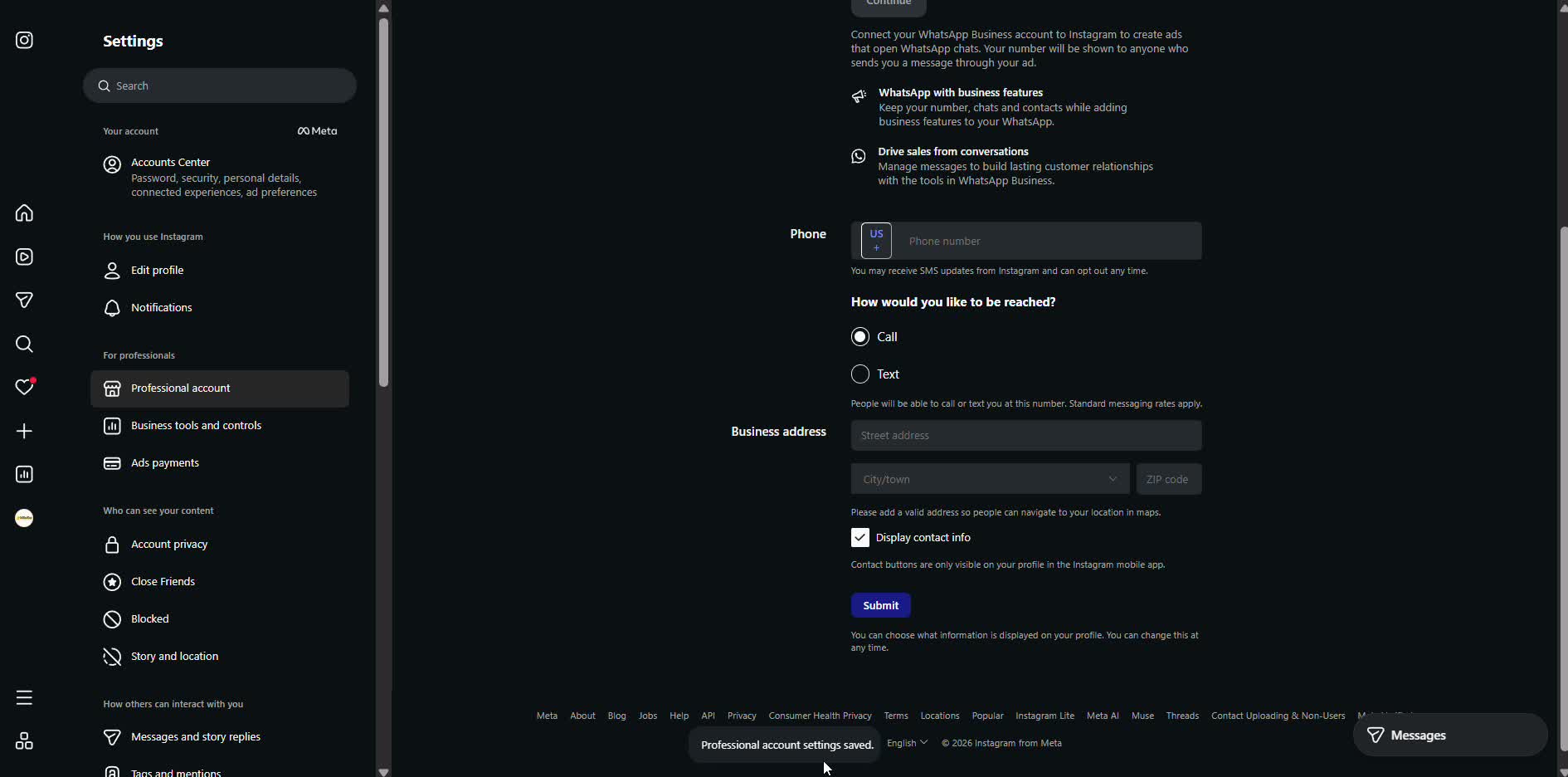
Tap "Submit" and you're done
Instagram confirms with "Professional account settings saved" — you now have a professional account and can connect it to RedesIA.