Create your Instagram account
You need an account before you can turn it into a professional one and connect it to RedesIA.
Steps
The screenshots show RedesIA and the other apps with their interface in Spanish; the steps are the same in English.
- 1
Enter your email
Go to instagram.com and click "Create new account". Use an email dedicated to your business, not your personal one.
- 2
Set a password, birthday and name
The full name can be your business name — it doesn't have to be a person.
- 3
Choose your username
Instagram suggests one automatically — you can keep it or change it. The green check confirms it's available.
- 4
Confirm your account
Instagram sends a confirmation code to your email, and sometimes asks for an extra captcha ("Confirm you are human"). Enter the code and follow the instructions.
Sometimes Instagram suspends the account for a moment because of "suspicious activity" and then reactivates it on its own — that's normal for new accounts, so don't worry if you see that notice. - 5
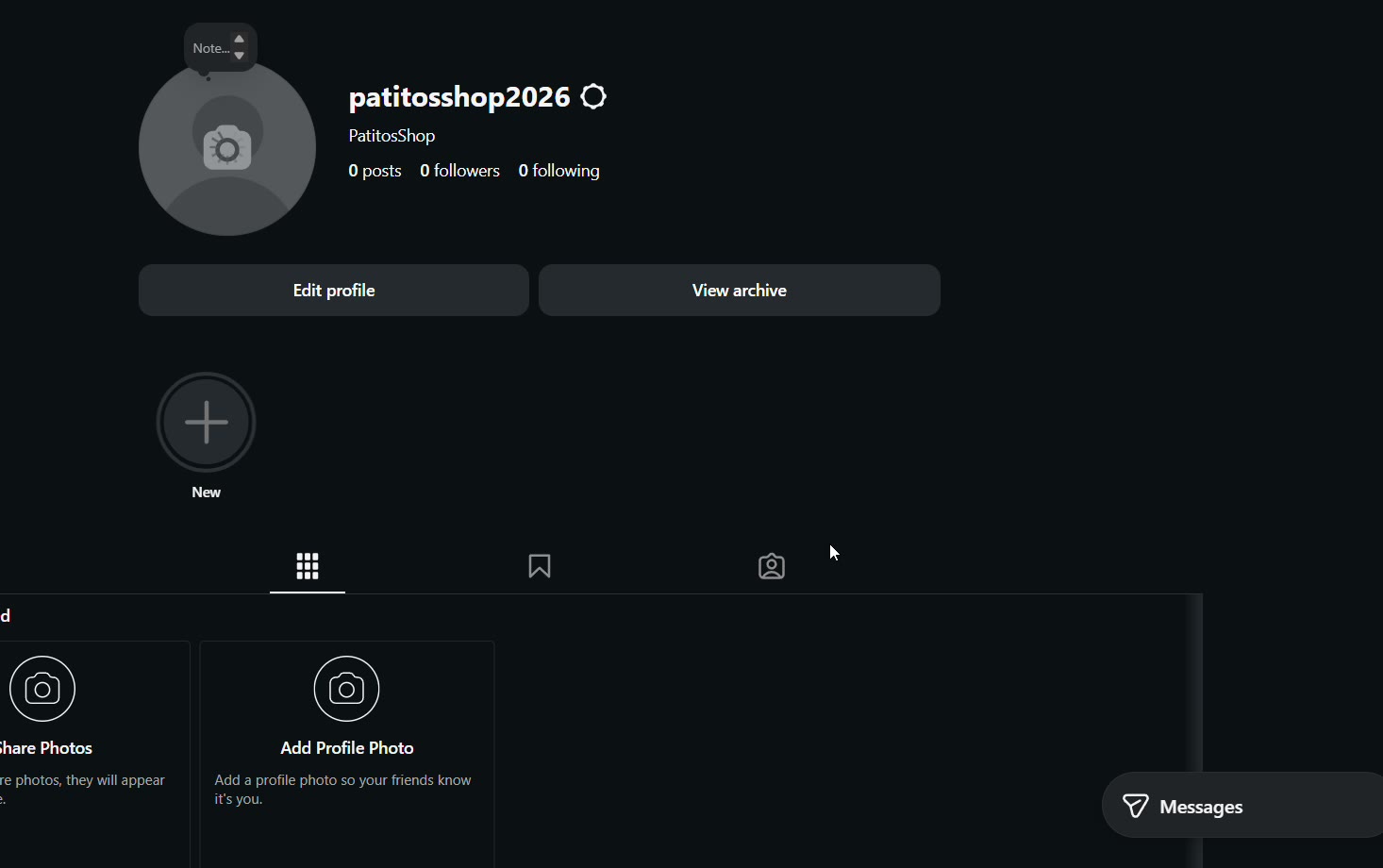
Your account is created
With 0 posts — that's normal. The next step is turning it into a professional account.