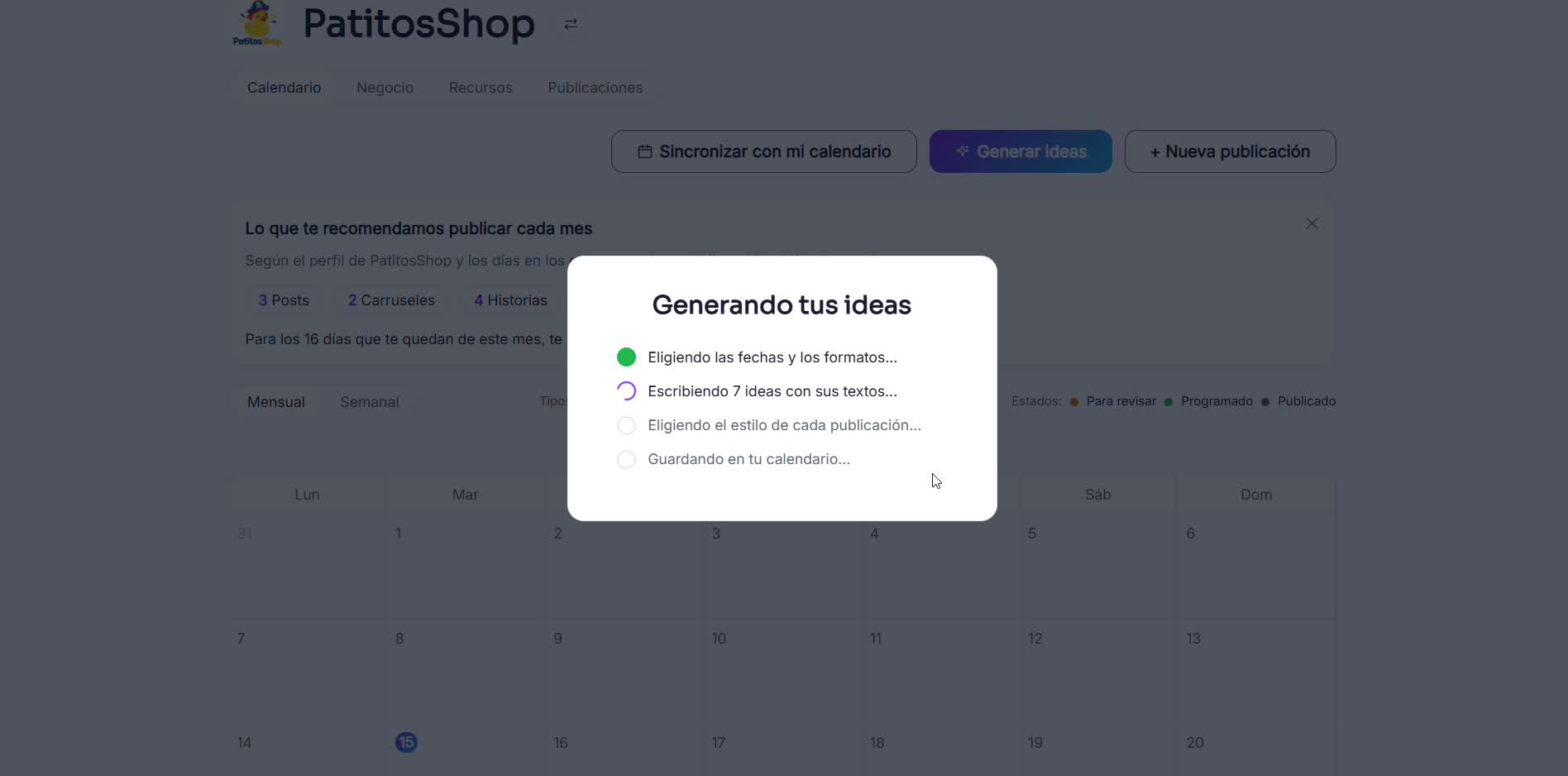
Don't have a logo or social media yet? Start anyway
RedesIA works even if your business is just starting out and has nothing set up.
Steps
The screenshots show RedesIA and the other apps with their interface in Spanish; the steps are the same in English.
- 1
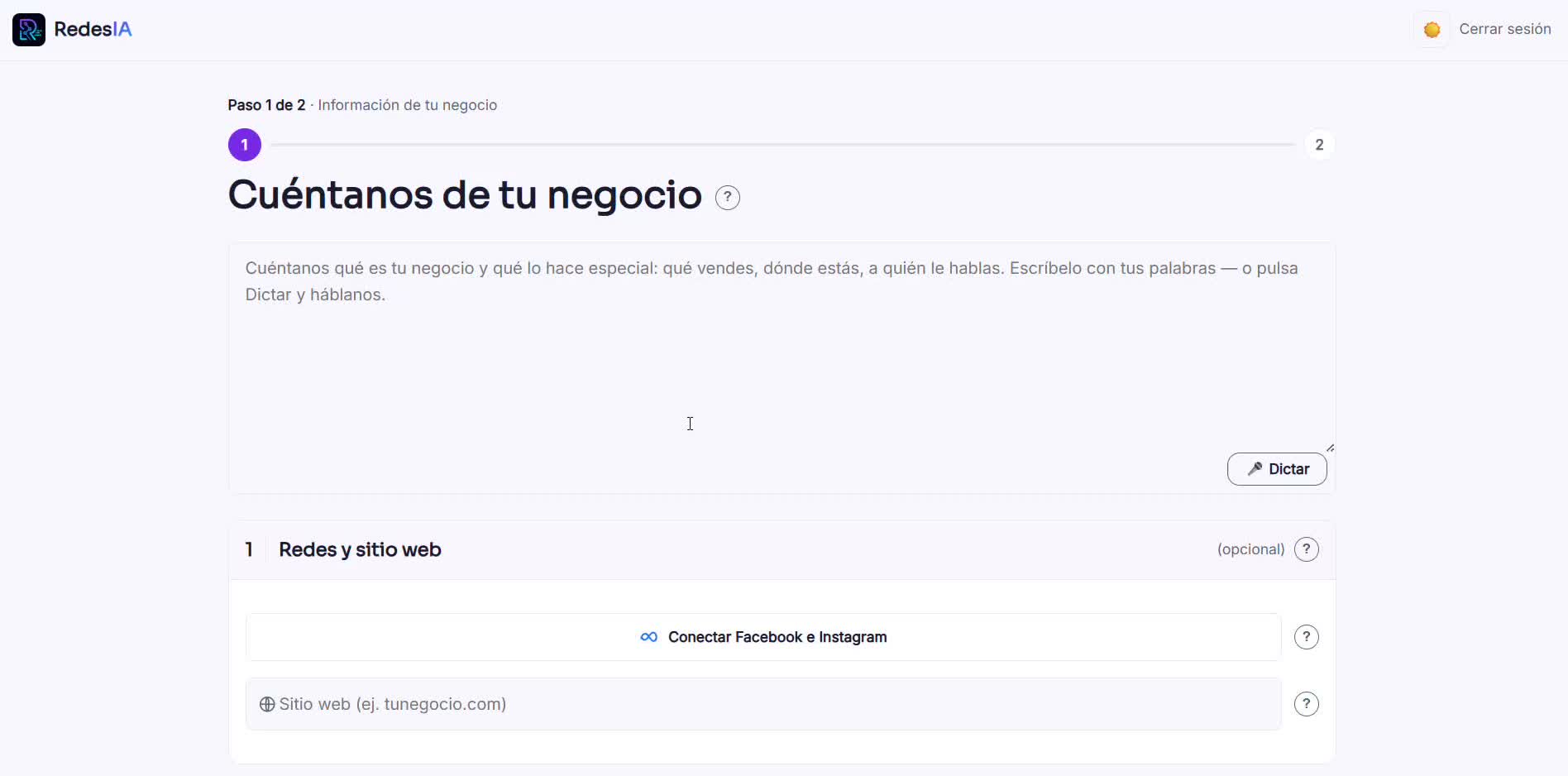
Start onboarding without connecting anything
If you don't have Facebook, Instagram or a website, just leave that part empty and keep going — it's not required.
- 2
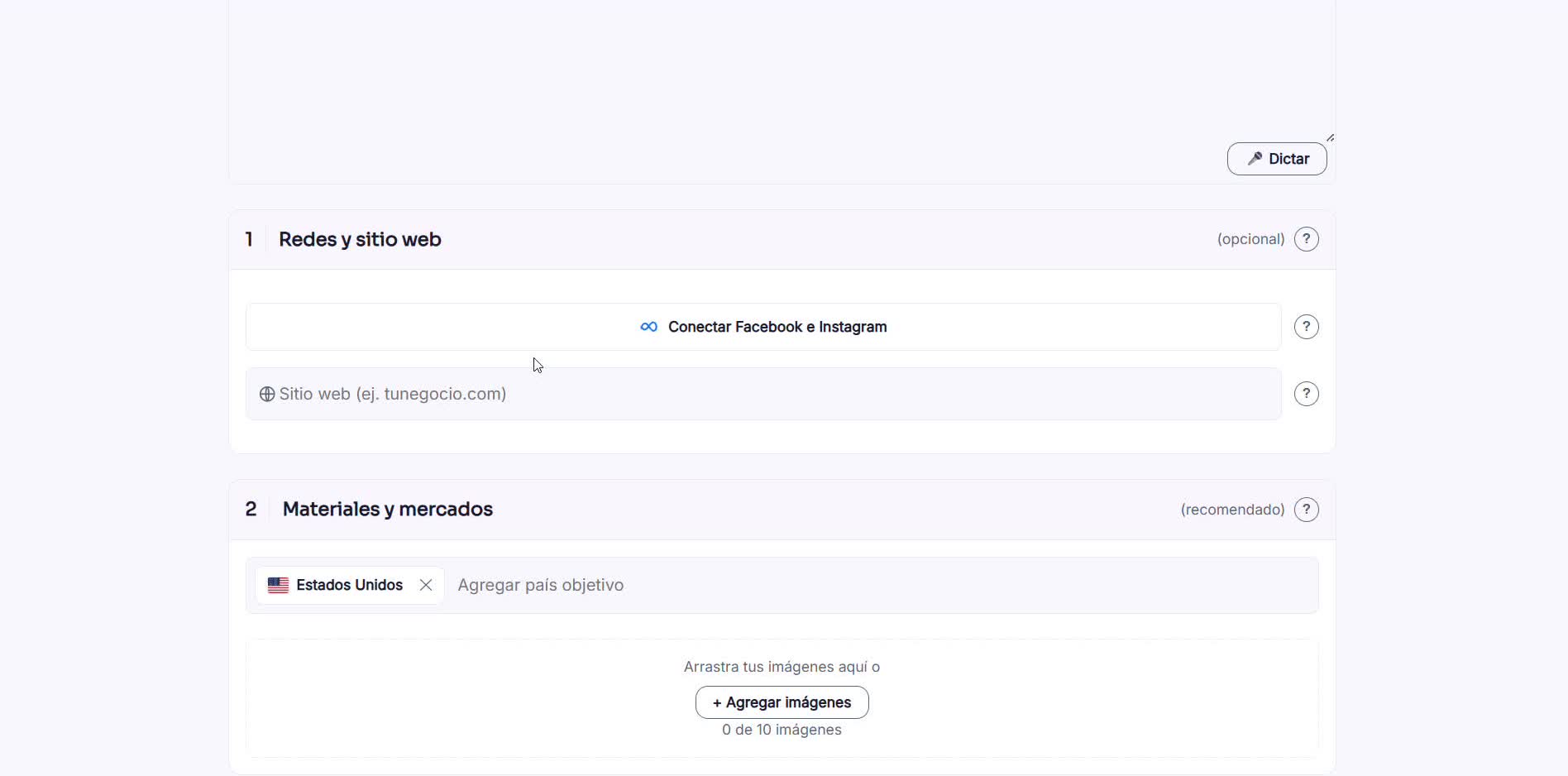
Add your countries and, if you have them, a few photos
Even without social media, you can upload loose photos of your products as a reference — it helps, but it's not required either.
- 3
No logo? RedesIA generates one for you
Right where you would upload your logo, the option "Don't have a logo? Click here to generate one" appears — it costs 2 credits and also builds your color palette.
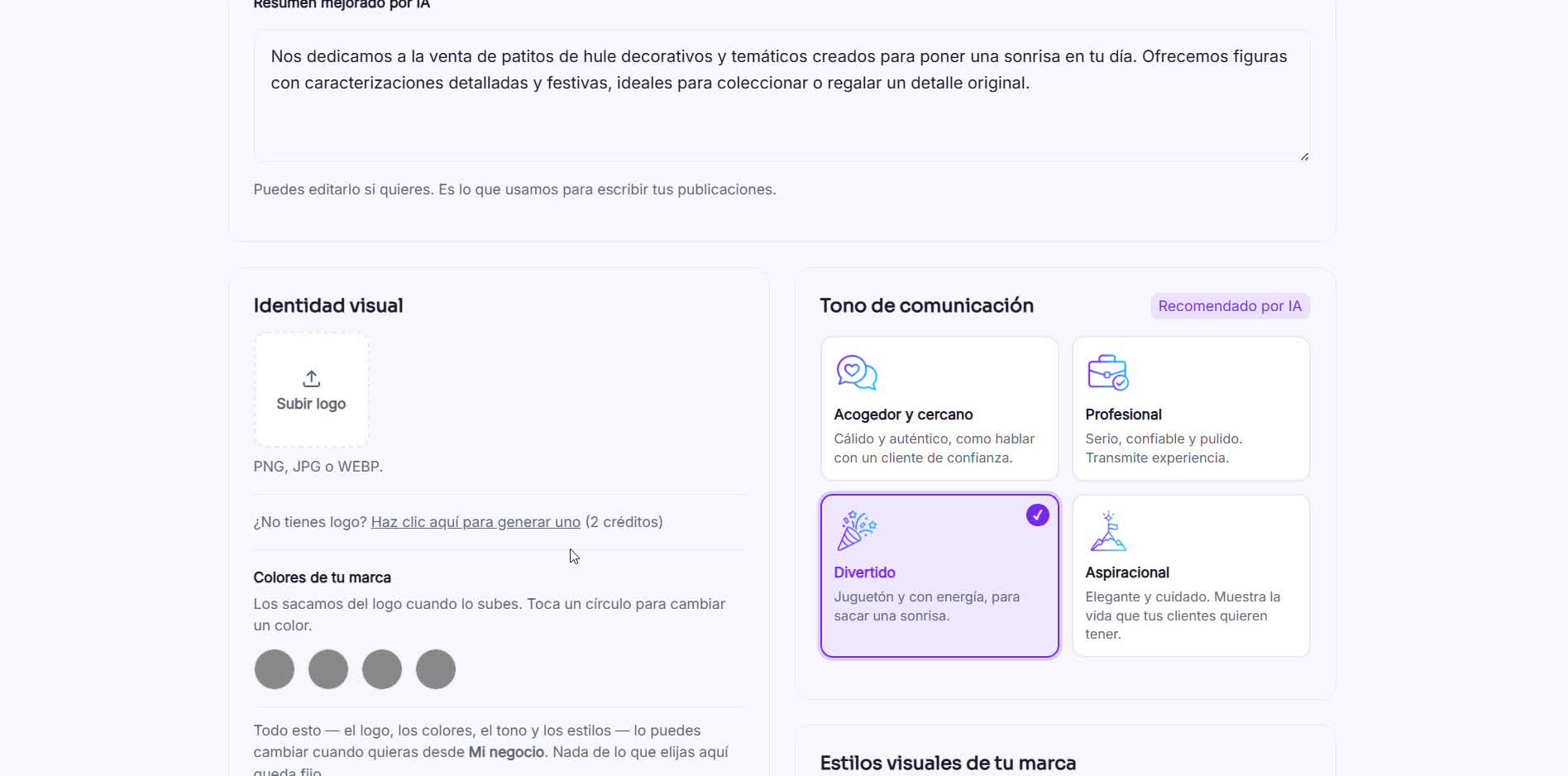 The more context you give about your business, the better the generated logo turns out.
 - 4
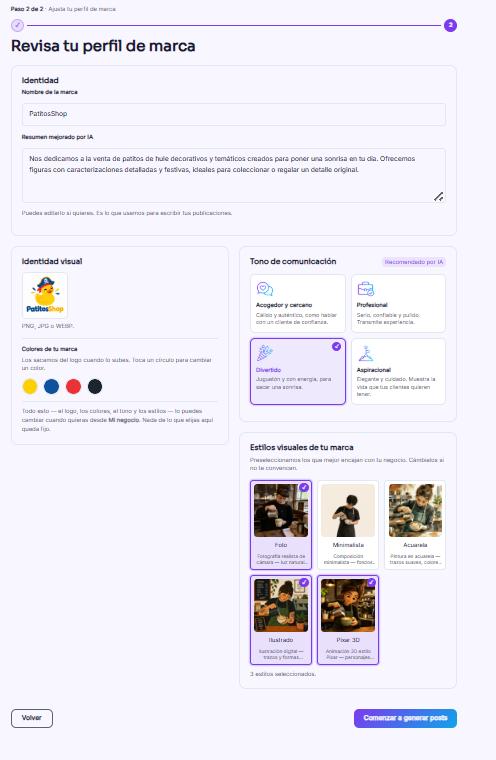
RedesIA generates your complete profile
In seconds you have a generated logo and color palette, ready to use — just as if you had uploaded your own logo.
- 5
Carry on as usual: generate your calendar
With the logo and palette already generated, the rest of the process is exactly the same as if you had started with social media — you don't fall behind for not having anything set up yet.