How to turn your reel's dialogue into an AI voice
RedesIA writes the dialogue for you; a voice tool turns it into audio so you don't have to record yourself.
Steps
The screenshots show RedesIA and the other apps with their interface in Spanish; the steps are the same in English.
- 1
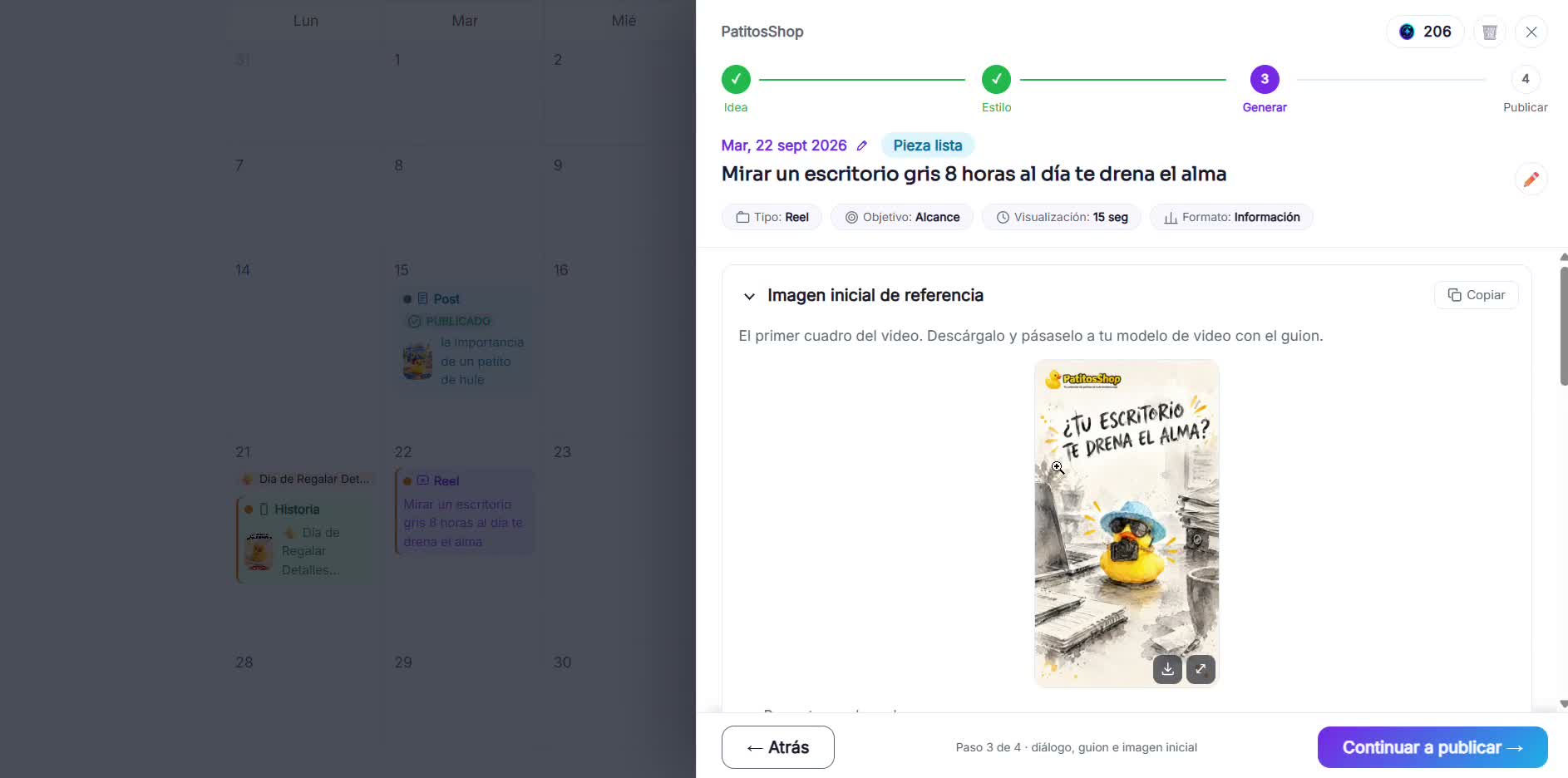
Copy the dialogue and the starting image
In step 3 of RedesIA you have the dialogue ready to paste and the reference starting image for your video.
- 2
Open a voice tool
ElevenLabs and MiniMax Audio are two options with a free plan. Log in with your Google account. ElevenLabs gives you about 10,000 credits when you sign up, which is enough for several short dialogues.
- 3
Choose the voice and paste the text
Try two or three voices with the first sentence before generating everything: the tone of the voice is half of the video.
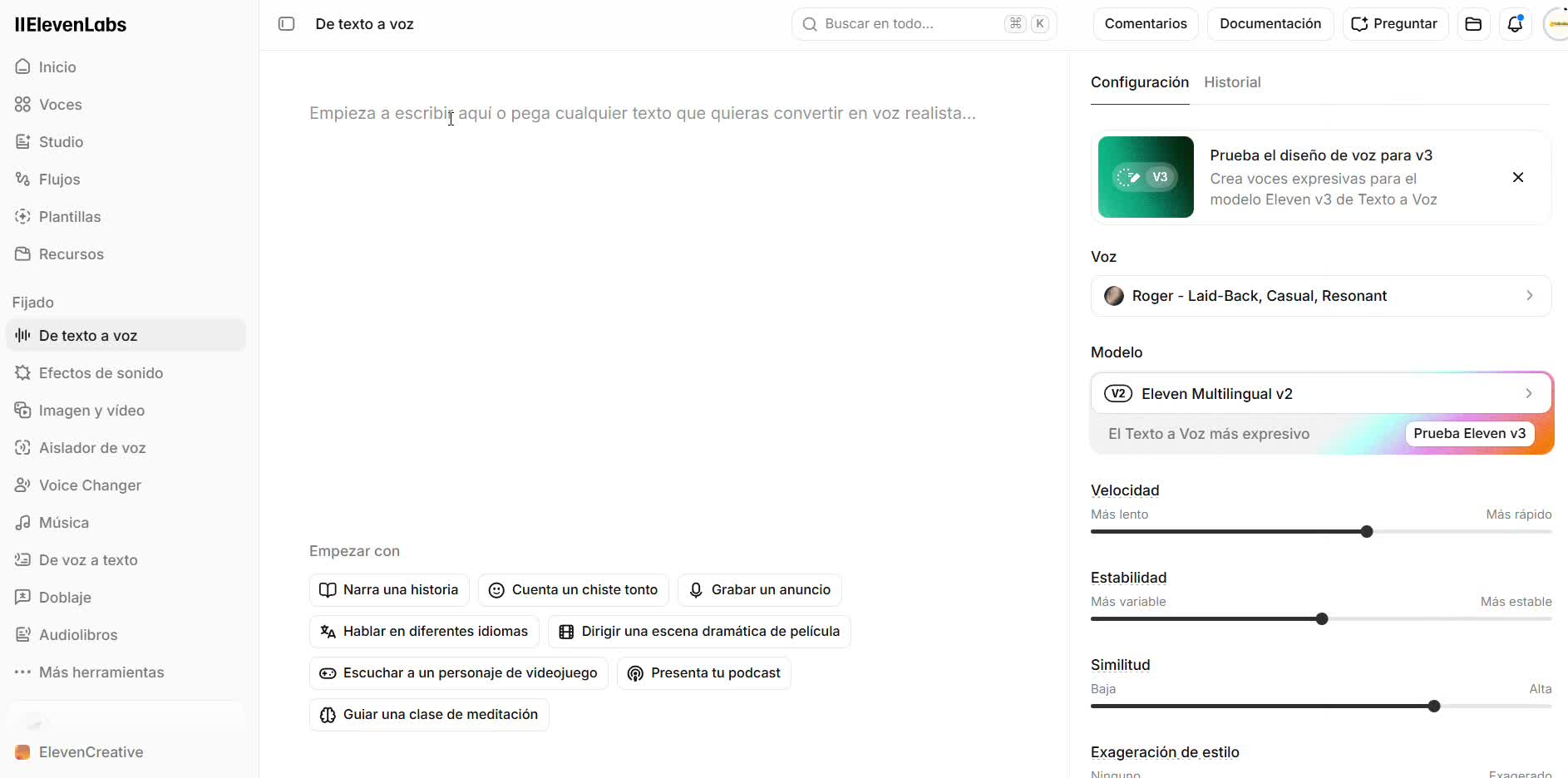 Choose a Latin American Spanish voice if your audience is Latin American. A voice with a Spain Spanish accent completely changes how your brand sounds. Voices with a lock 🔒 are only available on the paid plan, so filter or check before you get attached to one.
 - 4
Generate the audio and listen to all of it
Check the proper names and the prices: those are what any voice model pronounces worst.
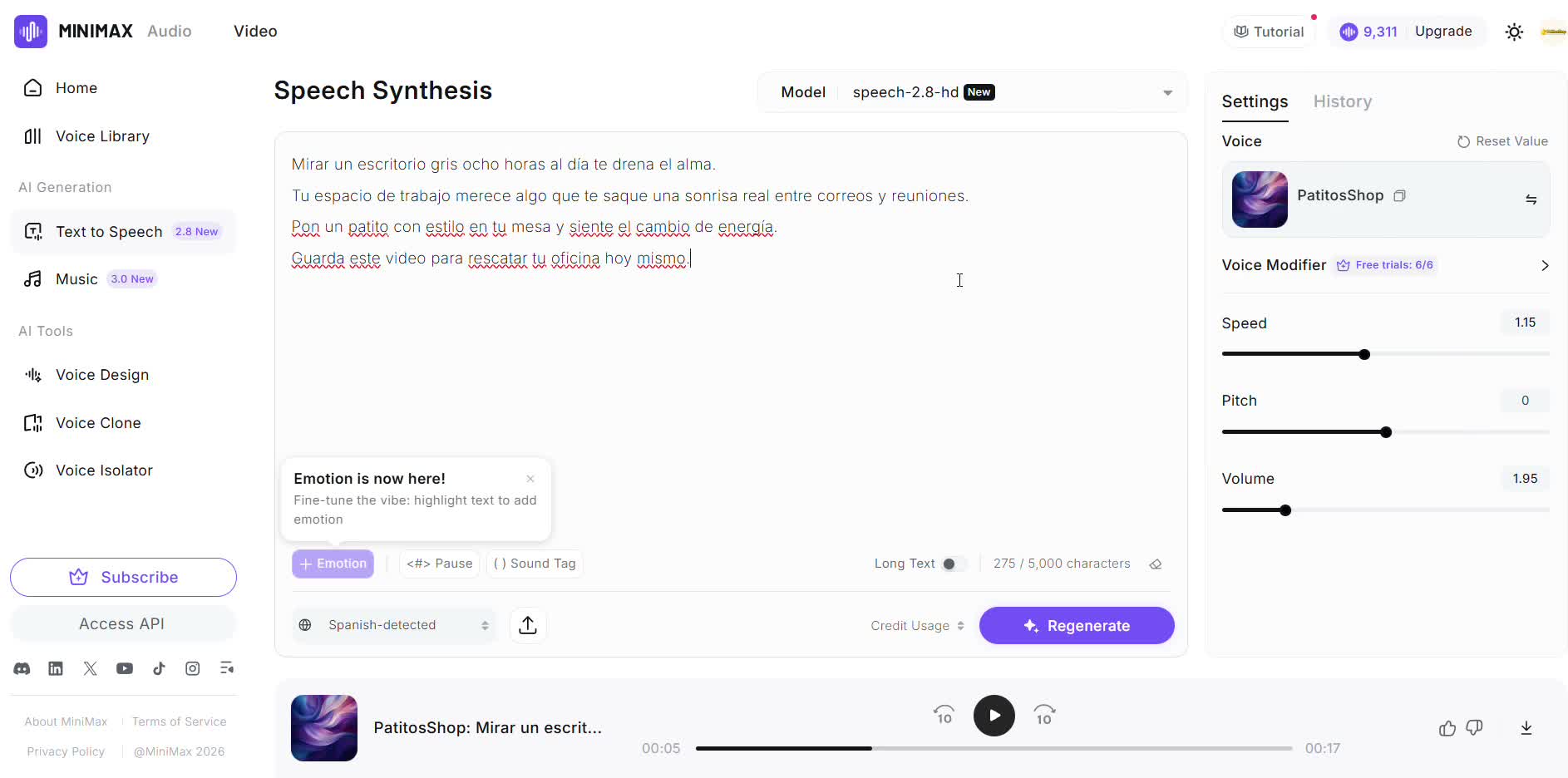 If a name sounds odd, spell it the way it's pronounced ("La Orquídea" → "La Orkídea") just to generate the audio.
 - 5
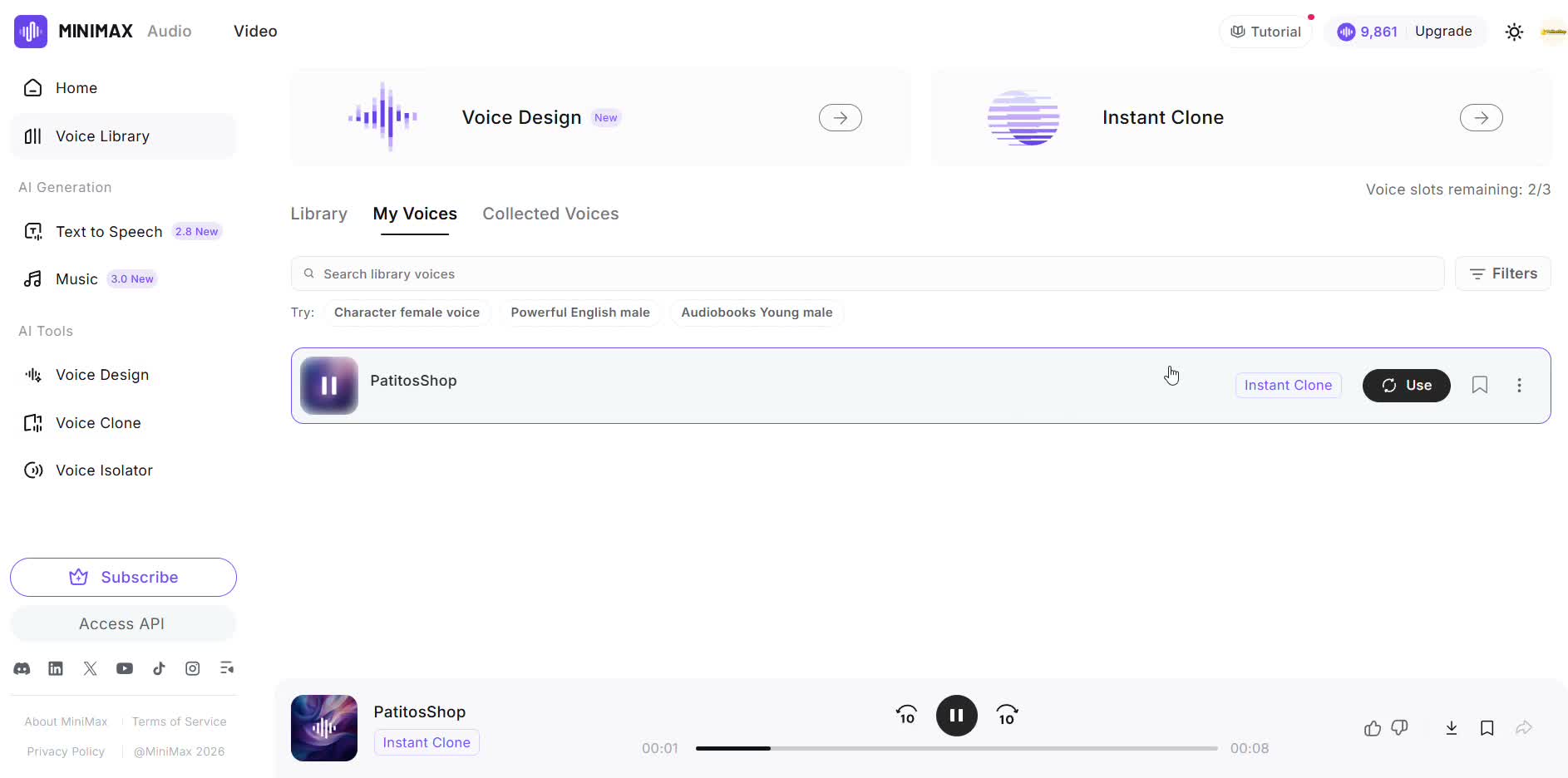
Or clone your own voice
MiniMax also lets you clone your real voice from a short recording, so the audio sounds like you instead of a generic announcer. The recording must be between 10 and 60 seconds long. If it's shorter, it won't accept it.