Resources · TikTok
How to publish a video on TikTok
Format, caption, cover and basic hashtags for a TikTok video.
Steps
The screenshots show RedesIA and the other apps with their interface in Spanish; the steps are the same in English.
- 1
Open TikTok Studio and upload your video
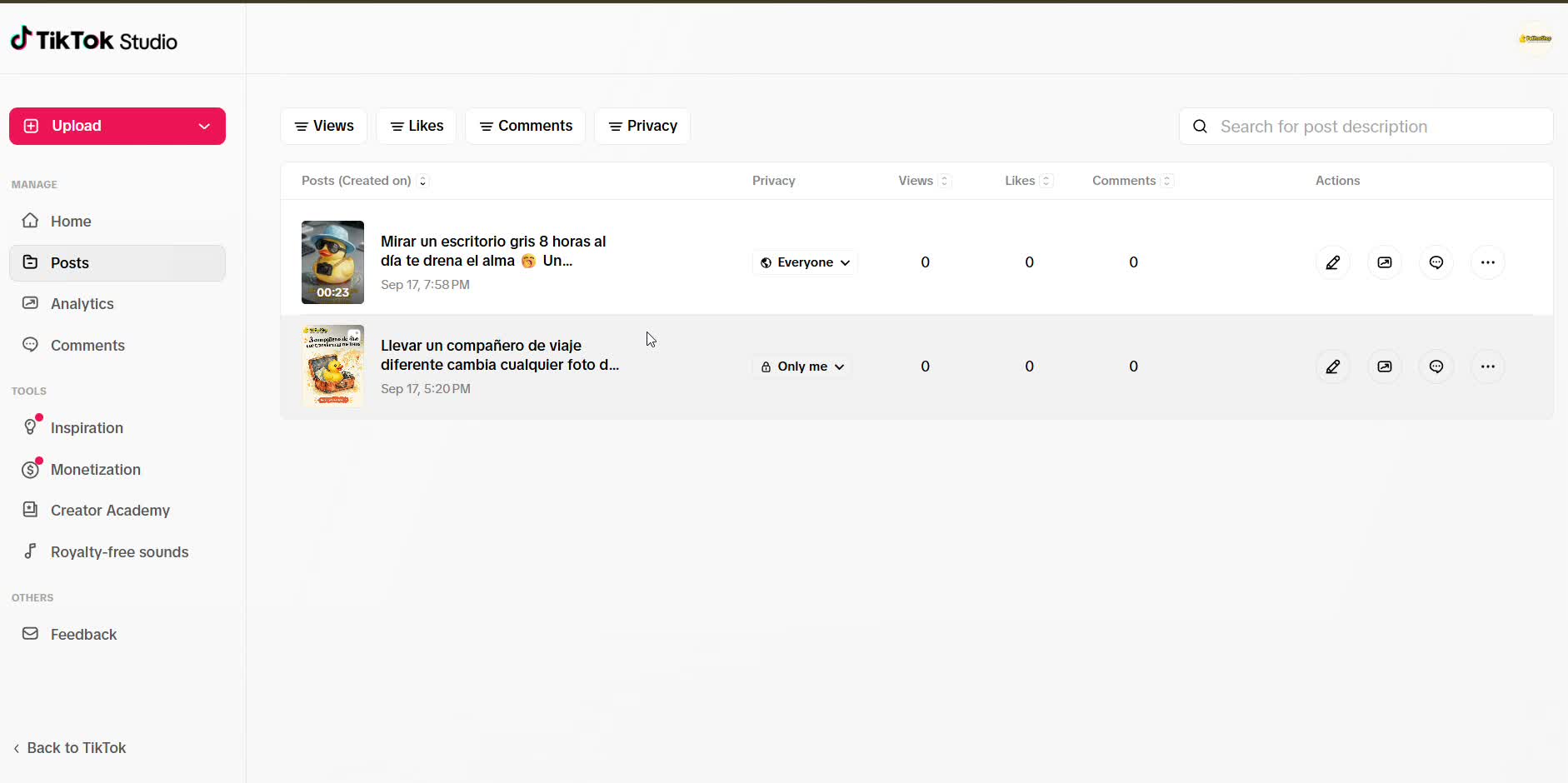
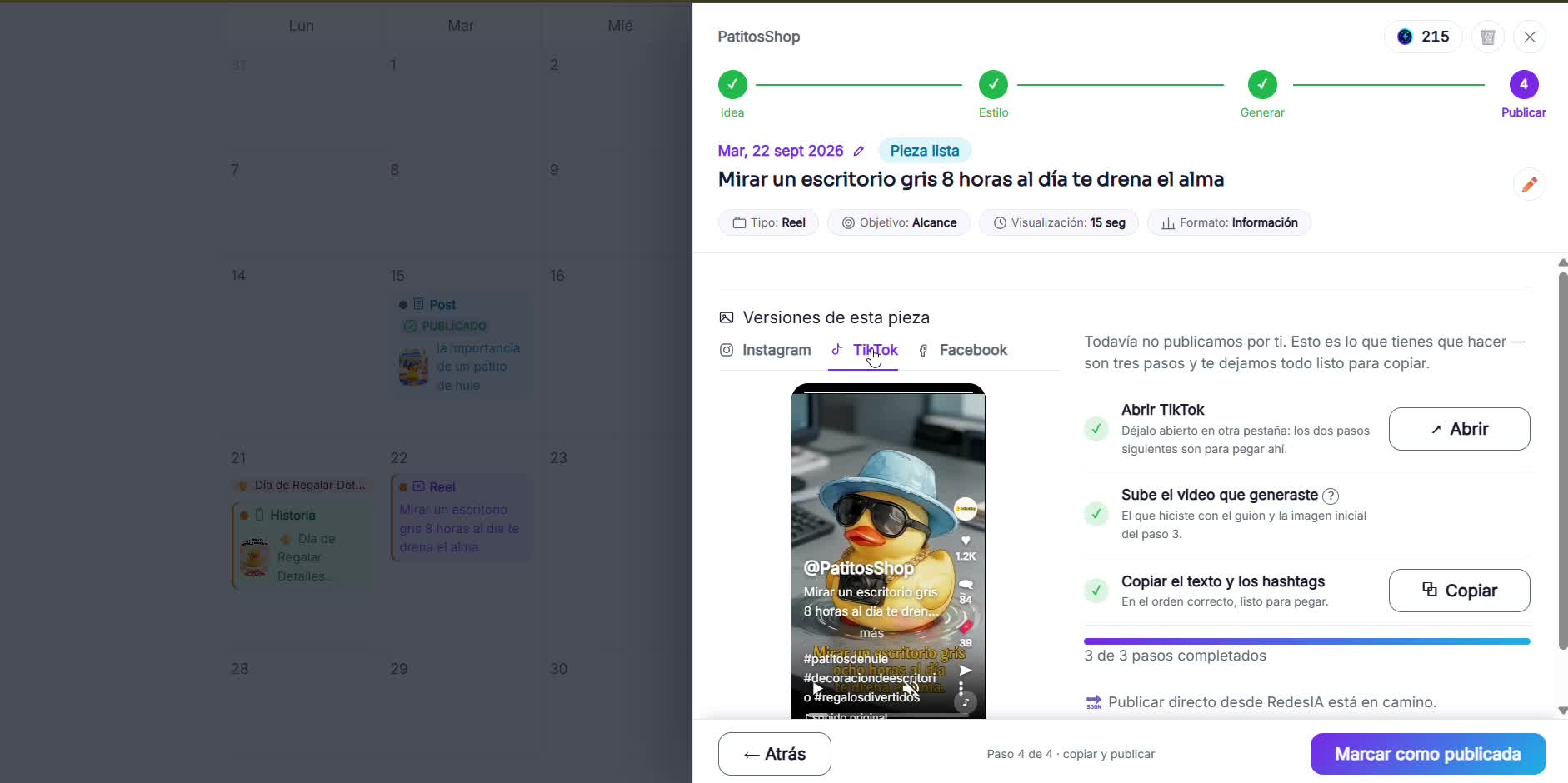
From RedesIA, open TikTok and upload the video you already made with the script and the starting image.
- 2
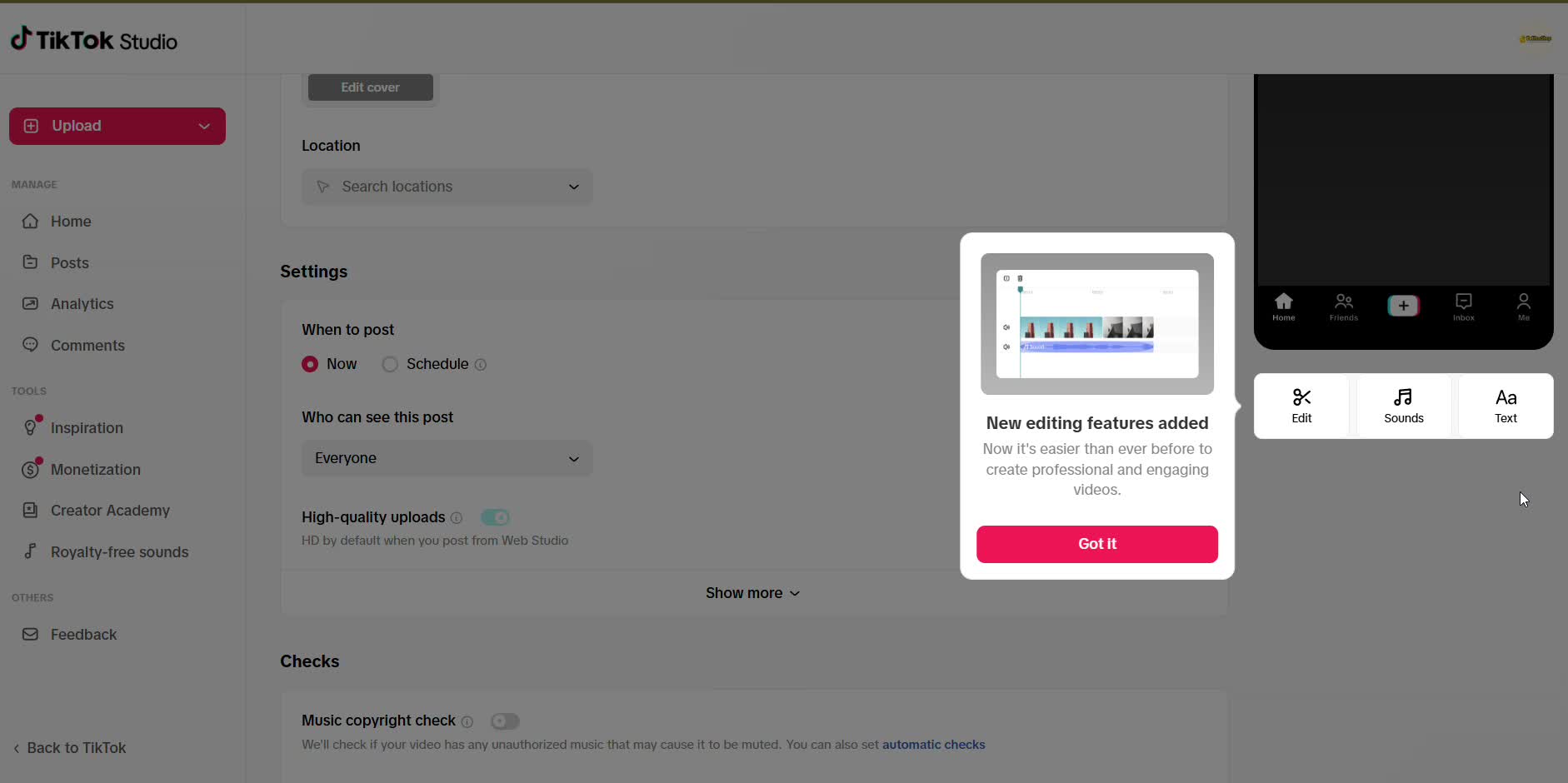
If it's ready, skip the editing
TikTok Studio offers to edit the video right there, but if it's already edited you don't need to touch anything.
- 3
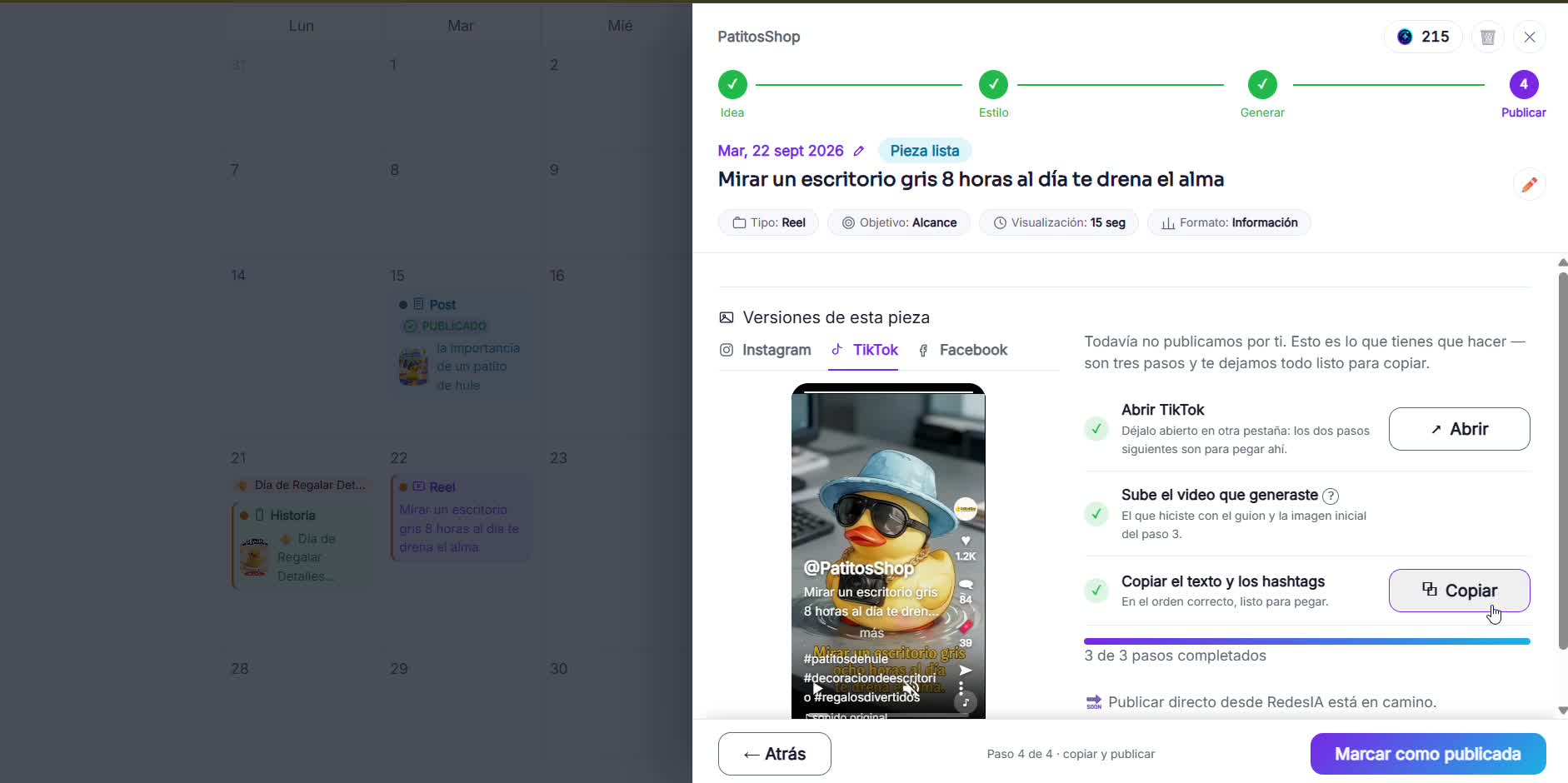
Paste the text and hashtags
Copy the caption and hashtags from RedesIA and paste them into the description.
- 4
Choose who can see your video
You can leave it open to everyone, or make it visible only to you while you test.
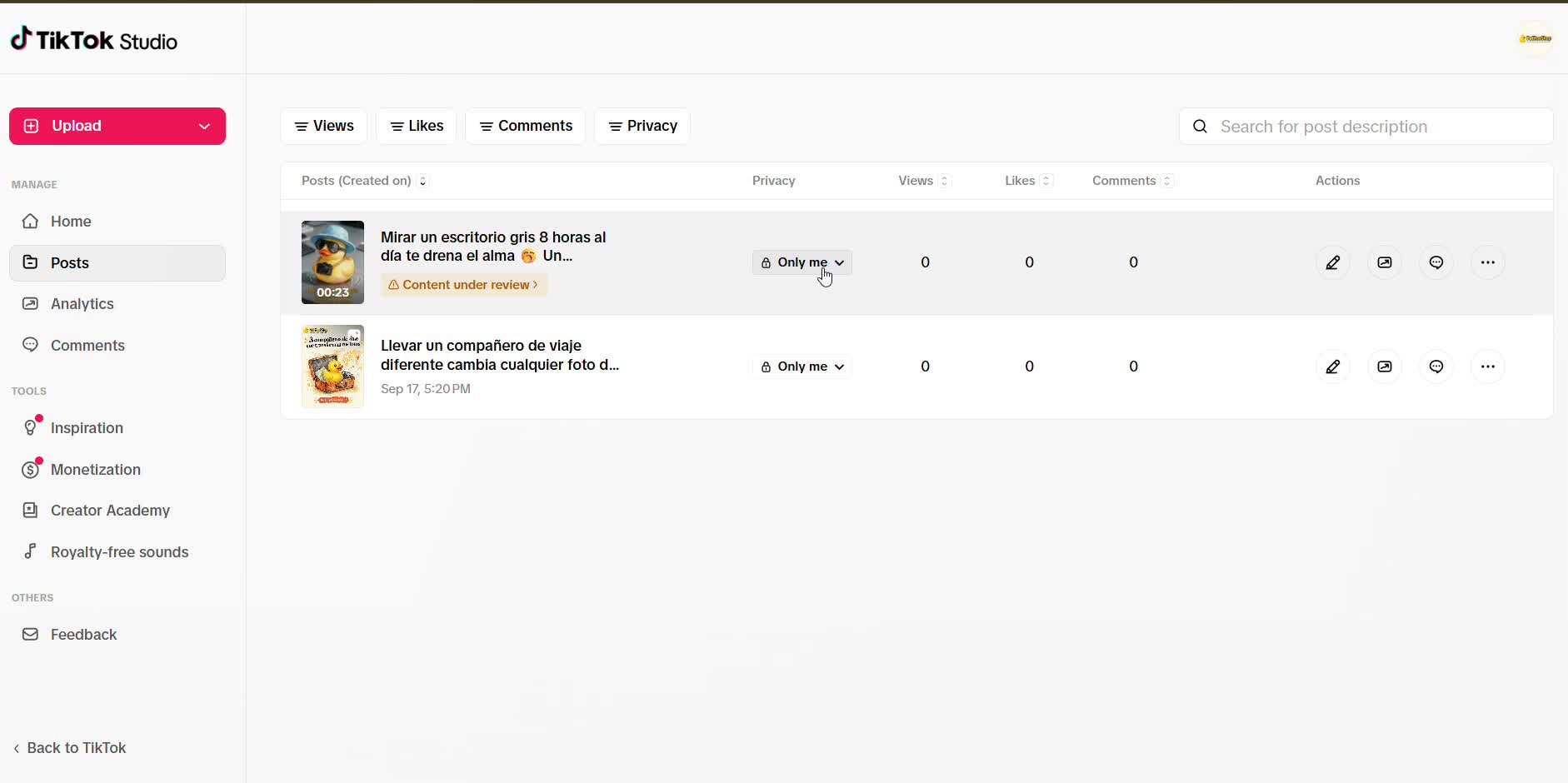
- 5
Post it and wait for the review
TikTok reviews the content before it goes live, and that can take a little while. Once it's approved, it's visible.