Resources · TikTok
Upload a photo post or carousel to TikTok
TikTok is no longer just video. You can post photo carousels too.
Steps
The screenshots show RedesIA and the other apps with their interface in Spanish; the steps are the same in English.
- 1
Tap "Upload" in TikTok
On a computer you do it in TikTok Studio. It's easier from your phone, but the process is the same.

- 2
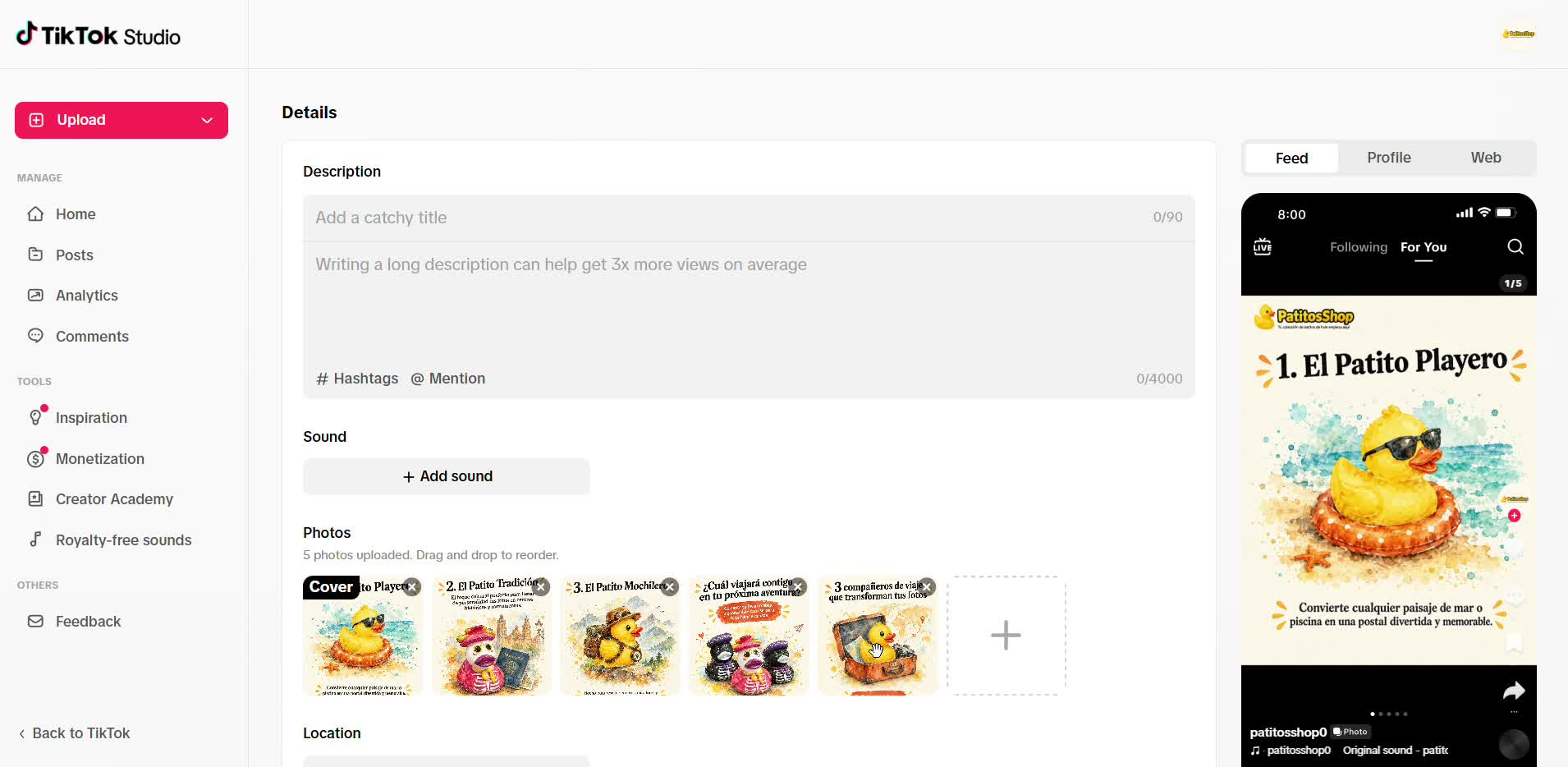
Select your photos and put them in order
Add the slides of your carousel and drag them into the right order. The preview shows you how it will look.
- 3
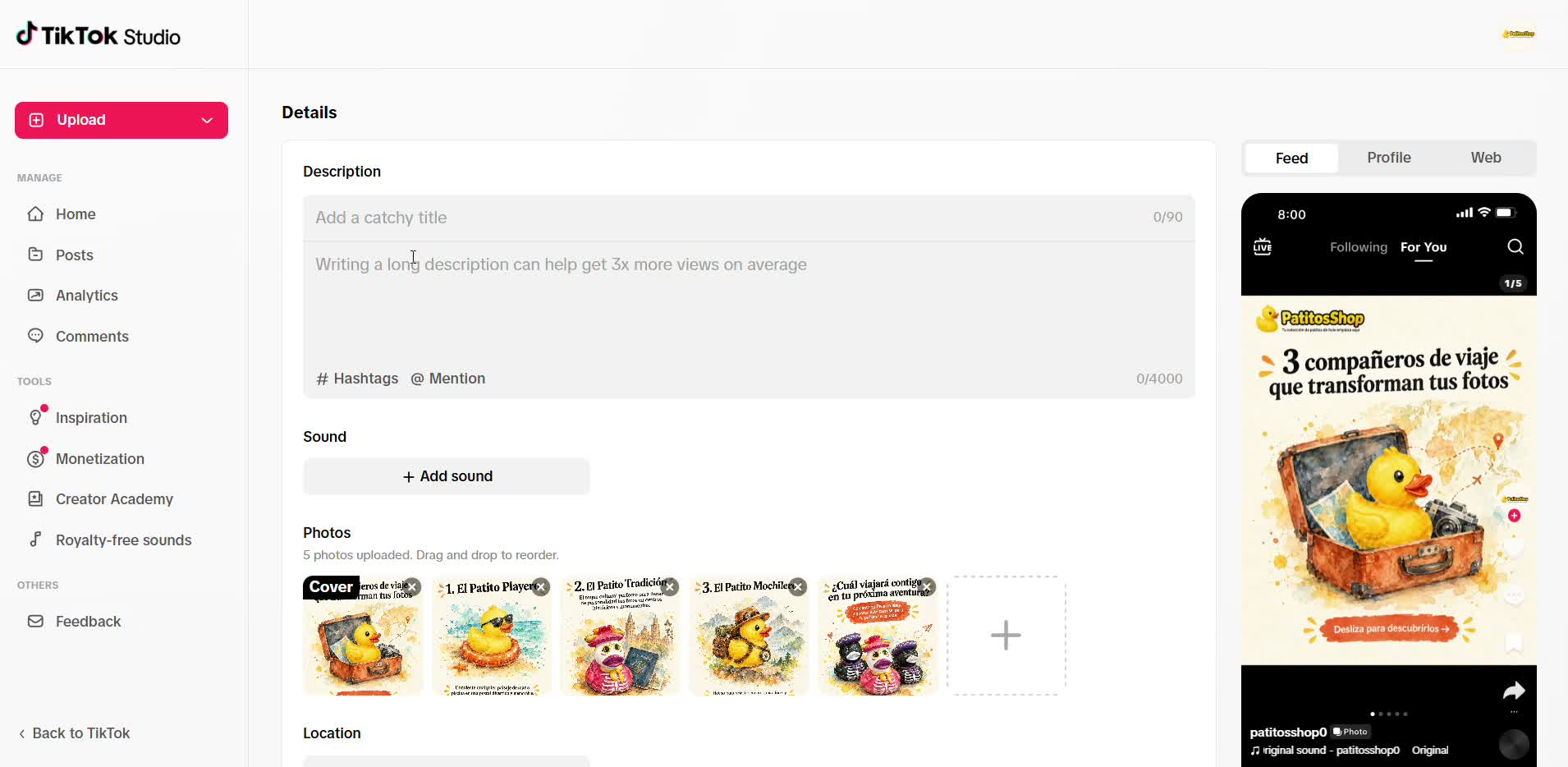
Paste the description and hashtags
Copy the text you already have in your RedesIA calendar. You can also add a sound if you want.
- 4
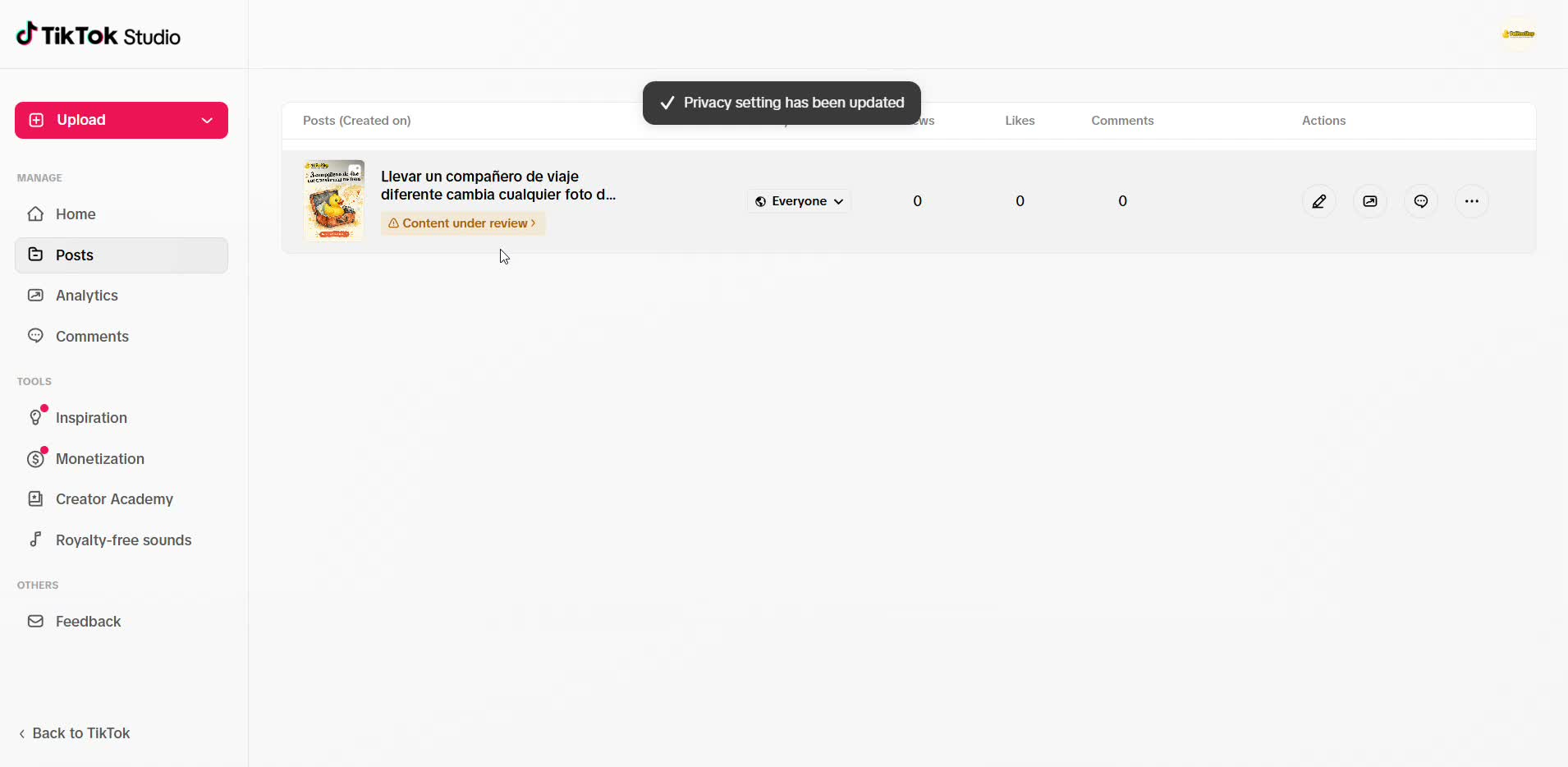
Check the privacy setting
Choose who can see your post: "Only me" while you review it, or "Everyone" once it's ready.
- 5
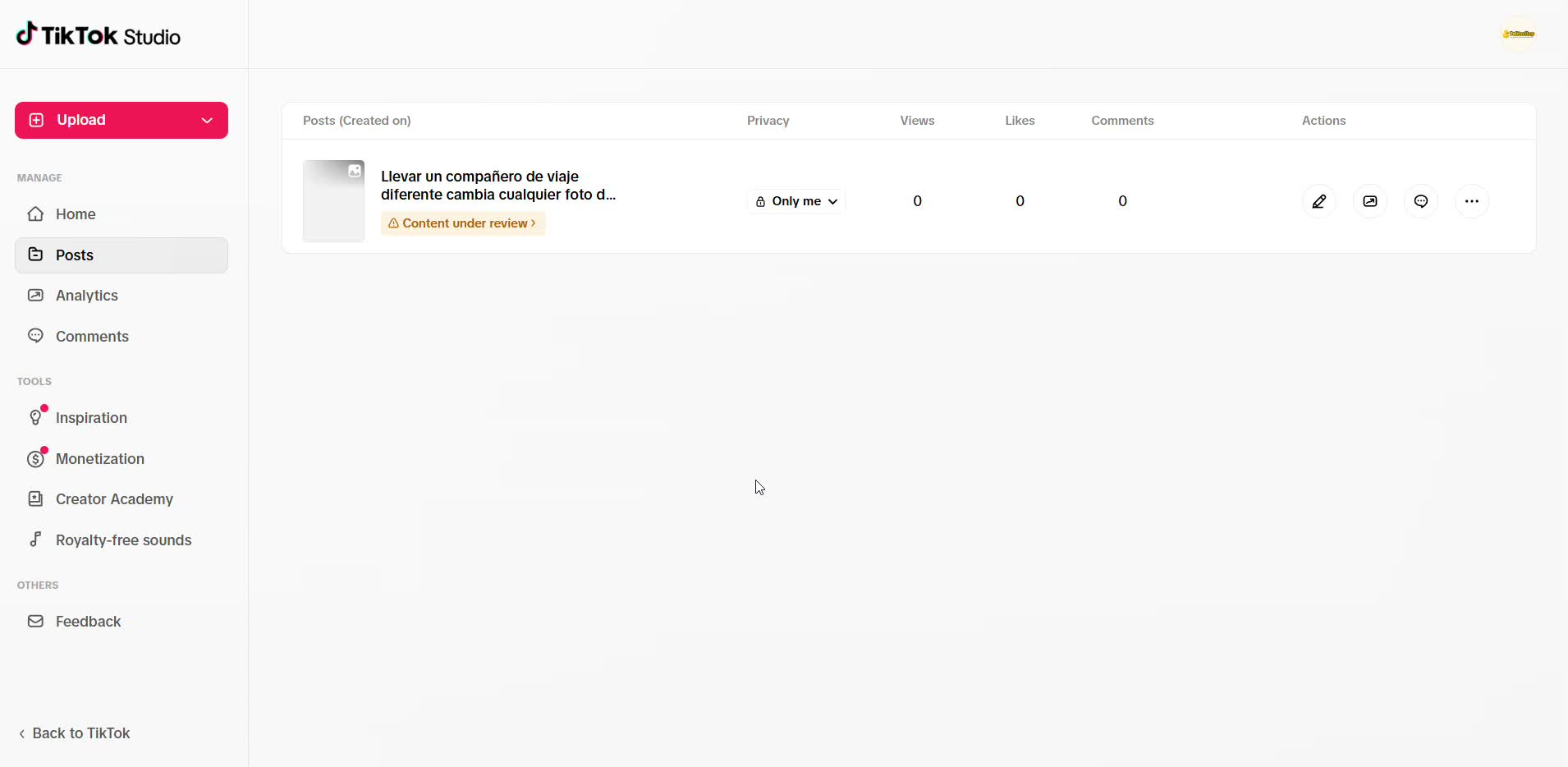
Post it and wait for the review
TikTok reviews the content before it goes live, and that can take a little while. Once it's approved, it's visible.