
Resources · Instagram-Facebook
Publish your Story on Instagram or Facebook
Stories keep your account alive between posts, and they don't need as many followers as a Reel to reach your audience.
Steps
The screenshots show RedesIA and the other apps with their interface in Spanish; the steps are the same in English.
- 1
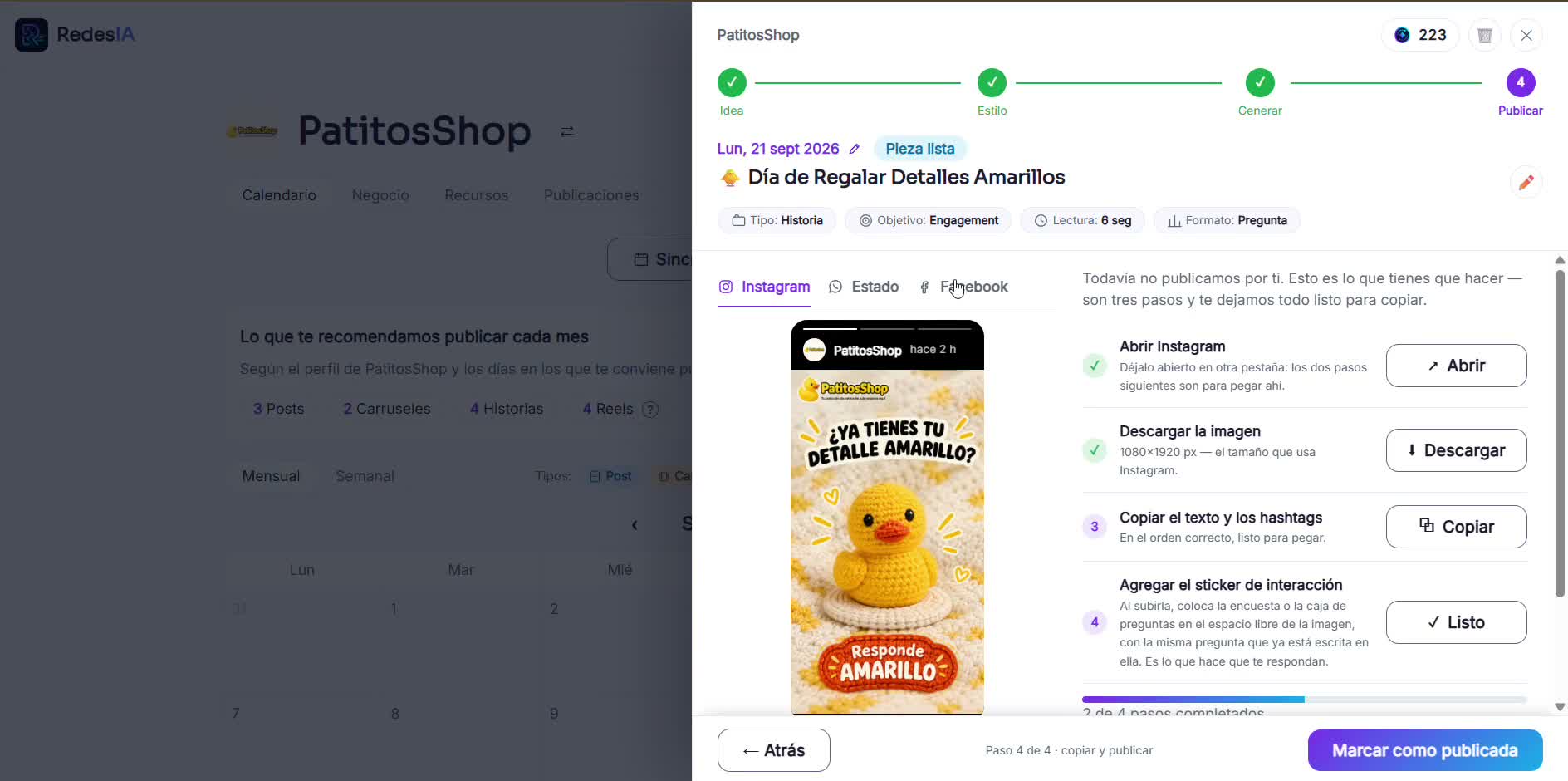
Download the image or video for your Story
RedesIA generates it in the vertical size that Instagram and Facebook use, with the 3-step guide to copy and paste on each network.
- 2
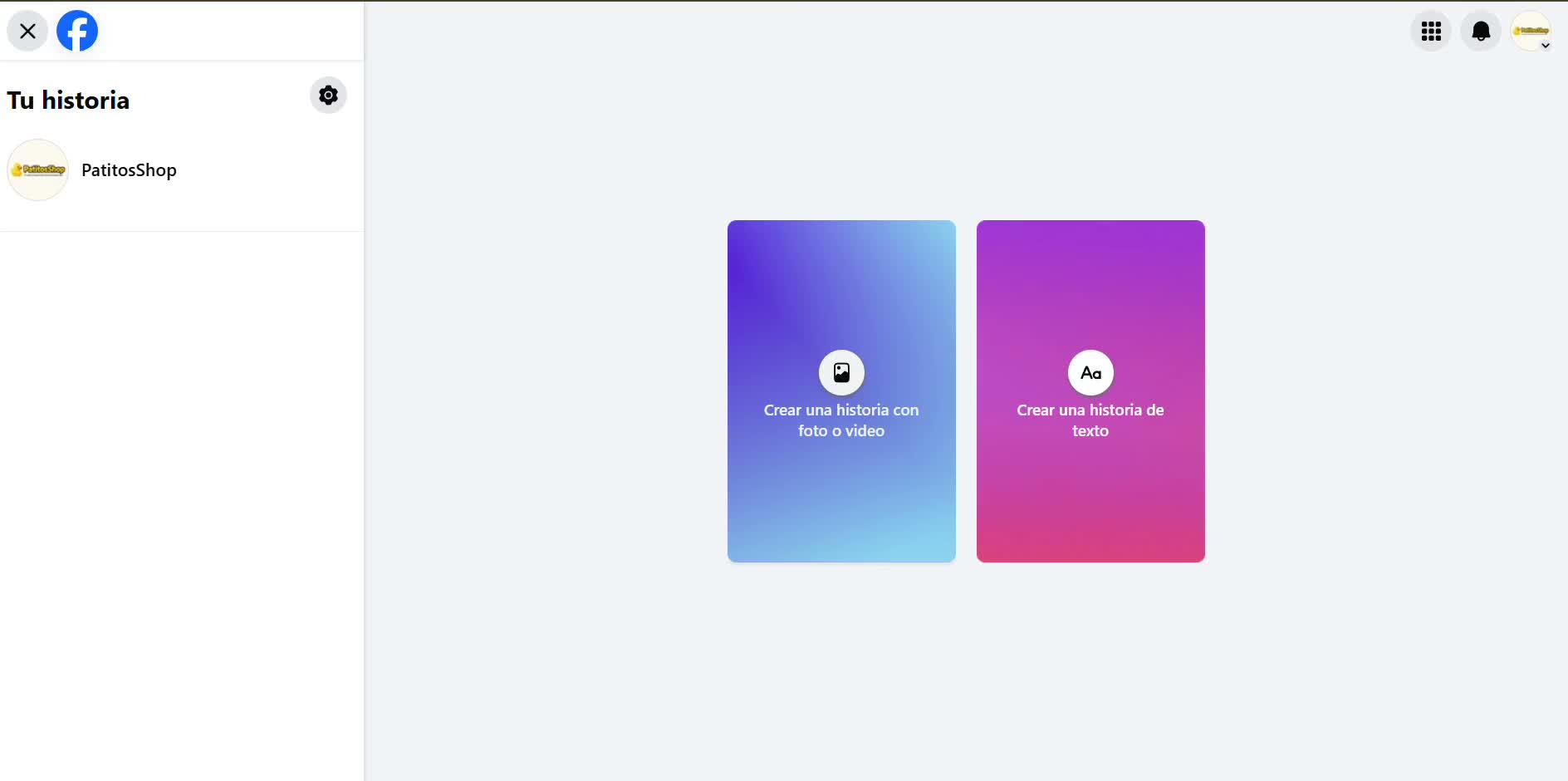
Open Facebook and create a story
Tap the option to create a story with a photo or video. On Instagram the process is almost the same, but it's easier to do from your phone.
- 3
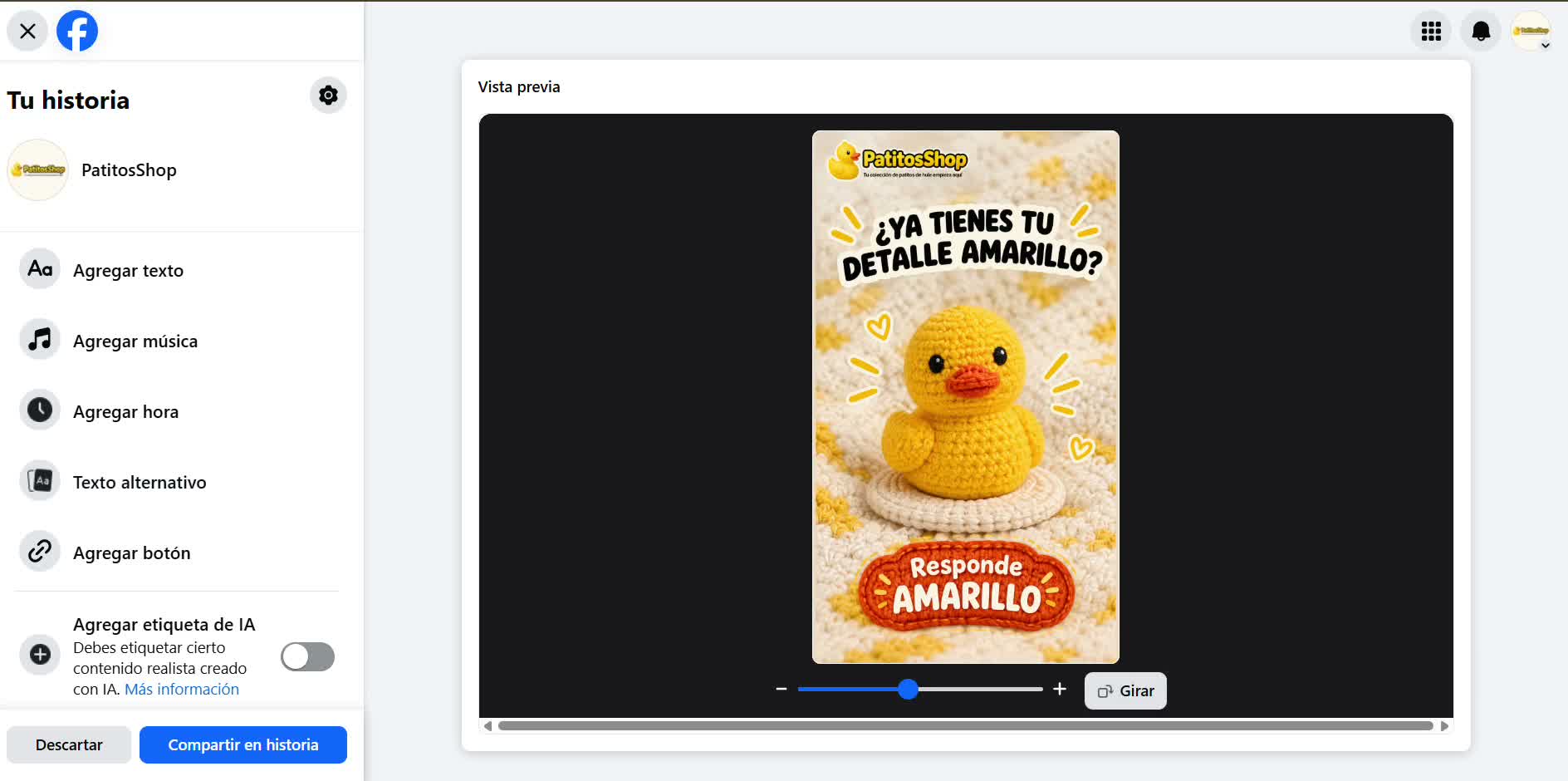
Upload your image and customize it
You can add text, music, the time, or a button (for example "Message us on WhatsApp").
- 4
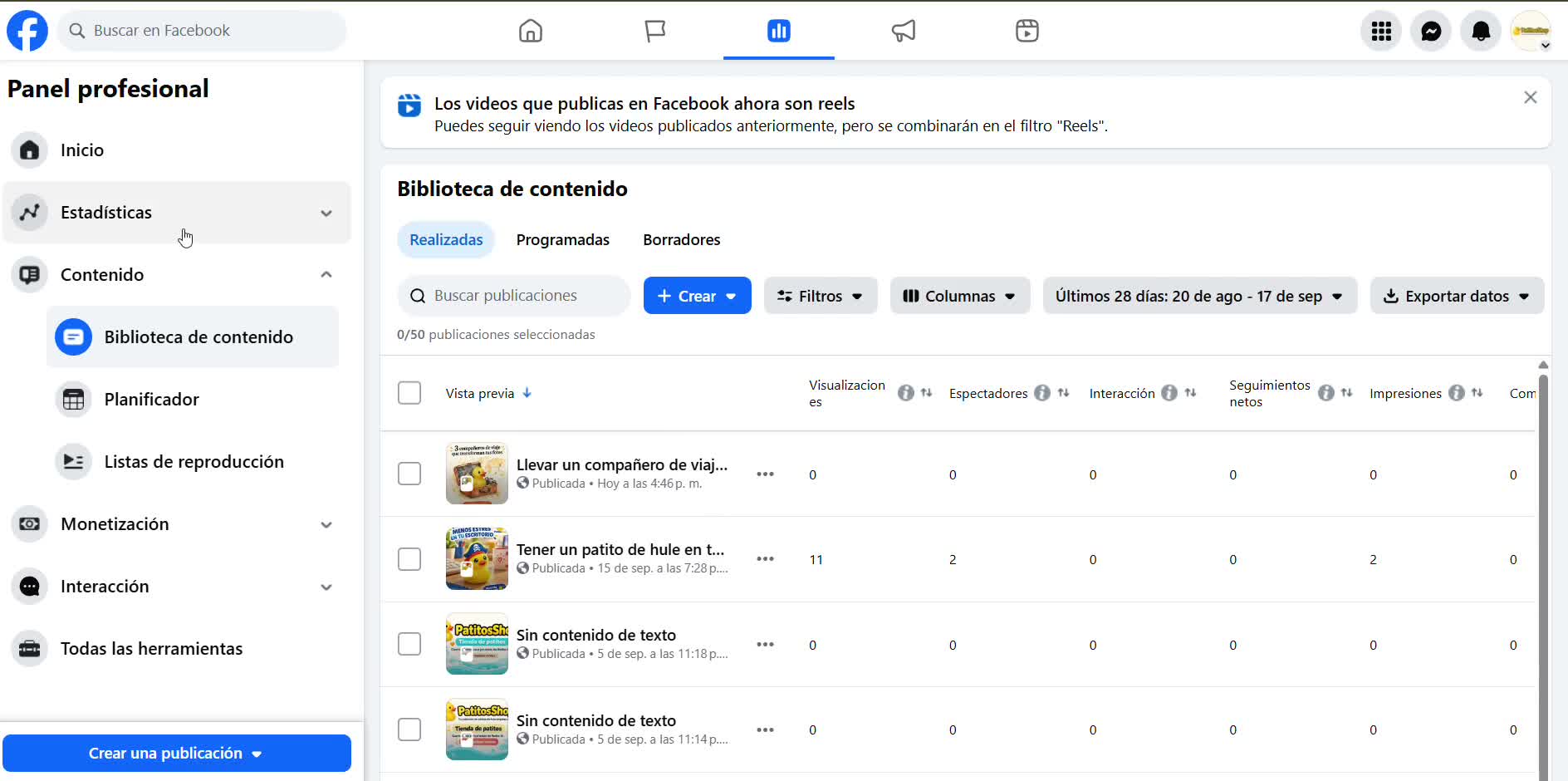
Share and verify
Tap "Share to story" and confirm it was published by checking your story or the content library.
 Without 10k followers or Meta Verified, the link sticker doesn't show up — use a "comment" or "message me" call to action instead.