Resources · Instagram-Facebook
Publish your Reel on Instagram or Facebook
The right cover, caption and format so it looks professional on either network.
Steps
The screenshots show RedesIA and the other apps with their interface in Spanish; the steps are the same in English.
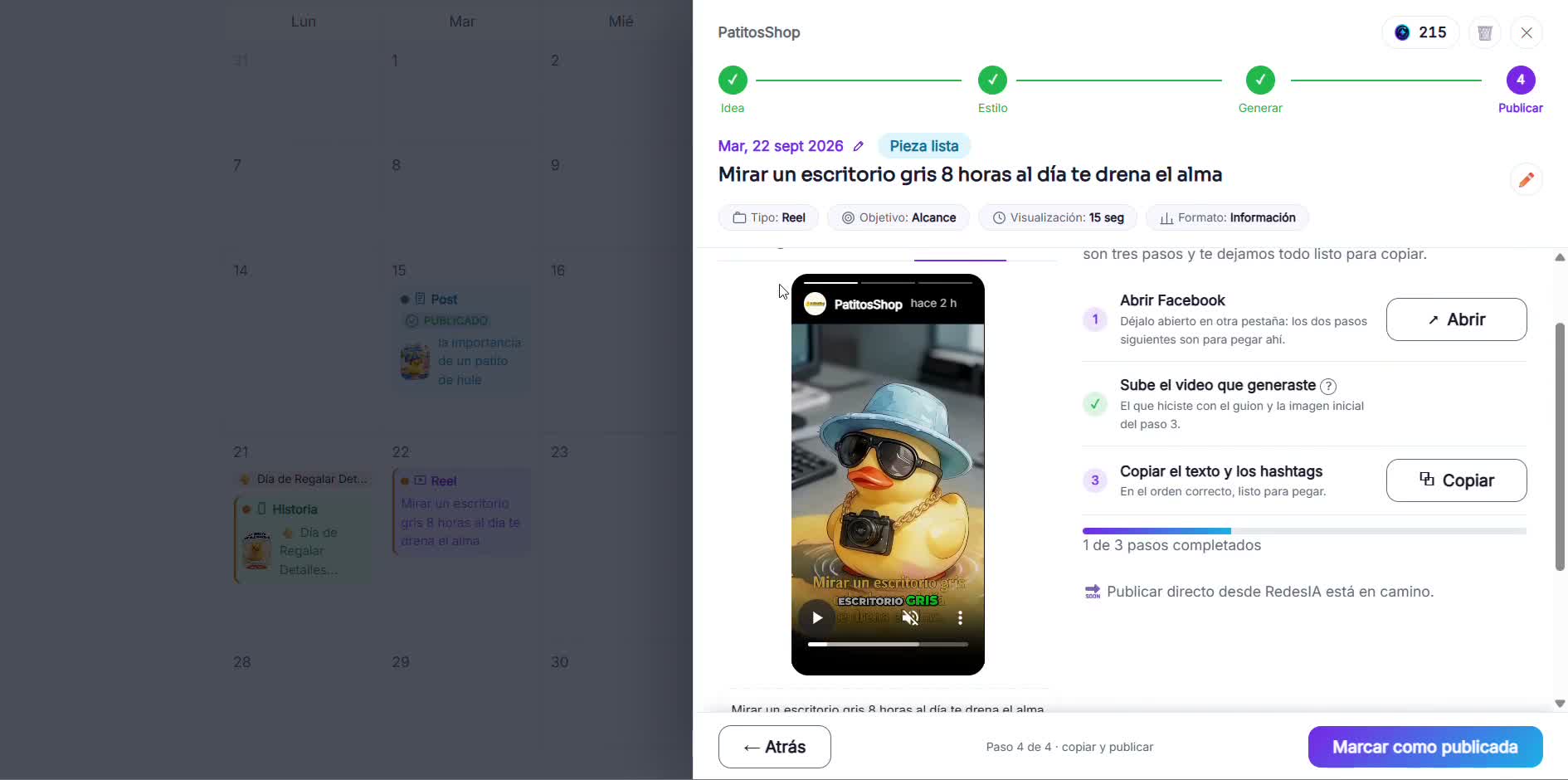
- 1
Open Instagram and upload your reel
Tap the "+" button and choose "Reel", then upload the video you generated with the script and the starting image.
- 2
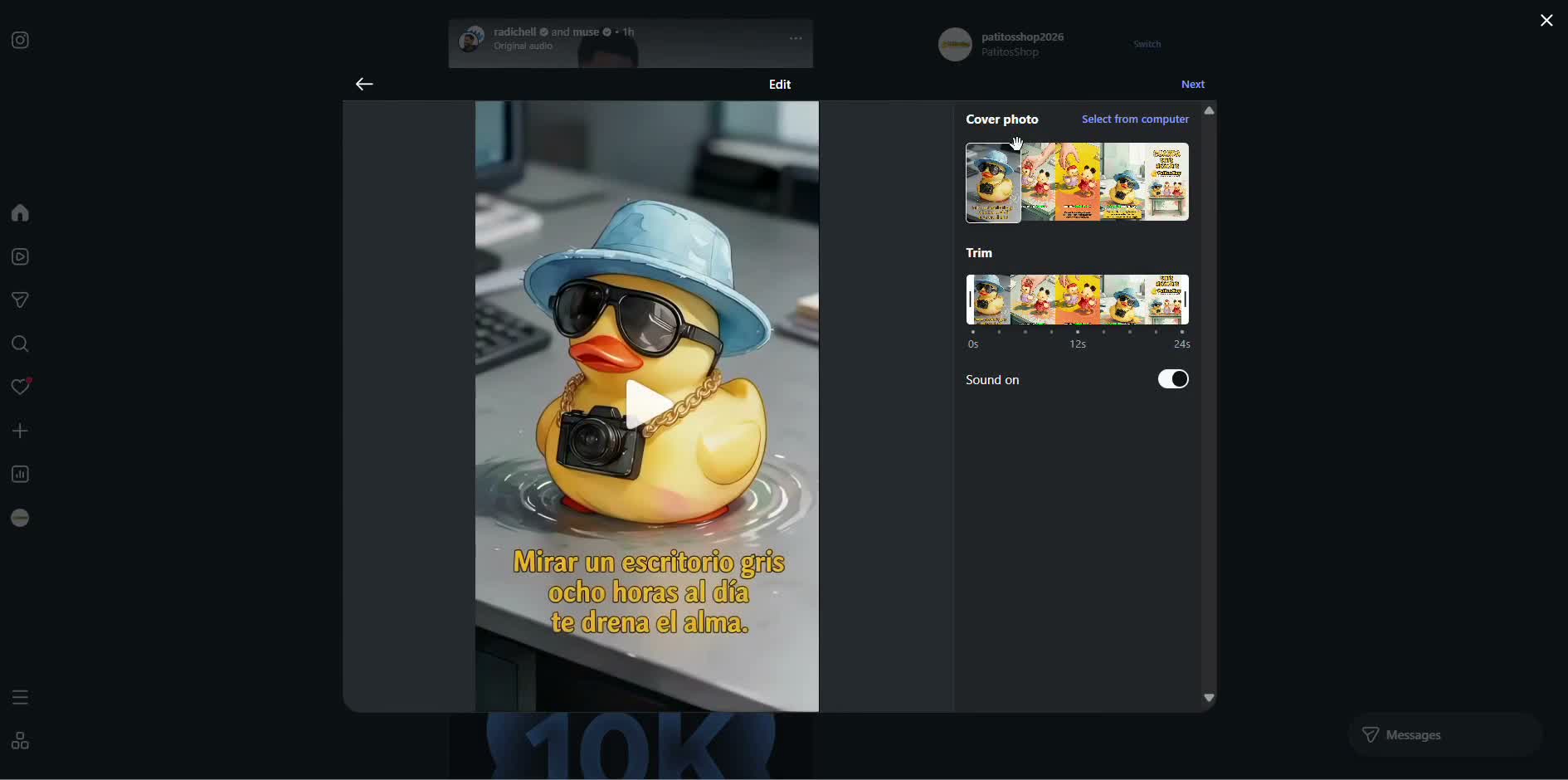
Choose the cover
Select a frame from the video or upload a cover image — you can use the same reference image you generated.
- 3
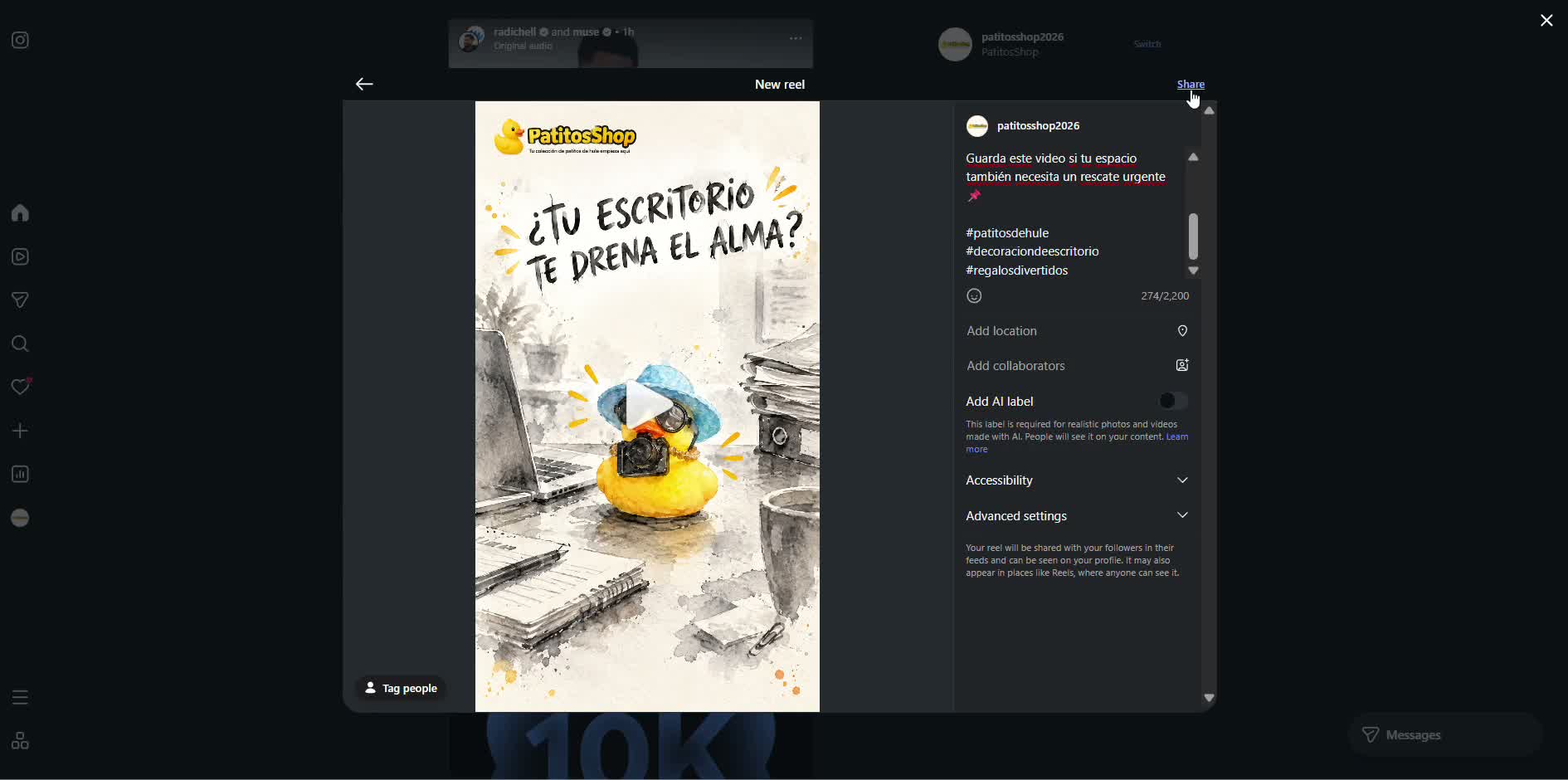
Paste the text and share
Copy the caption and hashtags from RedesIA, paste them in, and tap "Share".
- 4
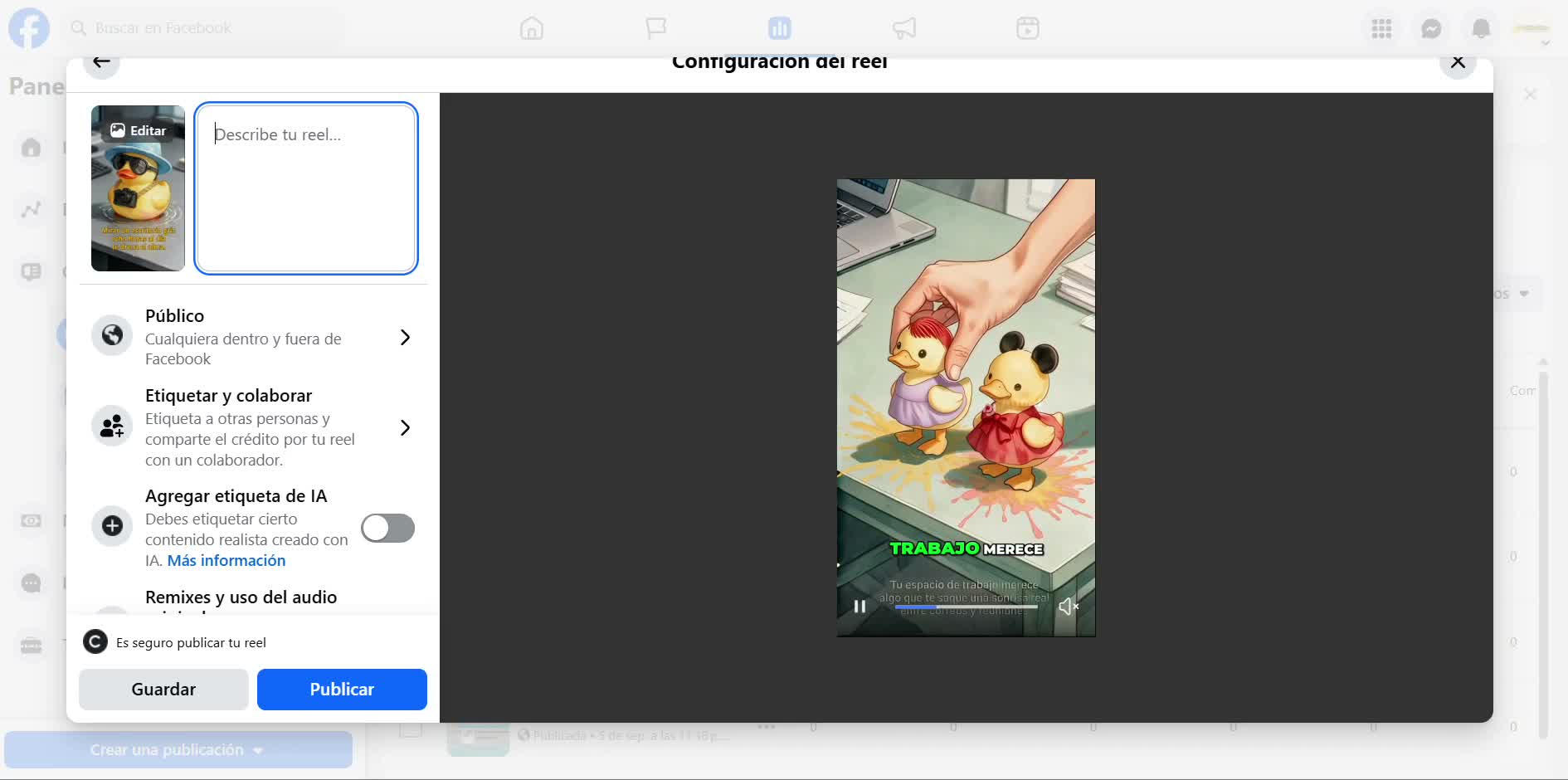
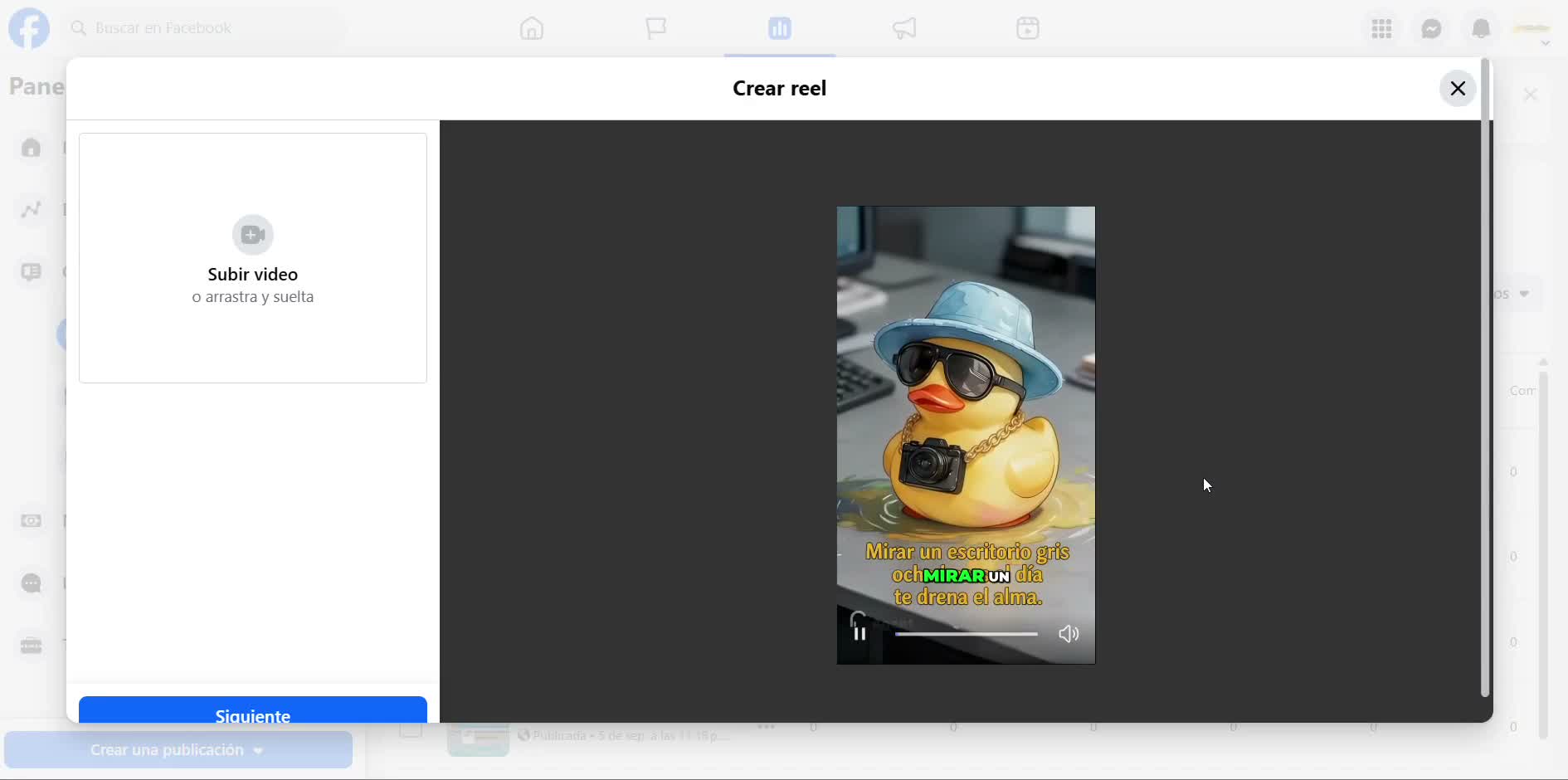
On Facebook, upload the same reel
Open Facebook → Create reel → Upload video, and use the same file you generated.
- 5
Write the description and publish
Paste the text and hashtags, and tap the button to publish — Facebook checks for copyright before it becomes visible.