Resources · RedesIA
How to generate a Story
Quick, vertical, and ready to keep your account active between posts.
Steps
The screenshots show RedesIA and the other apps with their interface in Spanish; the steps are the same in English.
- 1
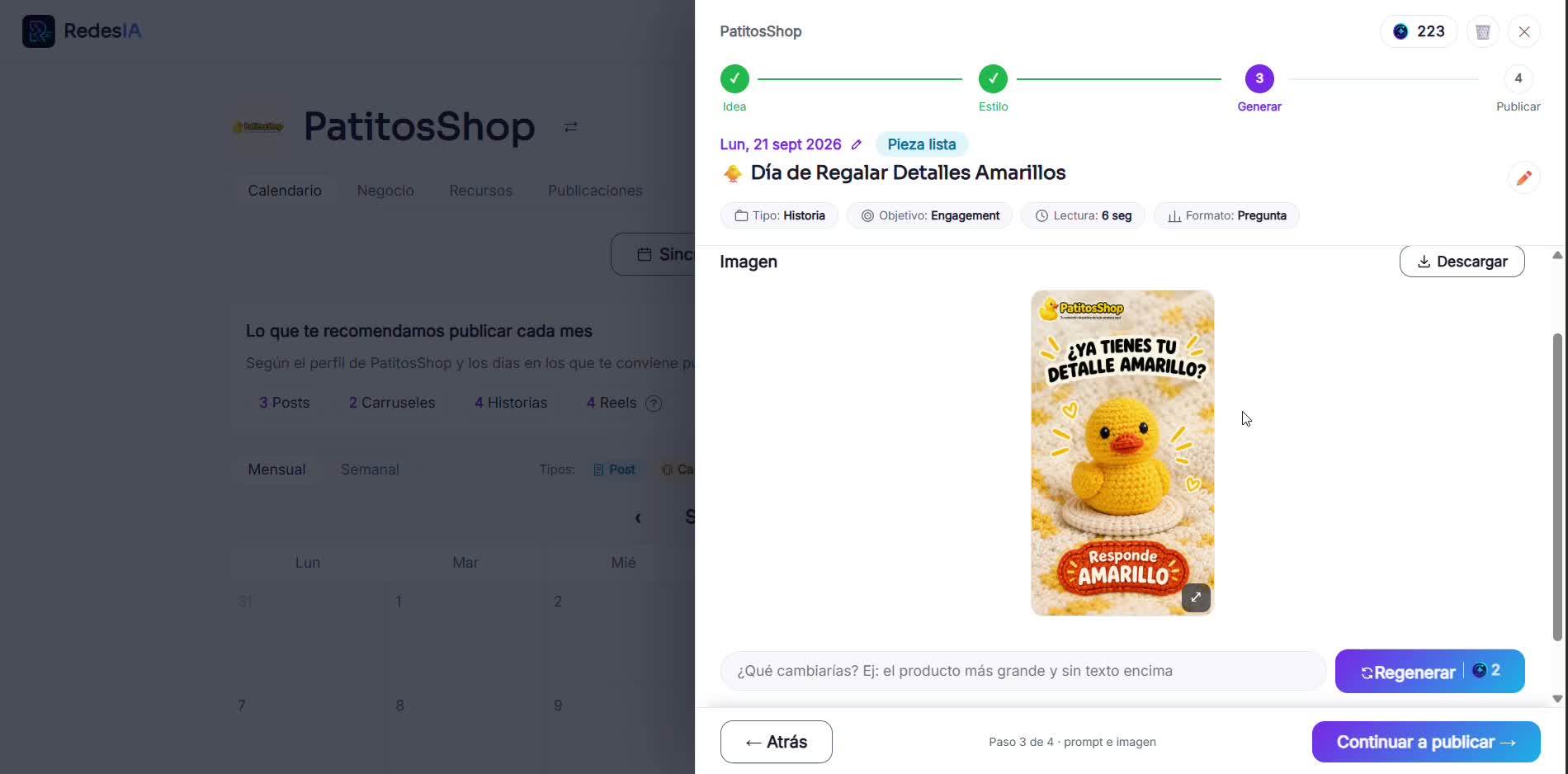
Open the Story idea from your calendar
It can be a poll, an open question, or quick content — RedesIA already suggests the type based on your brand.
- 2
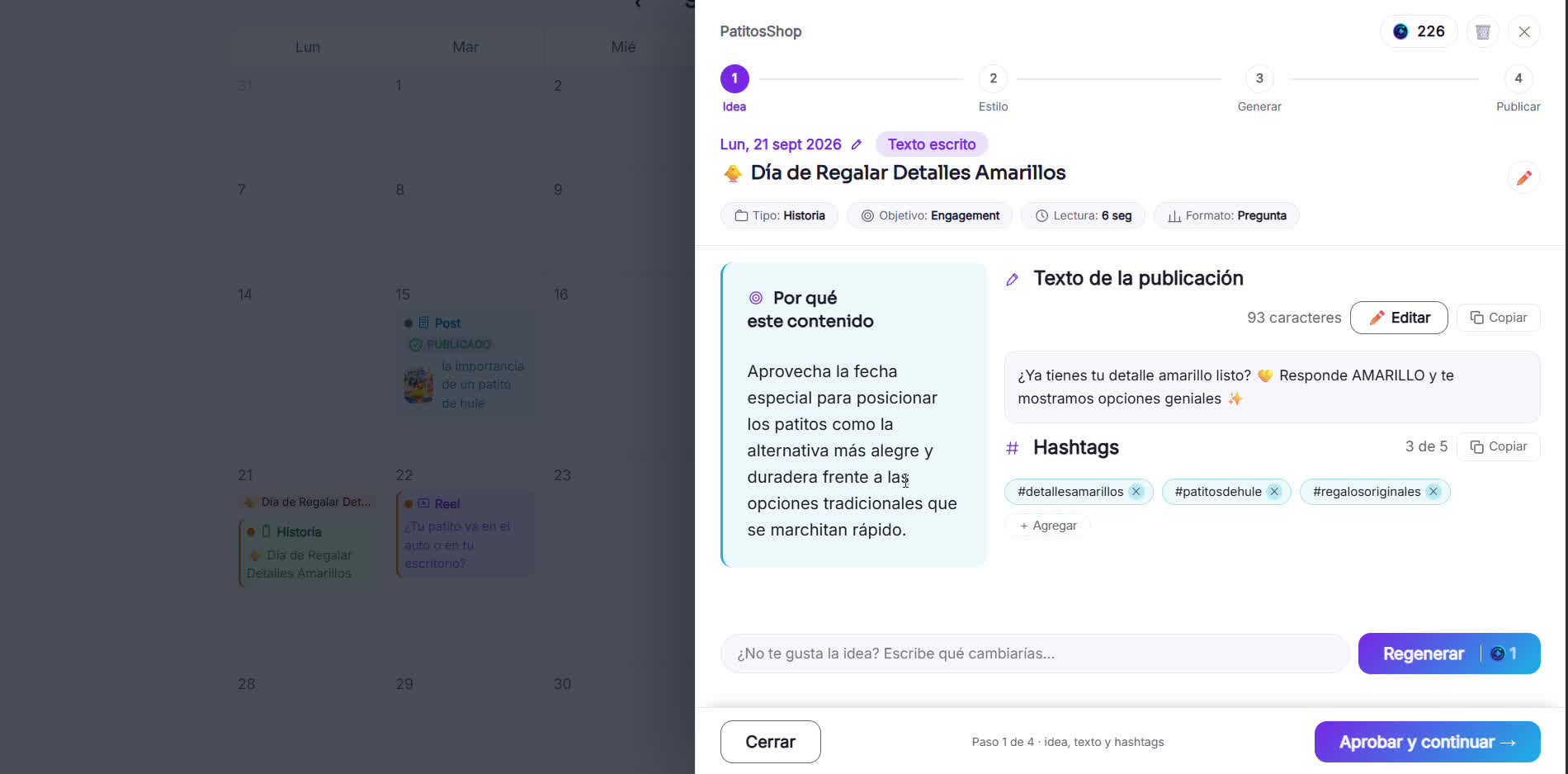
Choose the style and the resources
Select your logo or saved product photos, and the visual style you want to use.
- 3
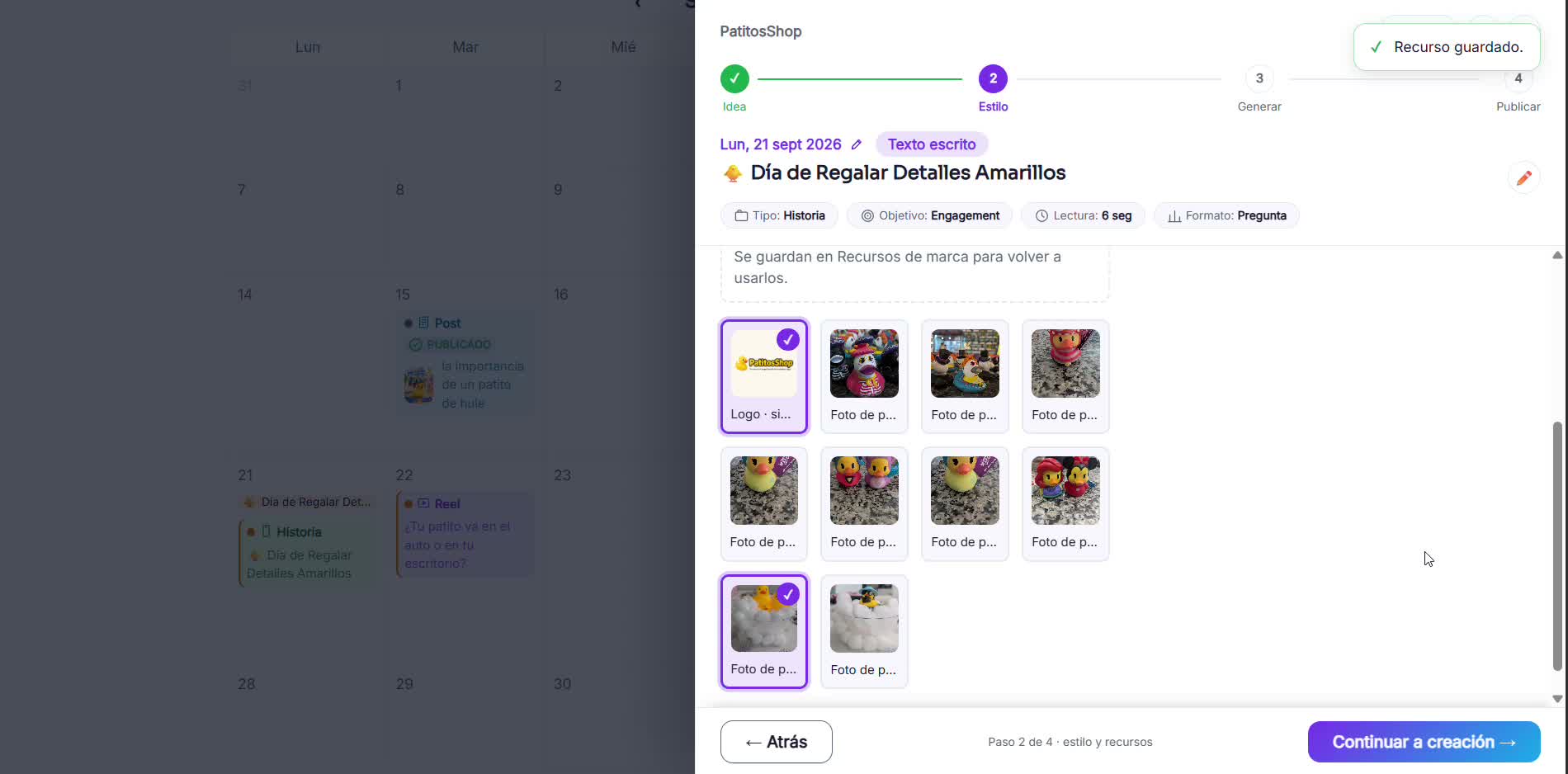
Download the result
Ready for the next step: publishing it on Instagram or Facebook.