Publish your carousel on Instagram or Facebook
Upload the slides you generated in RedesIA in a single post and tell them like a story — the process is almost the same on both networks.
Steps
The screenshots show RedesIA and the other apps with their interface in Spanish; the steps are the same in English.
- 1
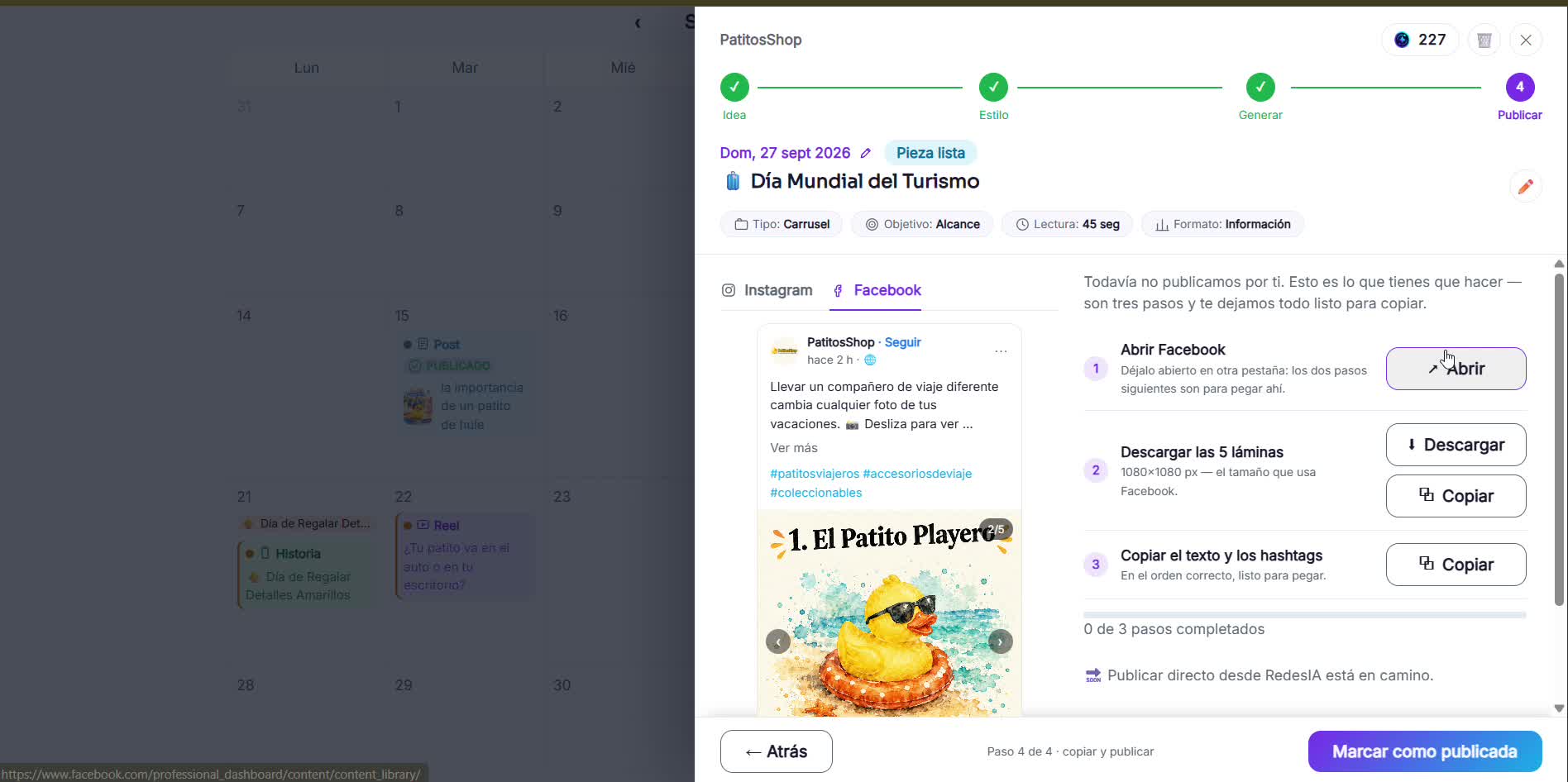
Download each slide in order
In RedesIA, open the generated carousel and download each slide one by one, in the order you'll show them.
- 2
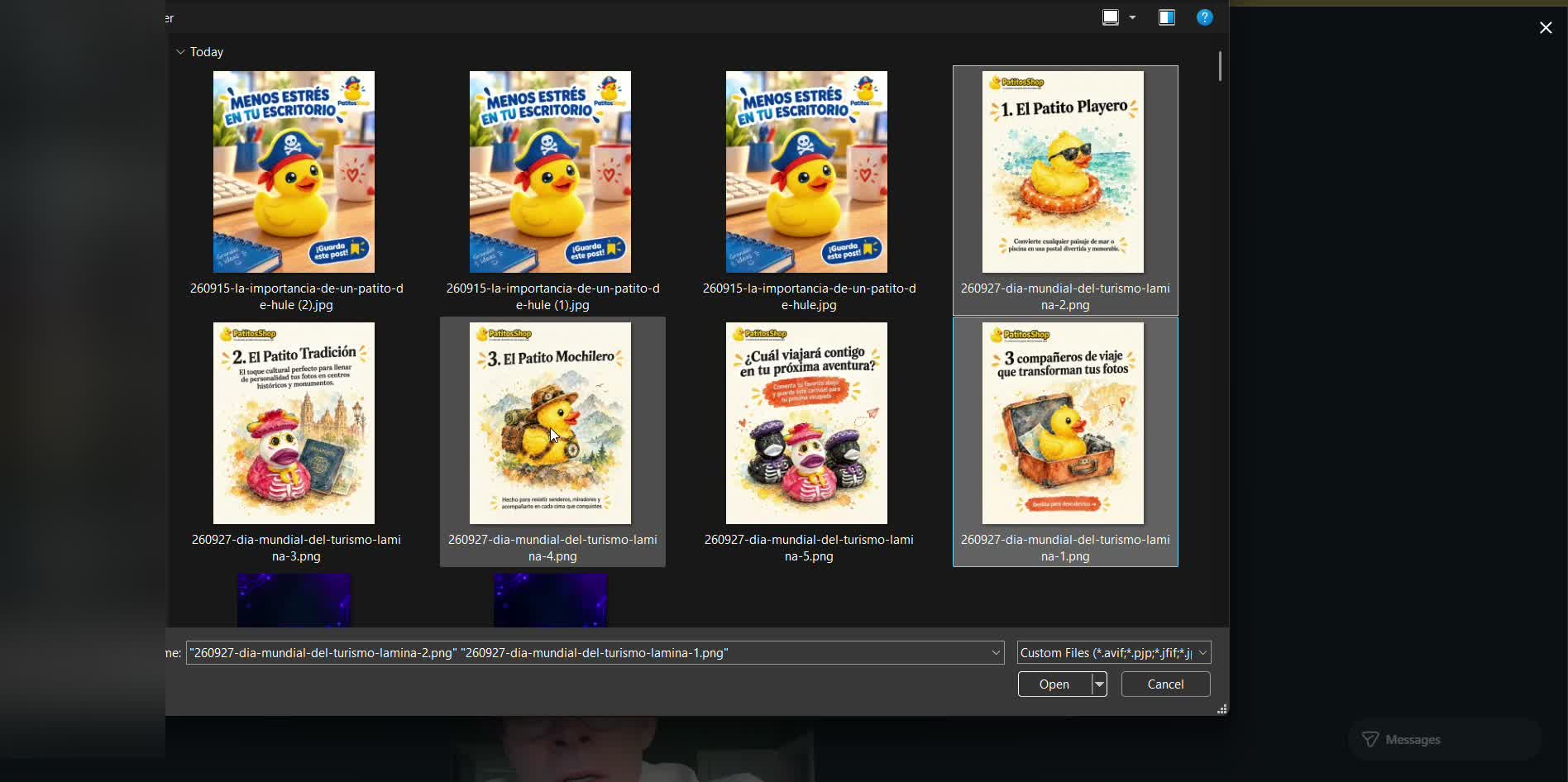
Upload the images to Instagram
Select them in the same order — Instagram sometimes changes the size or the order, so check before you continue.
- 3
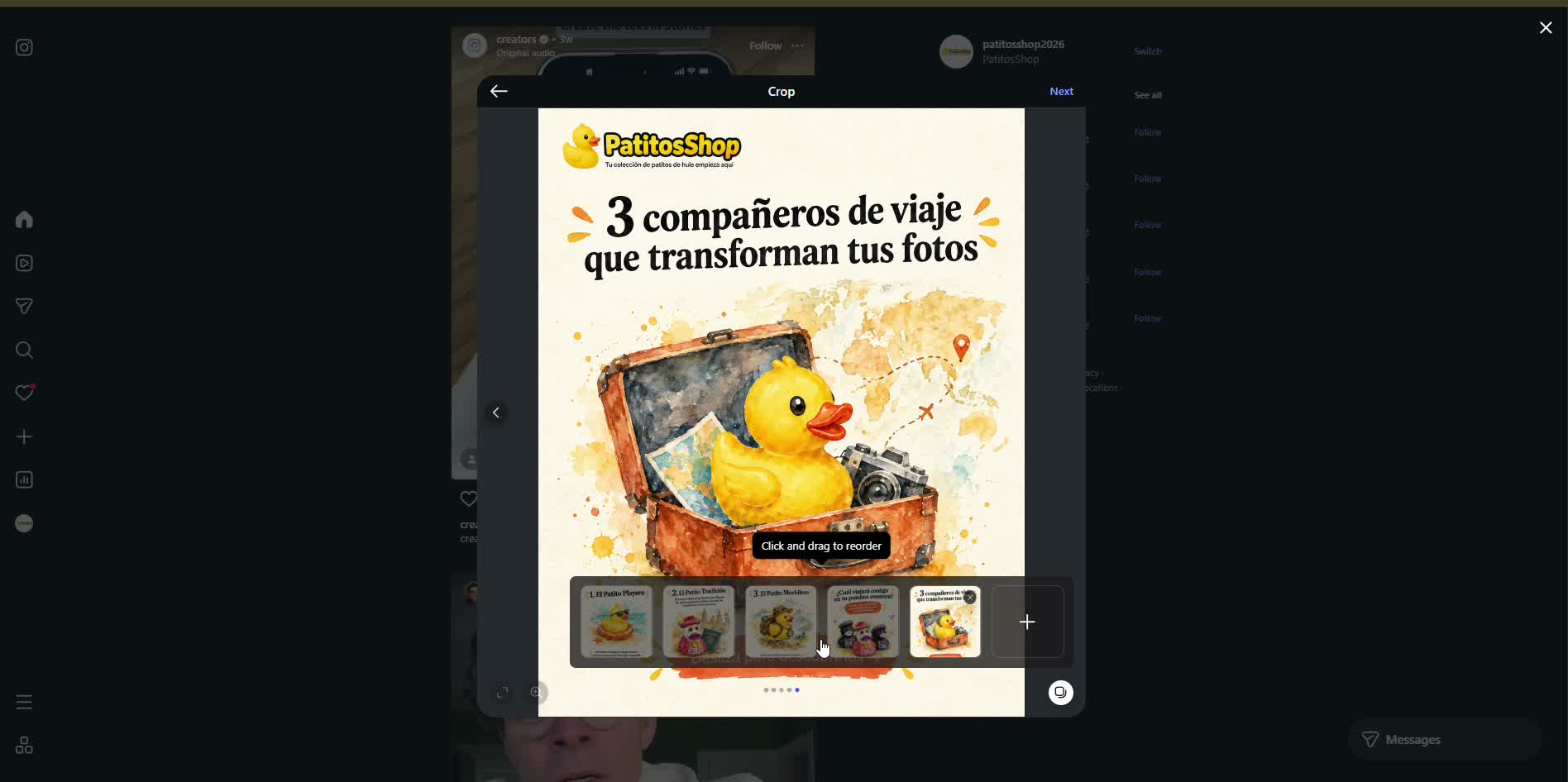
Check the final order
Make sure the slides are in the right sequence (idea → point 1 → 2 → 3 → closing) before moving on. You don't need to apply filters or change the color.
- 4
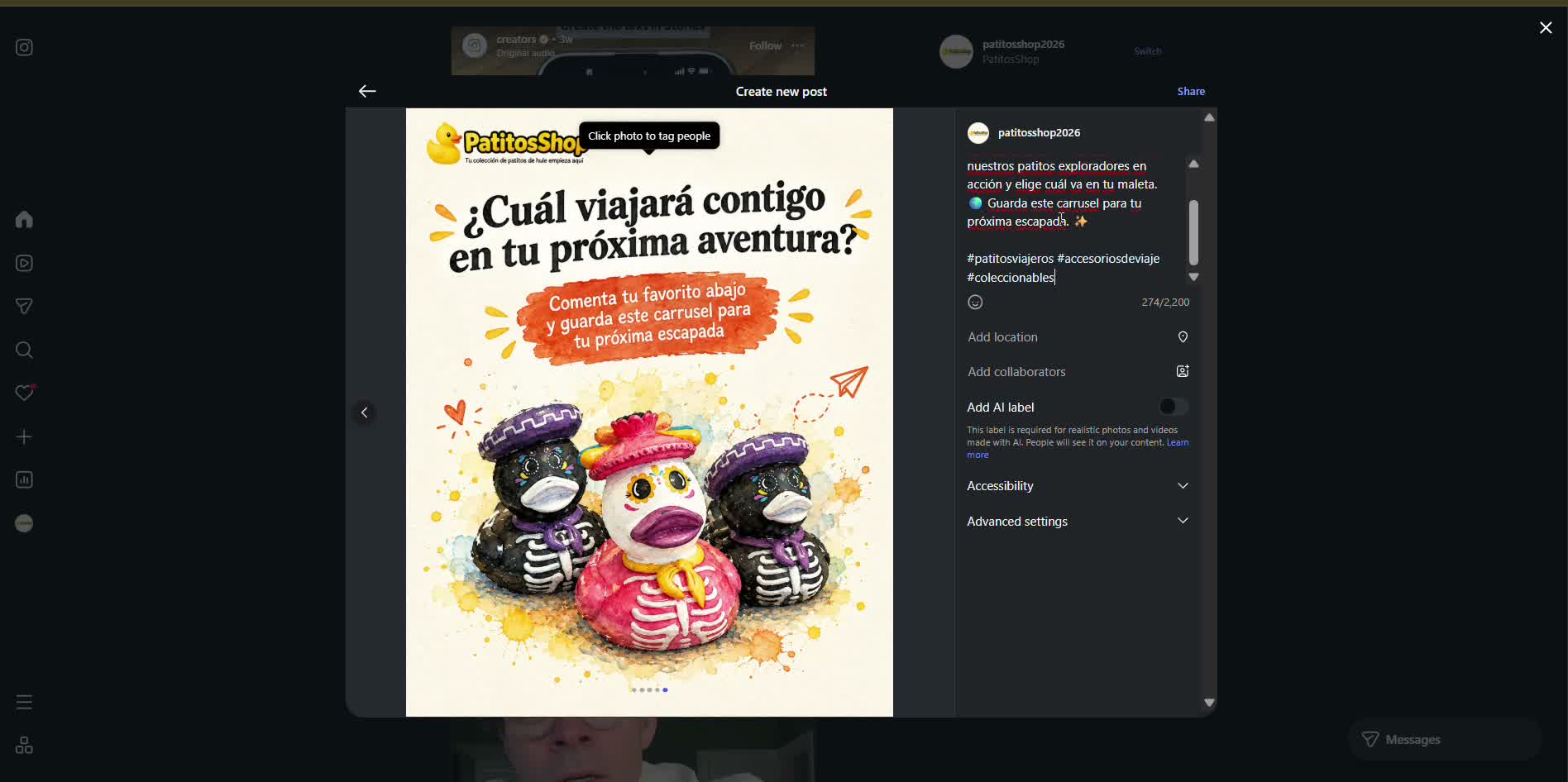
Add the caption and hashtags
Copy the text and hashtags you already have ready in your RedesIA calendar and paste them in.
- 5
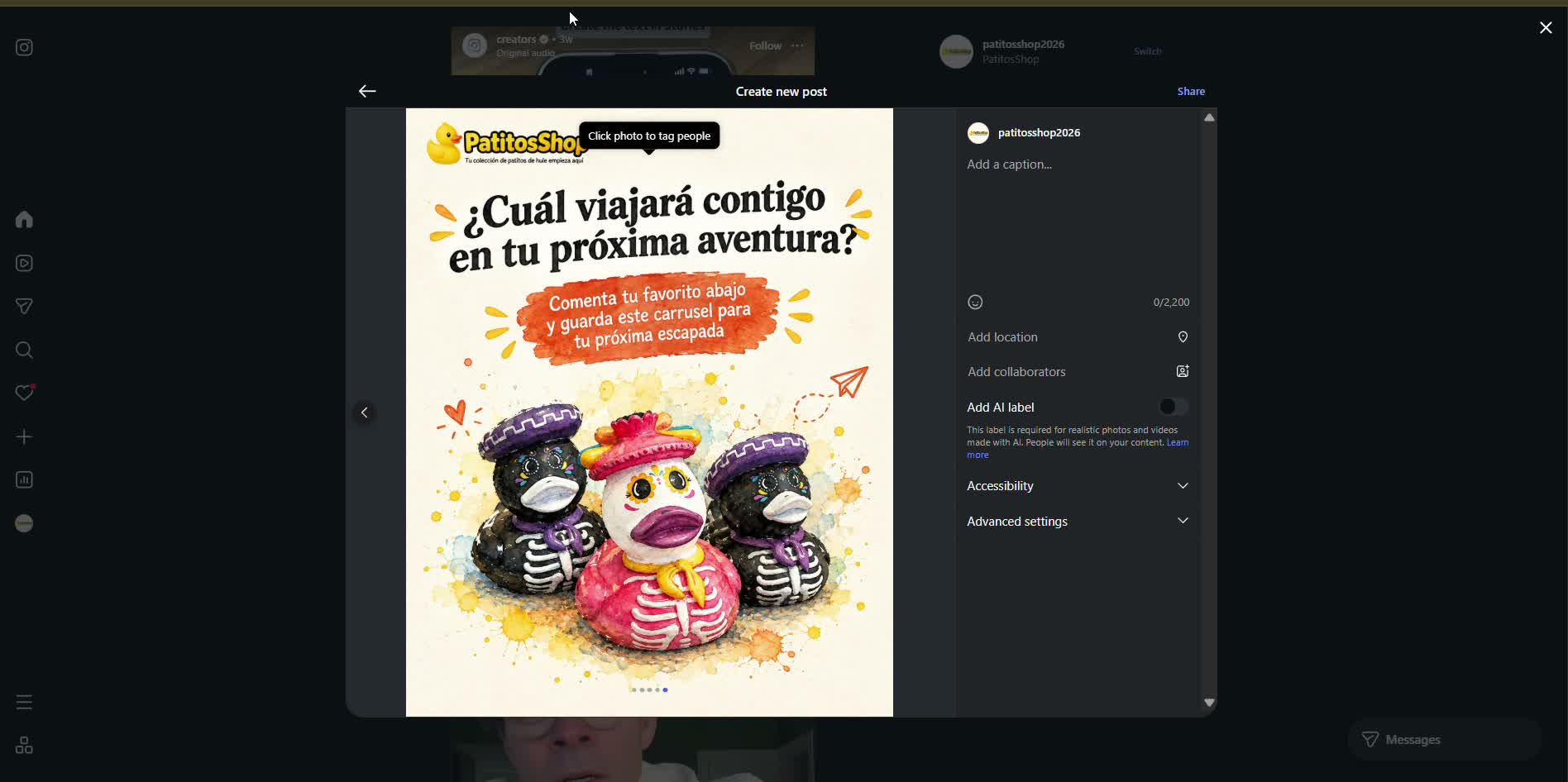
Share your post
Tap "Share" and that's it — your carousel is published.
- 6
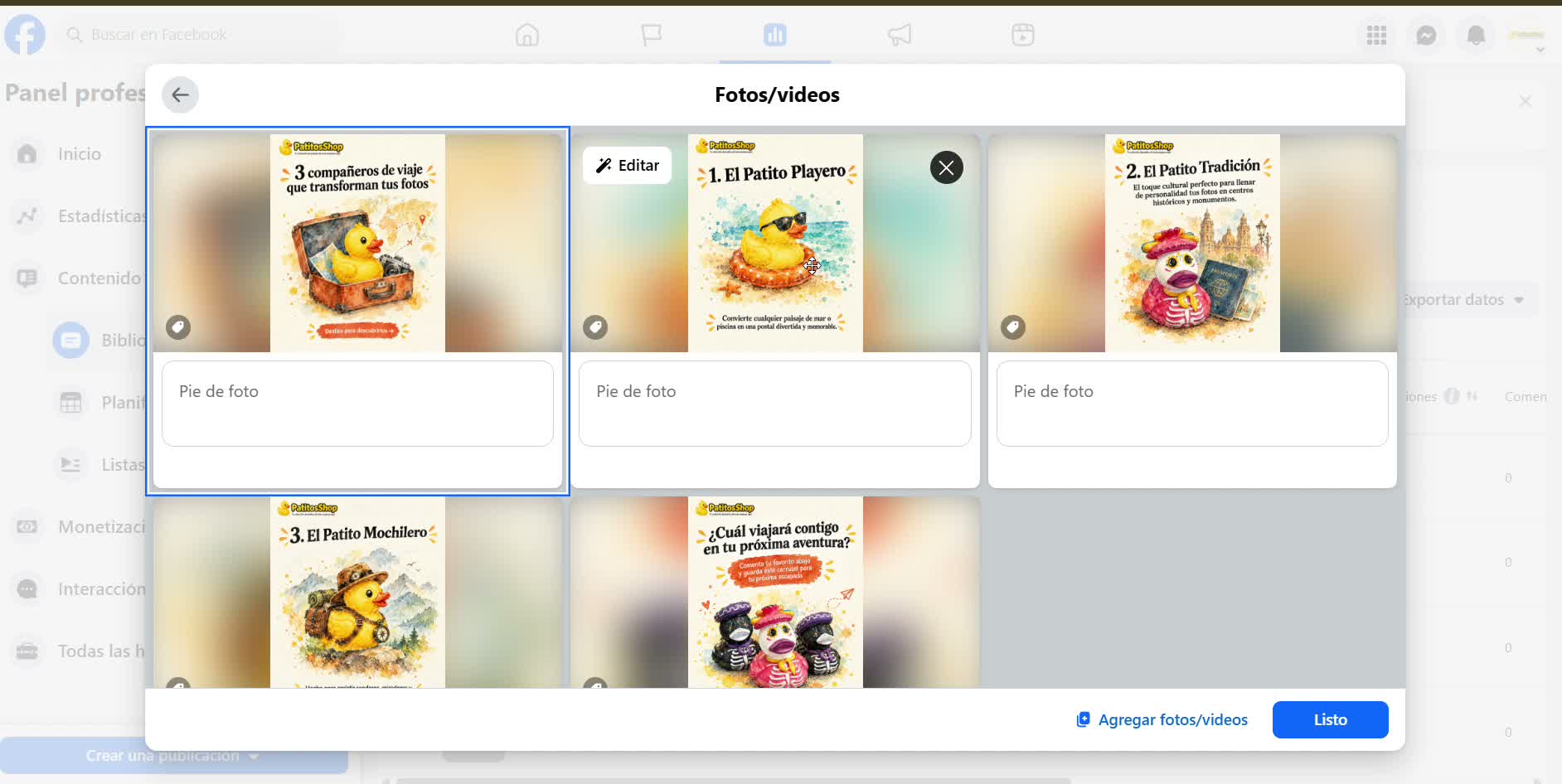
On Facebook it's just as easy
From "Create post", upload all the slides at once — Facebook keeps them in the same order you selected them — and paste the same caption and hashtags.