Resources · RedesIA
How to generate a Reel
From the hook-build-up-resolution script to a finished video, or to the instructions for filming it yourself.
Steps
The screenshots show RedesIA and the other apps with their interface in Spanish; the steps are the same in English.
- 1
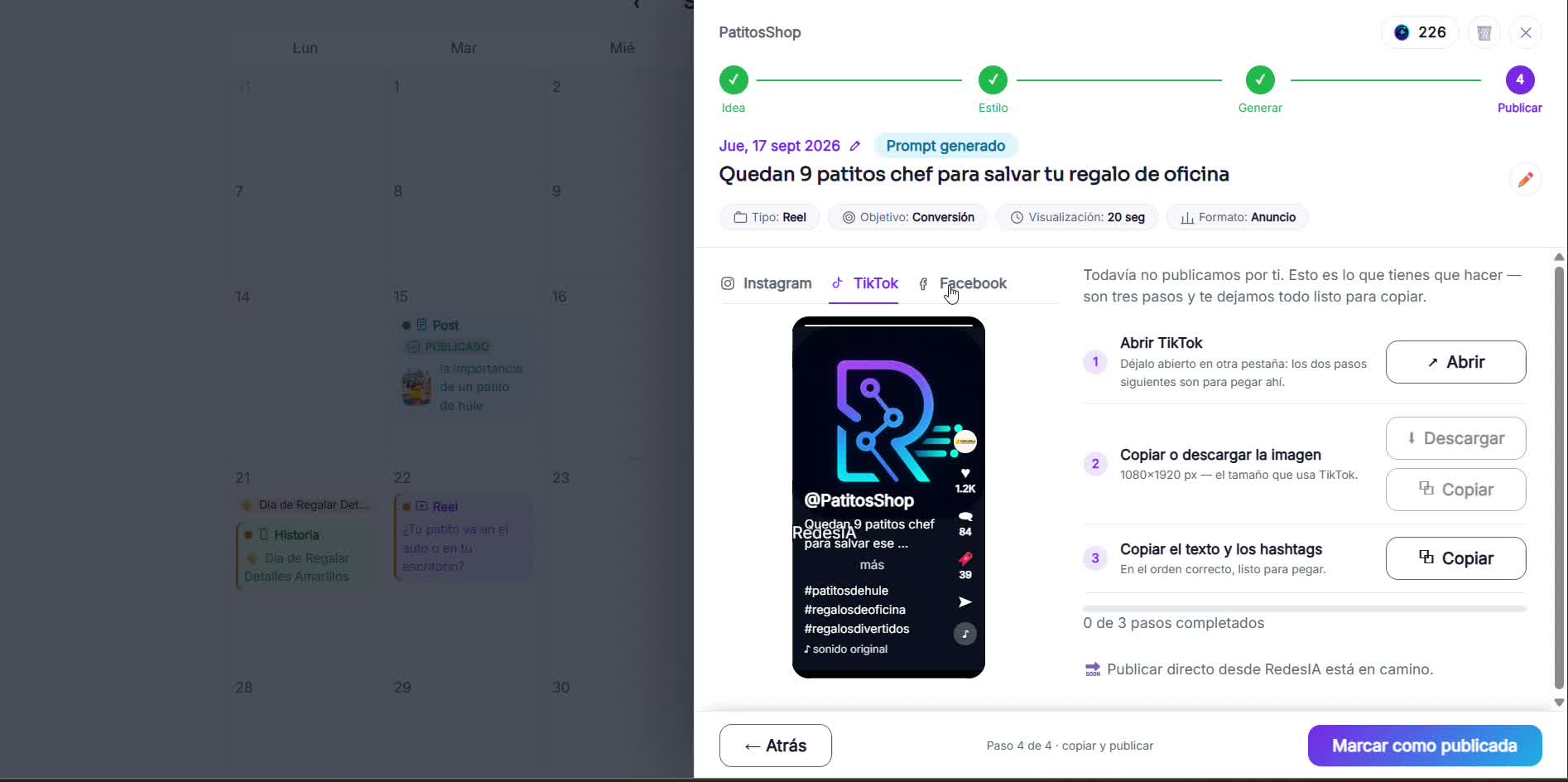
Open the Reel idea from your calendar
It brings the full script: hook, build-up and resolution with a CTA, plus the dialogue separately.
- 2
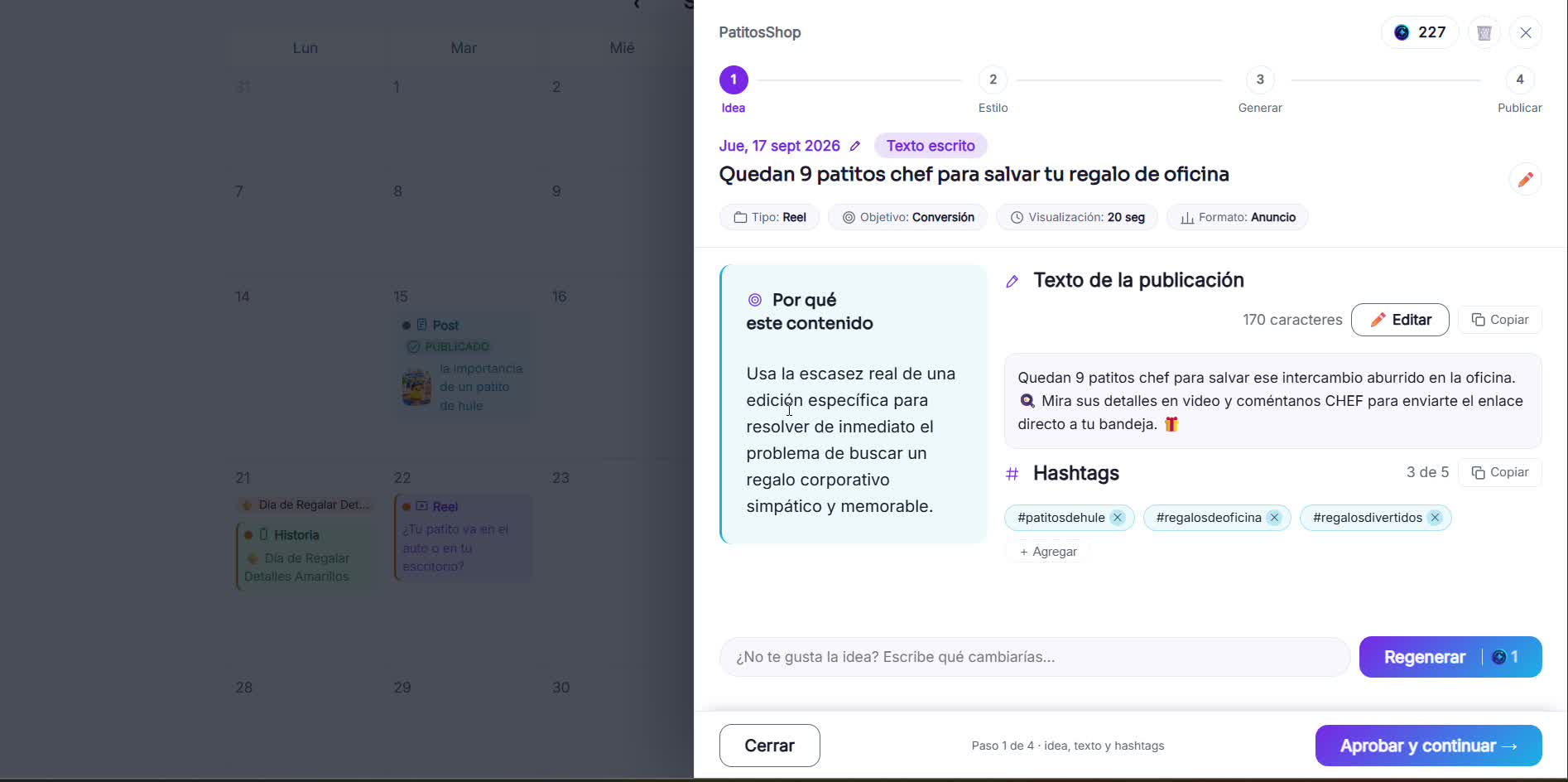
Choose how you'll produce it
Film it yourself following the script, or have RedesIA generate it with AI from the same script.
- 3
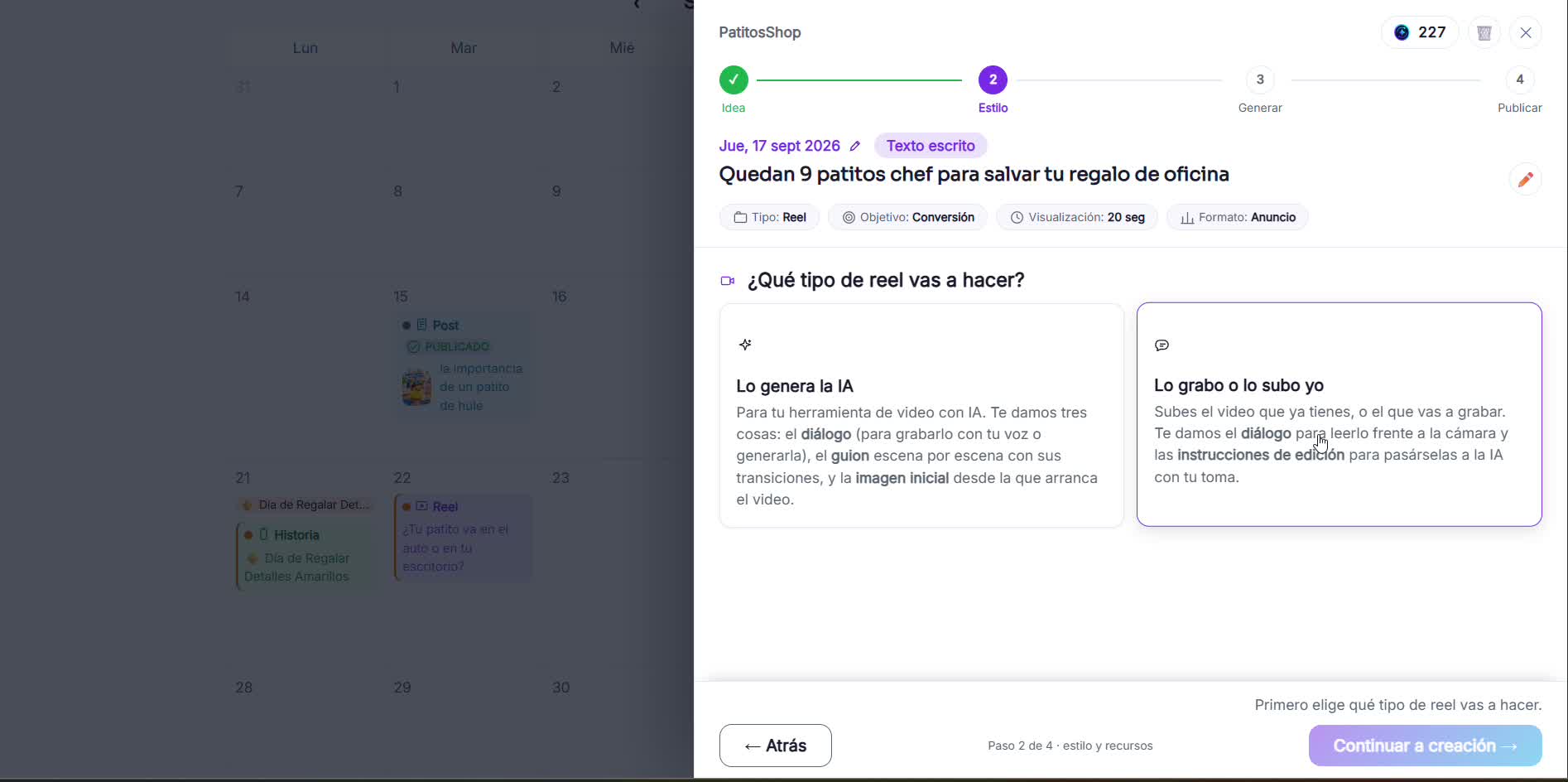
Generate or download the script
RedesIA gives you the script scene by scene, with timings and dialogue, ready to film or to hand to your AI tool.
- 4
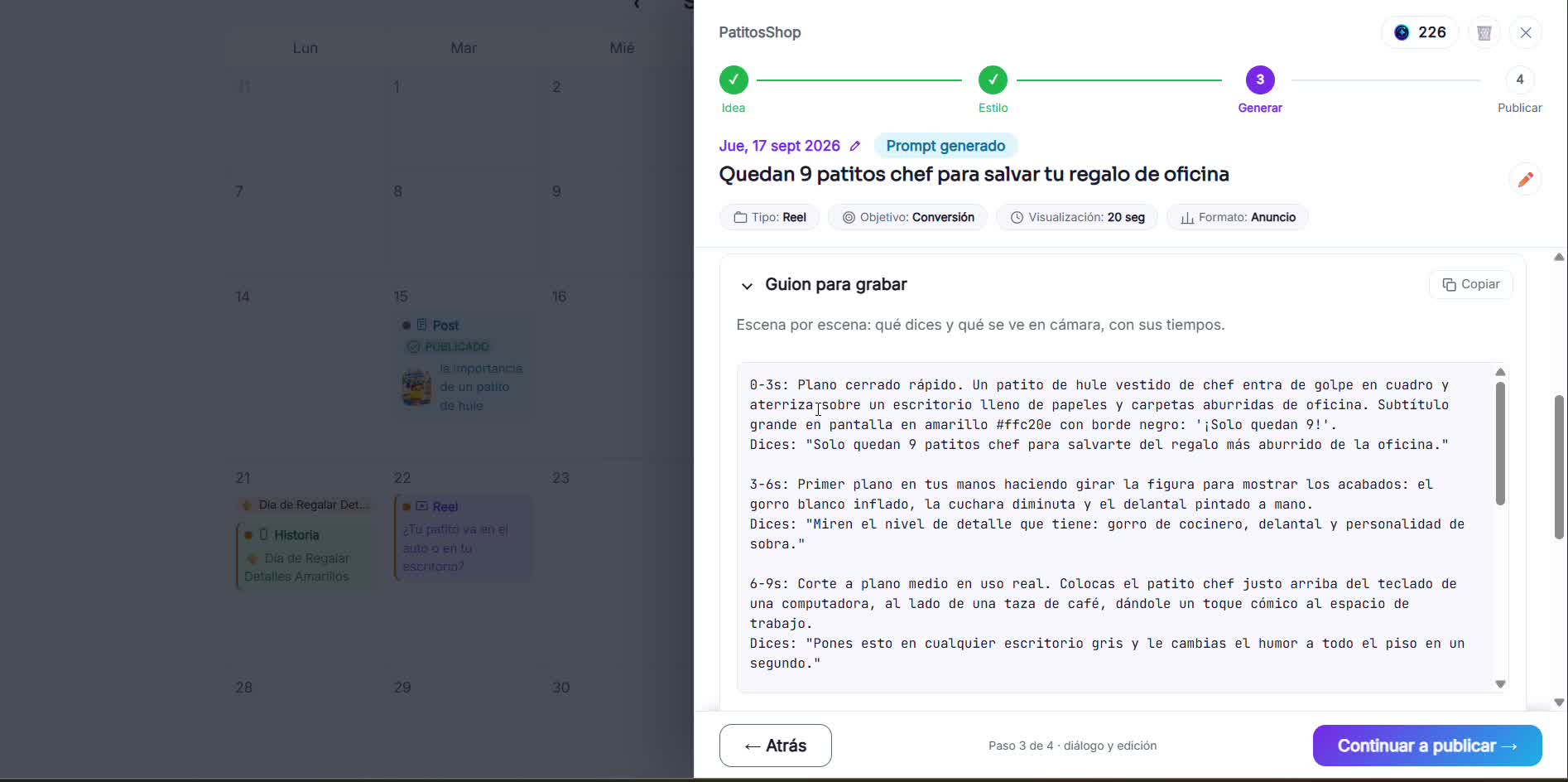
Download the image and copy the text
On Instagram, TikTok or Facebook: download the image in the right size and copy the text with the hashtags, ready to paste.