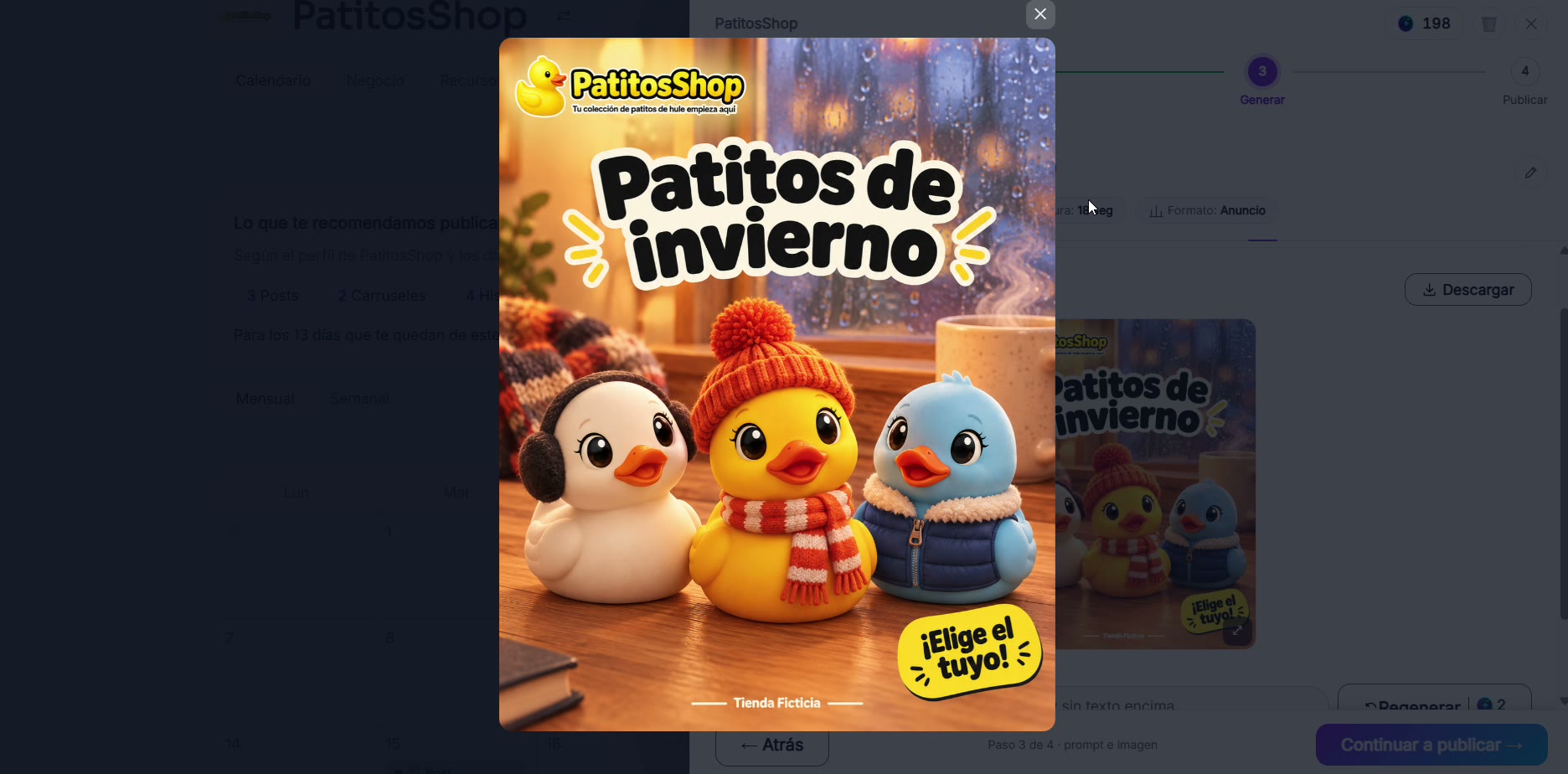
I had an idea in the middle of the month
Take advantage of a trend or a sudden idea without wasting time building the post from scratch.
Steps
The screenshots show RedesIA and the other apps with their interface in Spanish; the steps are the same in English.
- 1
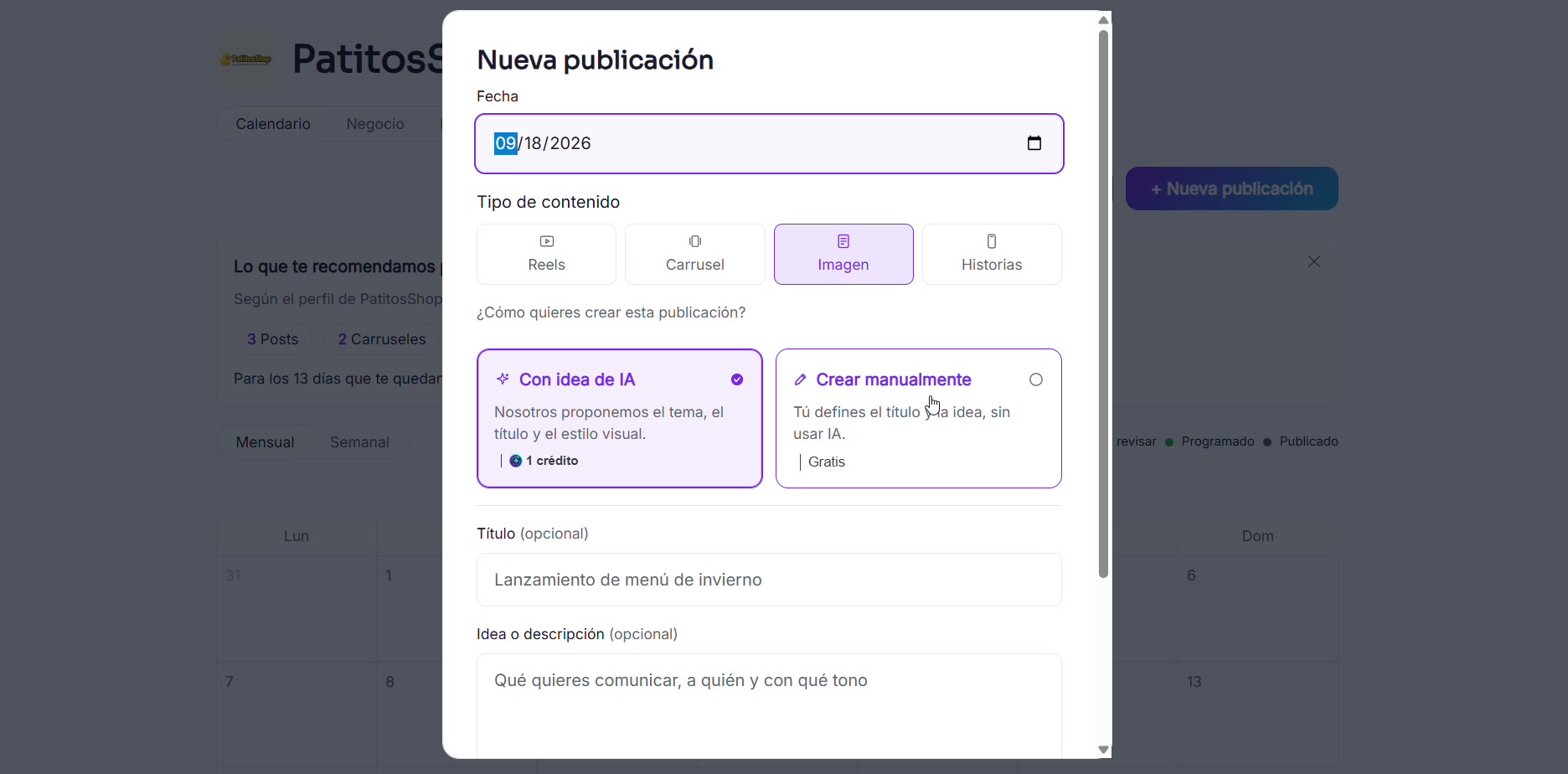
Open "New post" and choose the type
From the calendar, on any day: choose whether it will be a post, carousel, image or story, and have RedesIA create it from an idea.
- 2
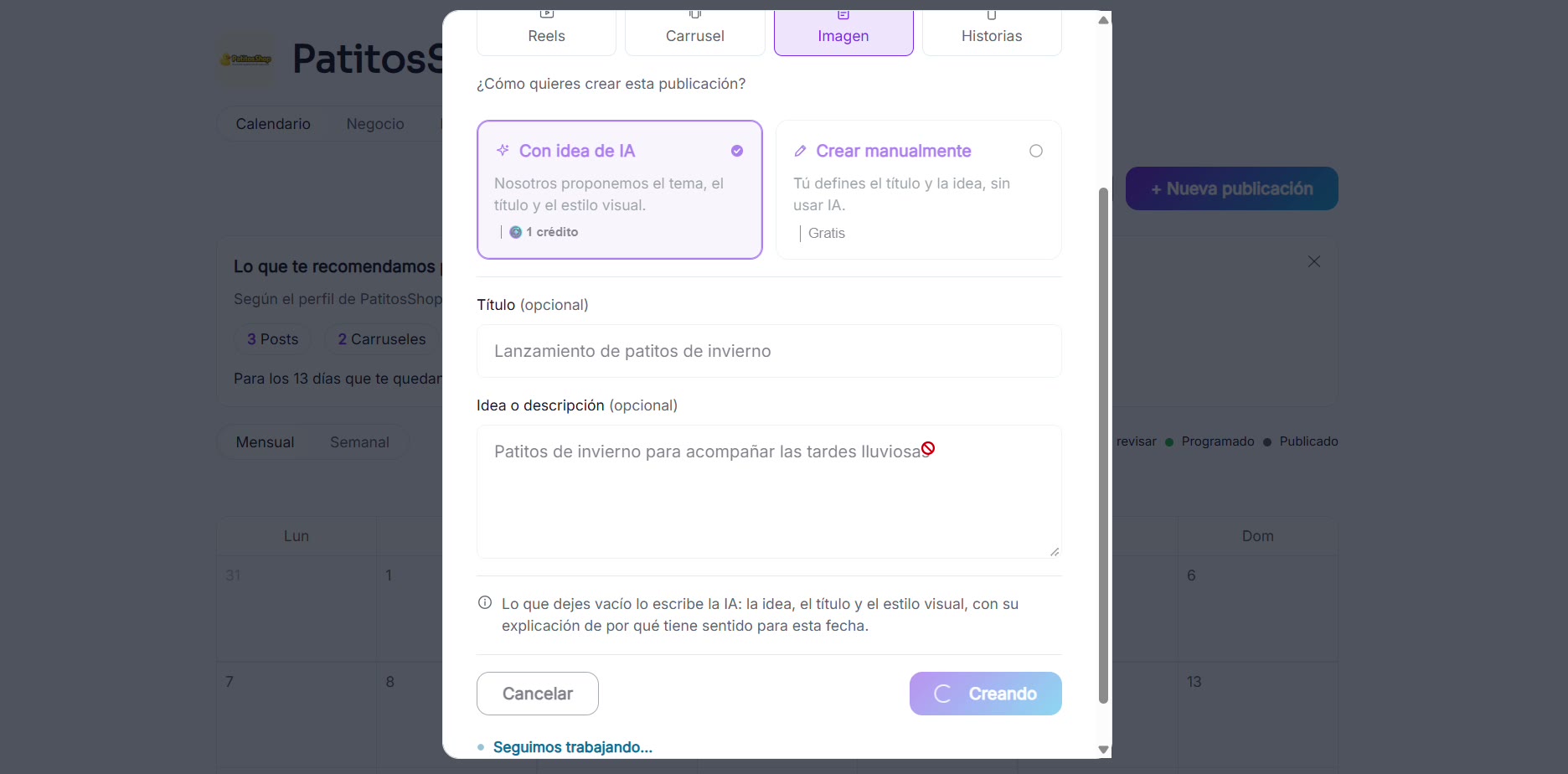
Write your idea
The title can be the trend or idea you came up with, and in the description say what you want to communicate and in what tone.
- 3
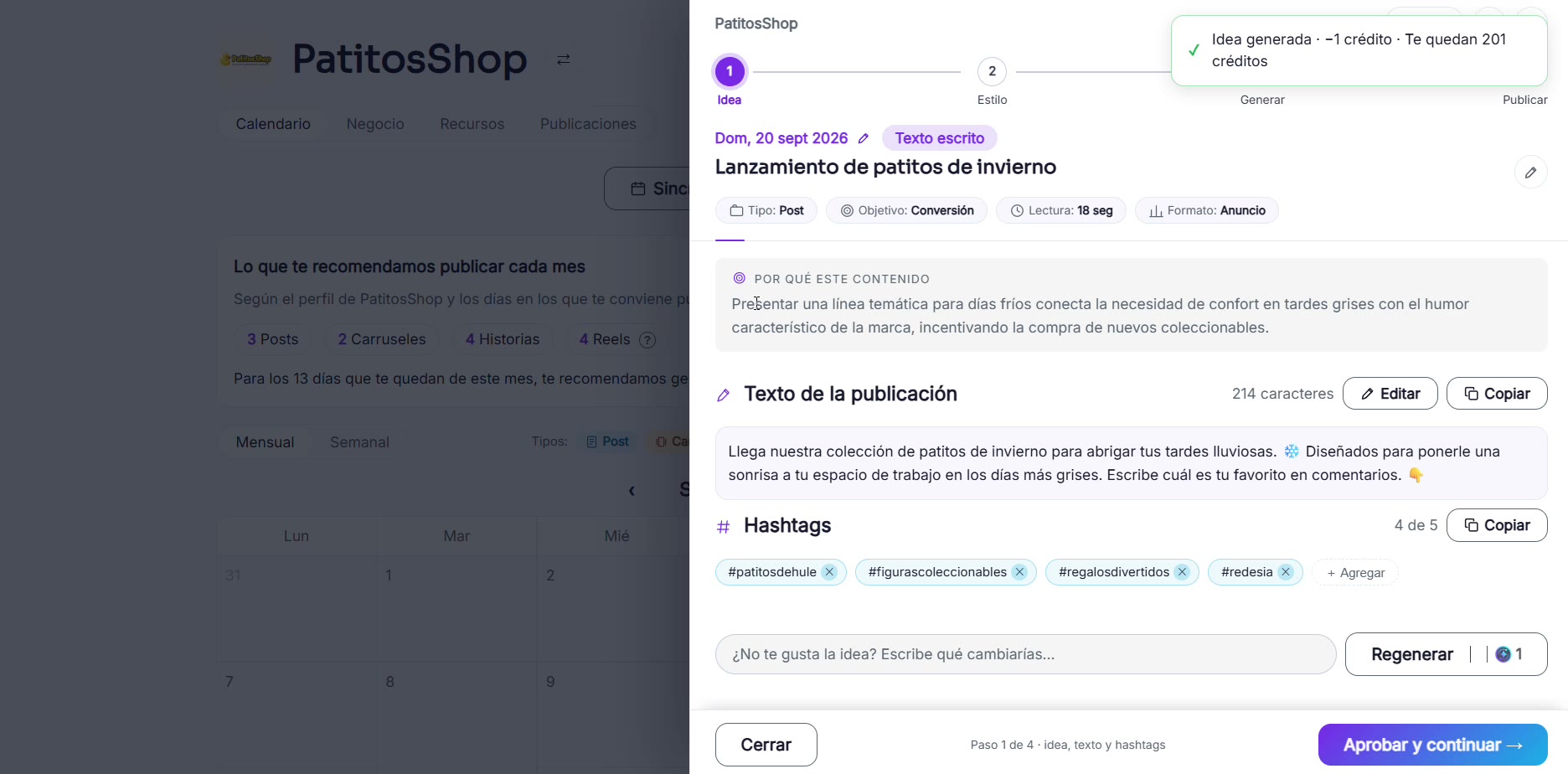
RedesIA generates the post text
It puts together the text, the hashtags and the angle of the idea. If you like it, approve it and continue.
- 4
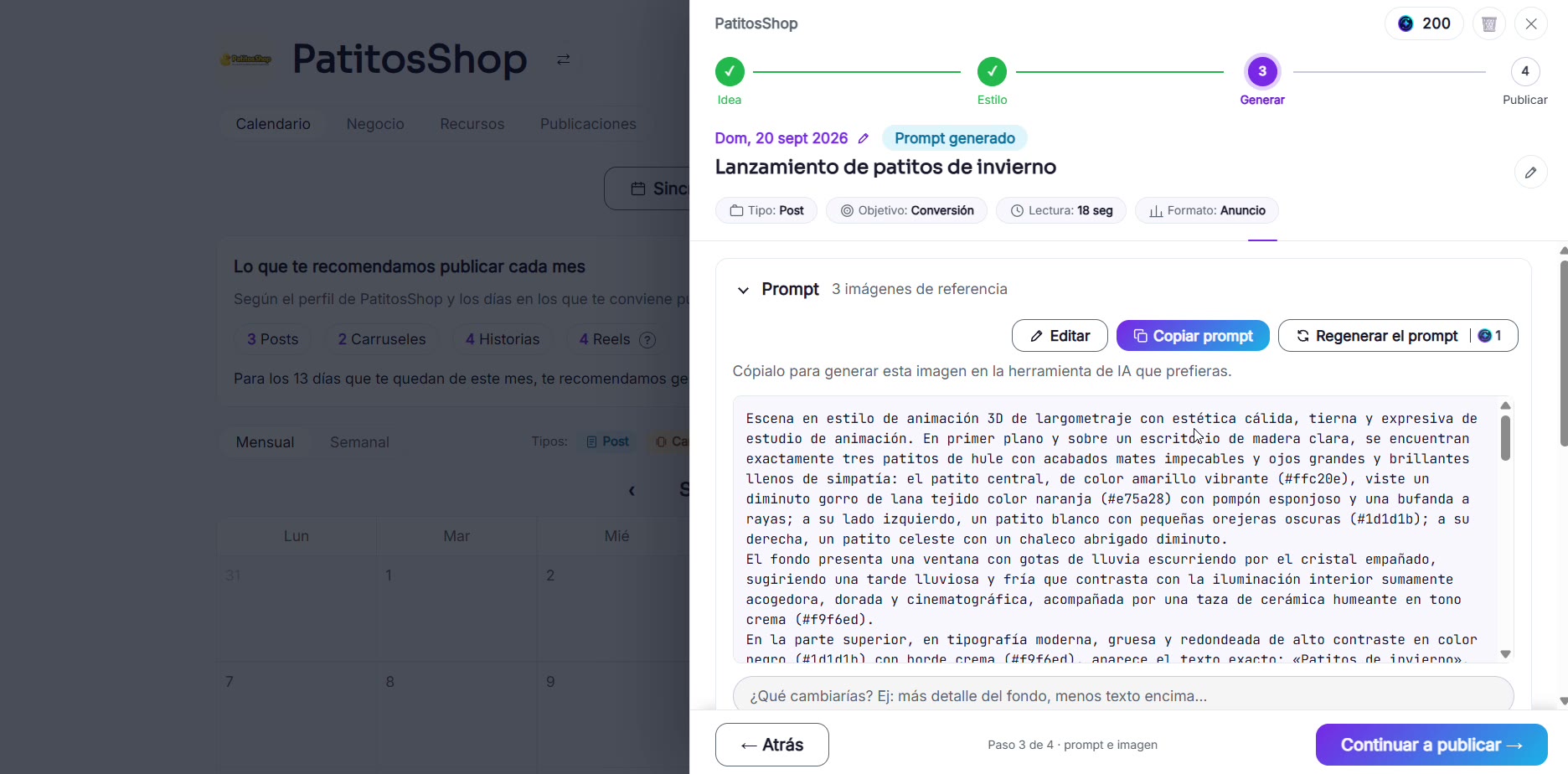
Generate the visual prompt
You can first see just the image prompt before generating the image, to confirm it's heading in the direction you want.
- 5
Generate the image and review the result
With the prompt approved, generate the final image and follow the usual flow to publish or schedule.