Resources · RedesIA
How to generate a carousel
RedesIA puts together the complete slides (text, order and images), ready to download.
Steps
The screenshots show RedesIA and the other apps with their interface in Spanish; the steps are the same in English.
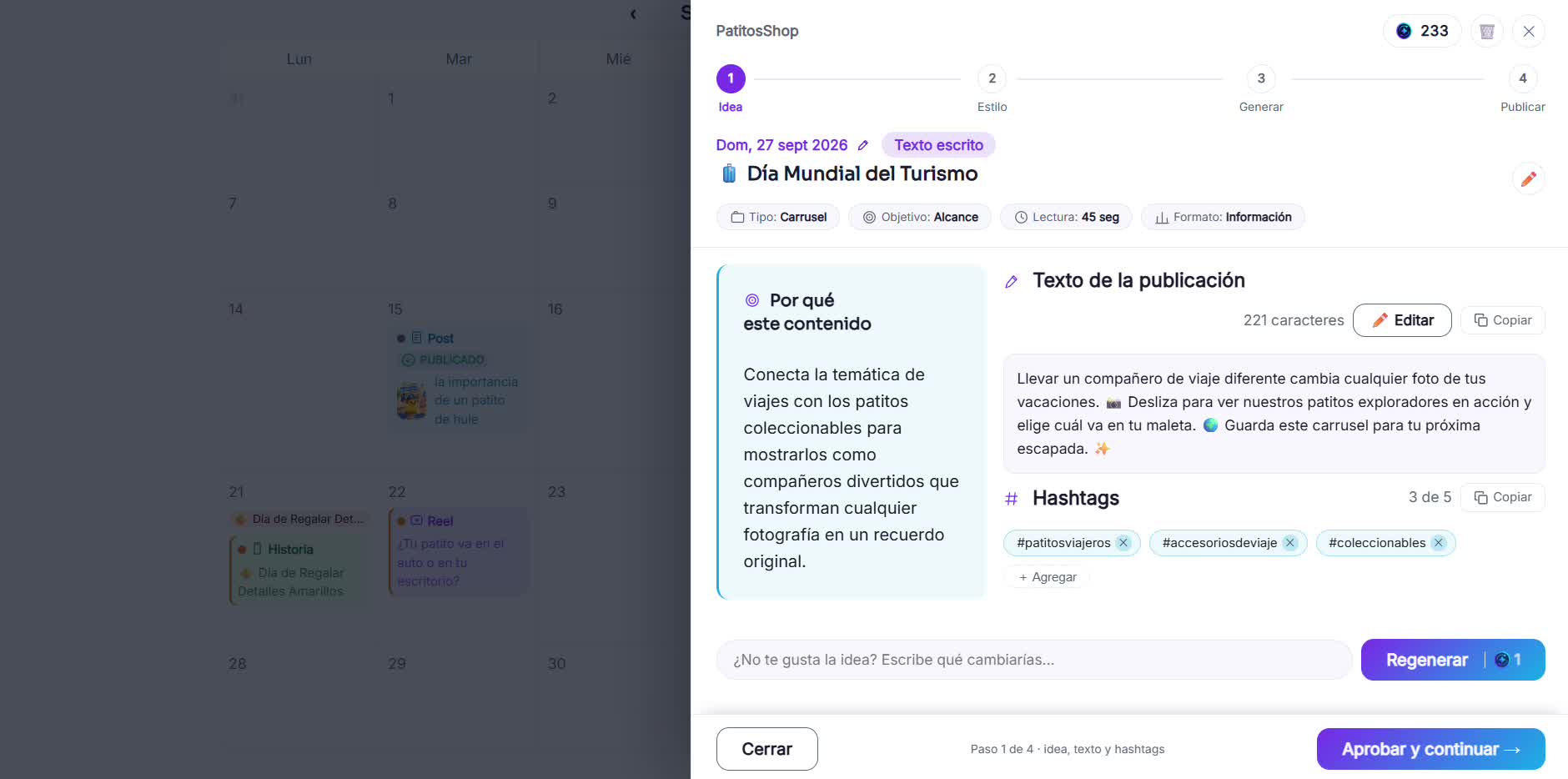
- 1
Open the carousel idea from your calendar
It brings the text for each slide already planned like a story, from cover to closing with a CTA.
- 2
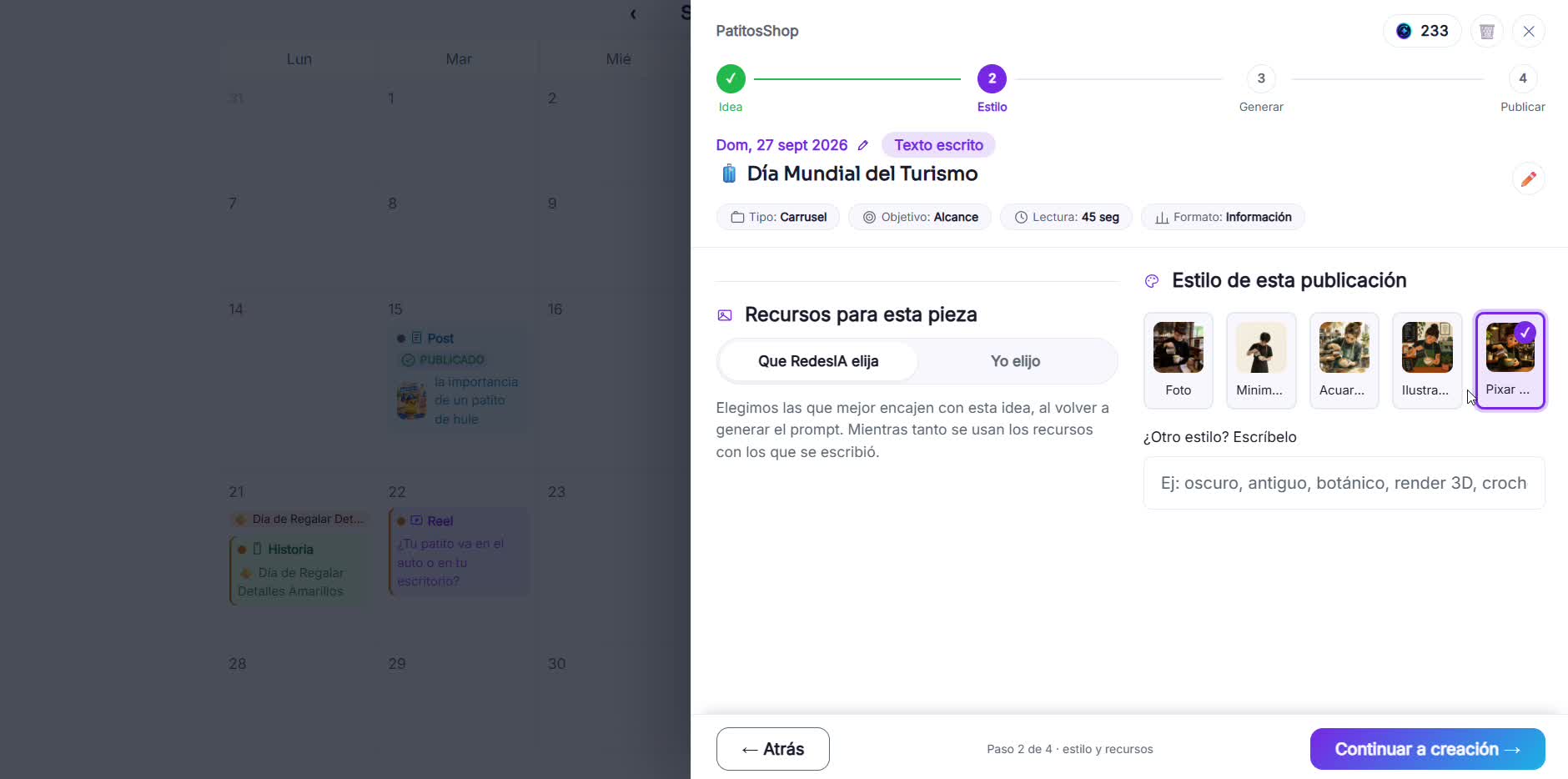
Choose the visual style
The same style is applied to all the slides, so they look like a single piece.
- 3
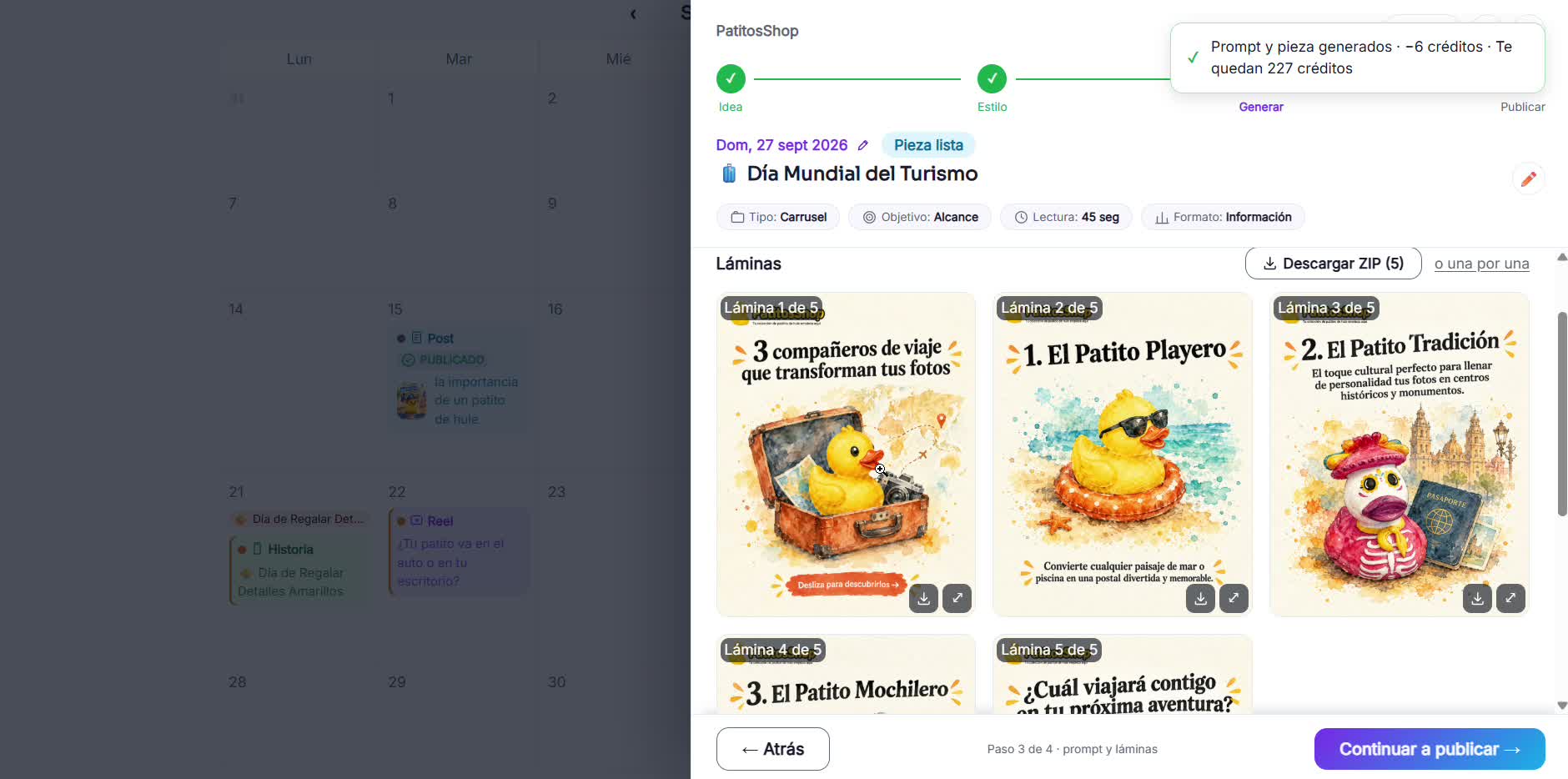
Generate the slides
RedesIA generates each slide keeping the same background and the logo position on all of them. It can take about a minute, and it's worth the wait.
- 4
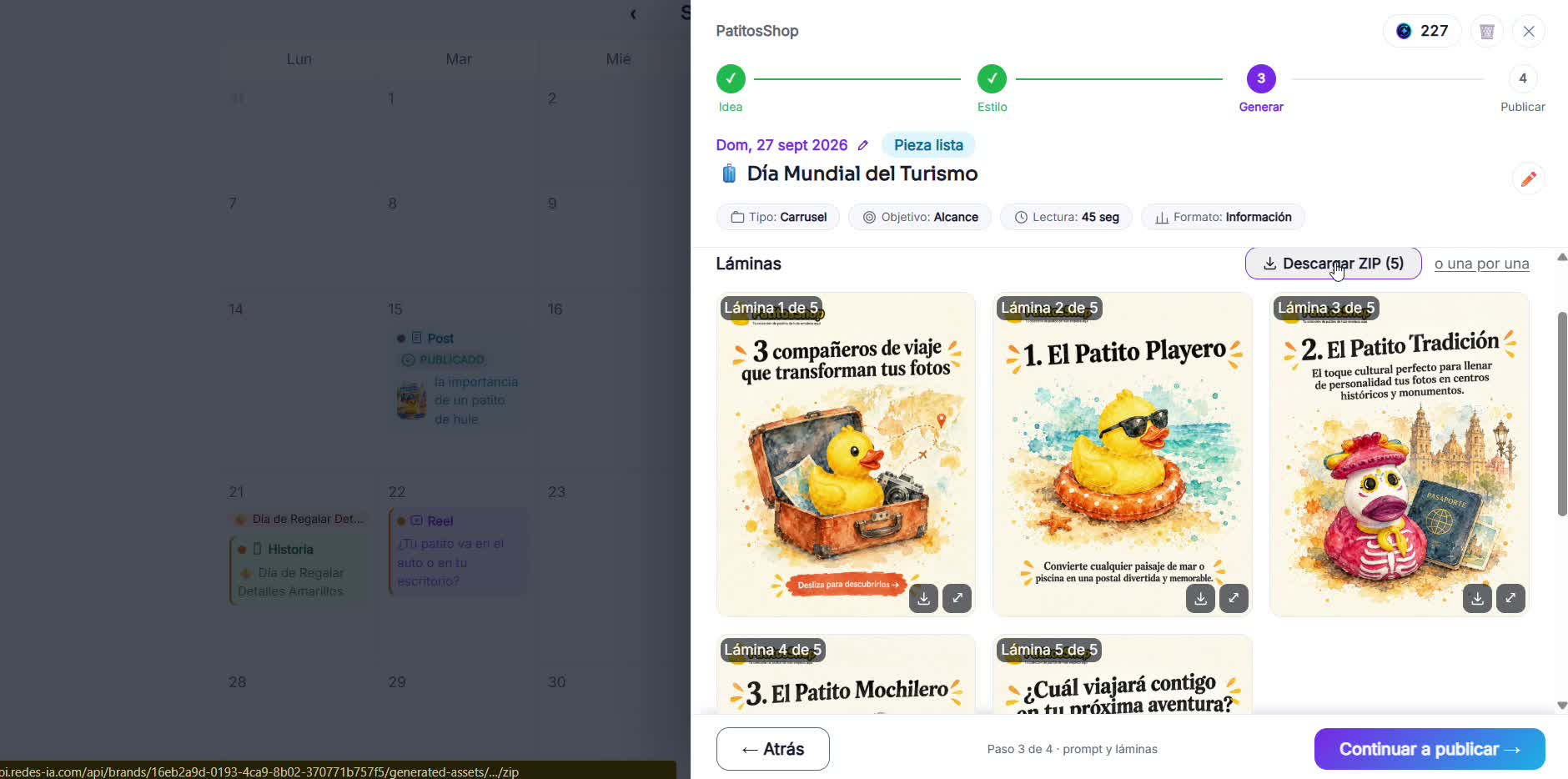
Download all the slides in order
Download them all together in a ZIP or one by one. They're numbered so you upload them in the right order.