How to film a Reel using your RedesIA script
RedesIA gives you the complete script, so you can film it yourself without any hassle.
Steps
The screenshots show RedesIA and the other apps with their interface in Spanish; the steps are the same in English.
- 1
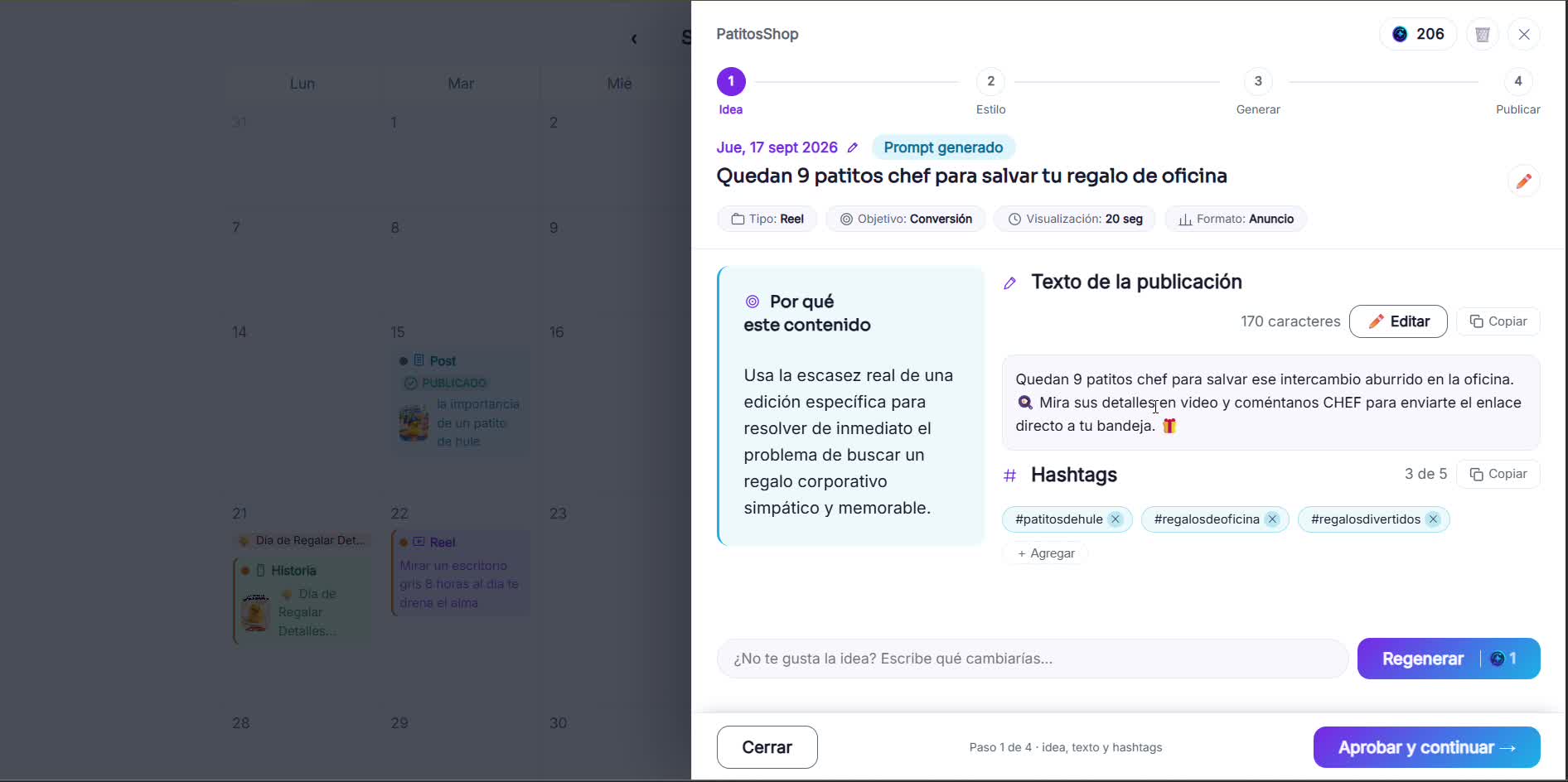
Open the idea you already generated
RedesIA already has the post text and hashtags ready for this idea.
- 2
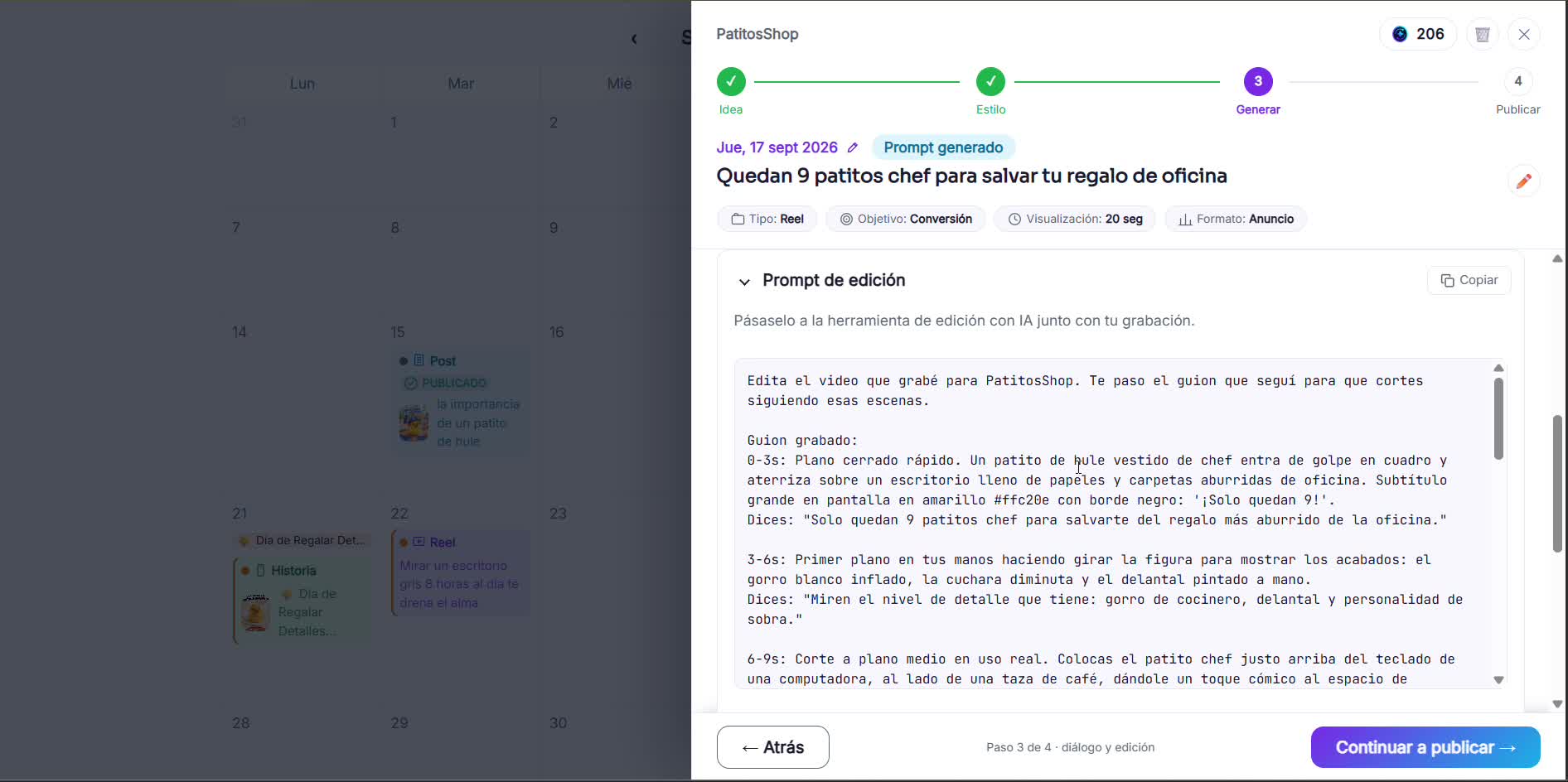
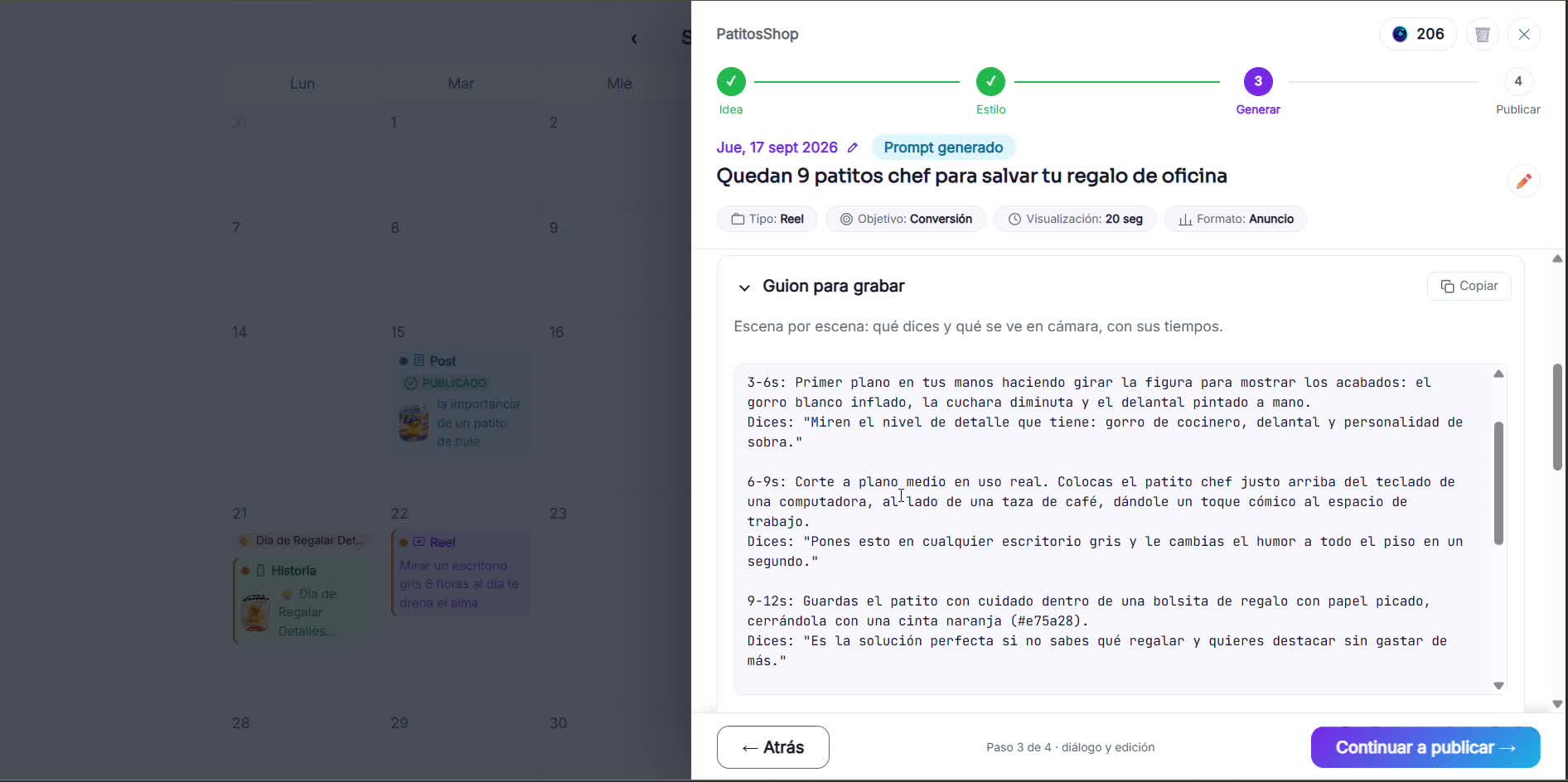
Copy the filming script
It gives you a scene-by-scene description of what's on screen and what you say at each moment, ready to follow while you film.
- 3
Read the dialogue while you film
The dialogue comes as one continuous text, with no camera directions, so you can read it out loud while you record your video or your voice.
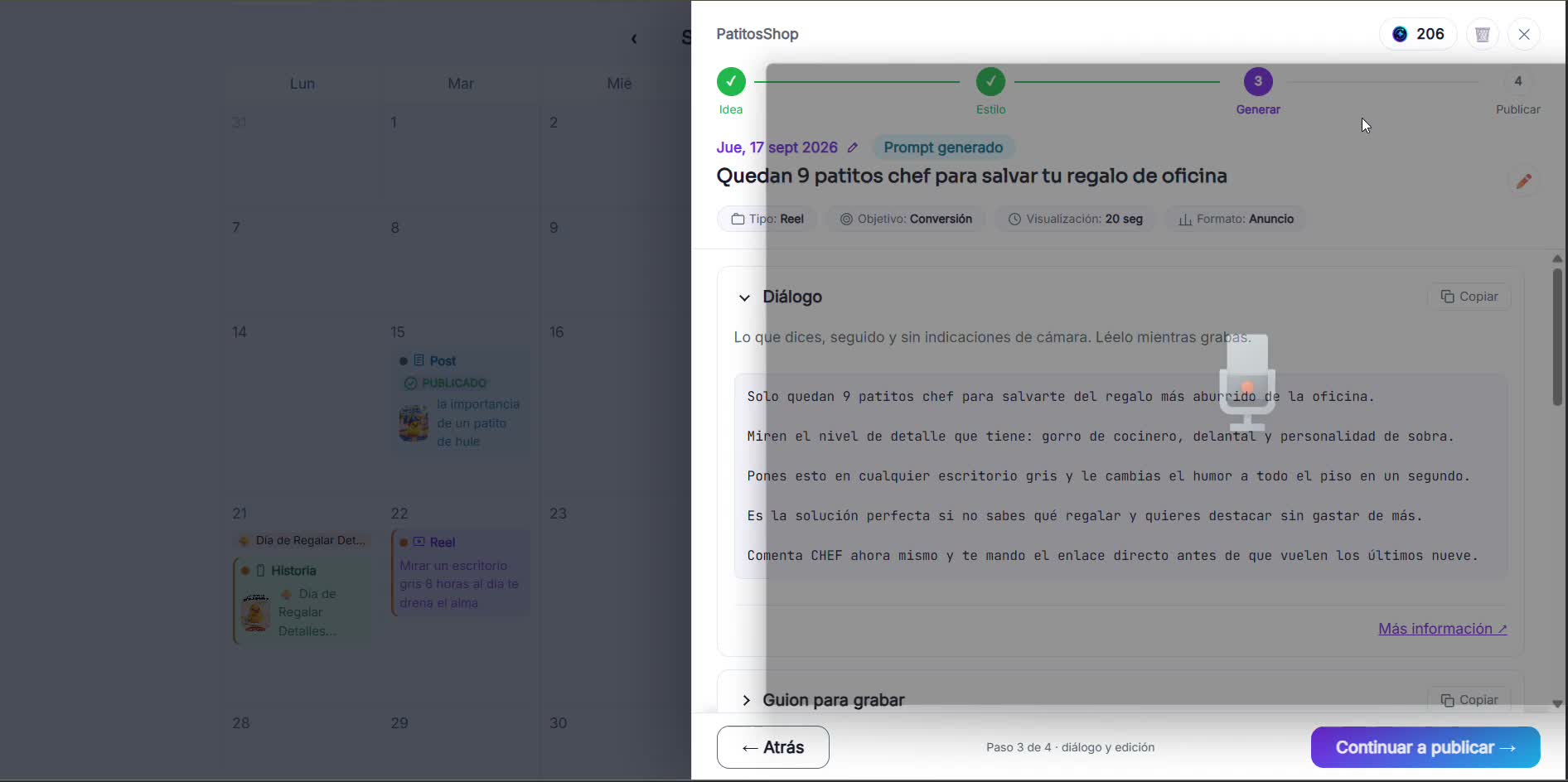 Tip: first record just your voice reading the dialogue (with your phone's or computer's voice recorder) and download it. Then film the video scenes following the rhythm of that audio. It's easier than doing both at the same time.
 - 4
Follow the script scene by scene
Each scene has its timing, what's on camera and what you say. Follow the order and redo takes if you need to.
- 5
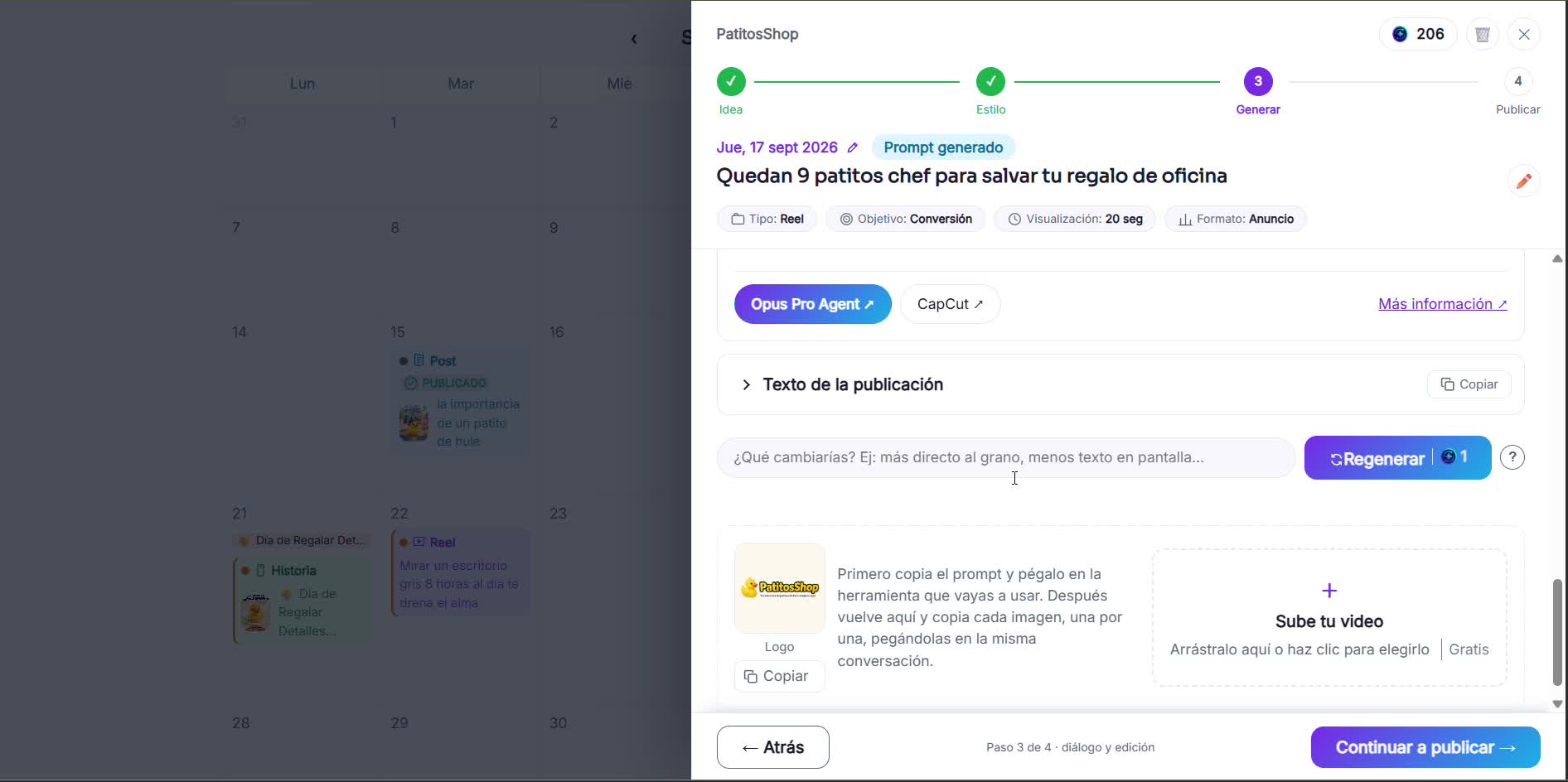
Edit with AI or upload your video
Pass the script to an editing tool like Opus Pro Agent or CapCut, or just upload the video you already filmed.