Resources · Create accounts
Create your YouTube channel
A channel of your own to upload your longer videos or tutorials.
Steps
The screenshots show RedesIA and the other apps with their interface in Spanish; the steps are the same in English.
- 1
Sign in with a Google account
Use or create a Google account dedicated to your business — the channel is managed with it.
- 2
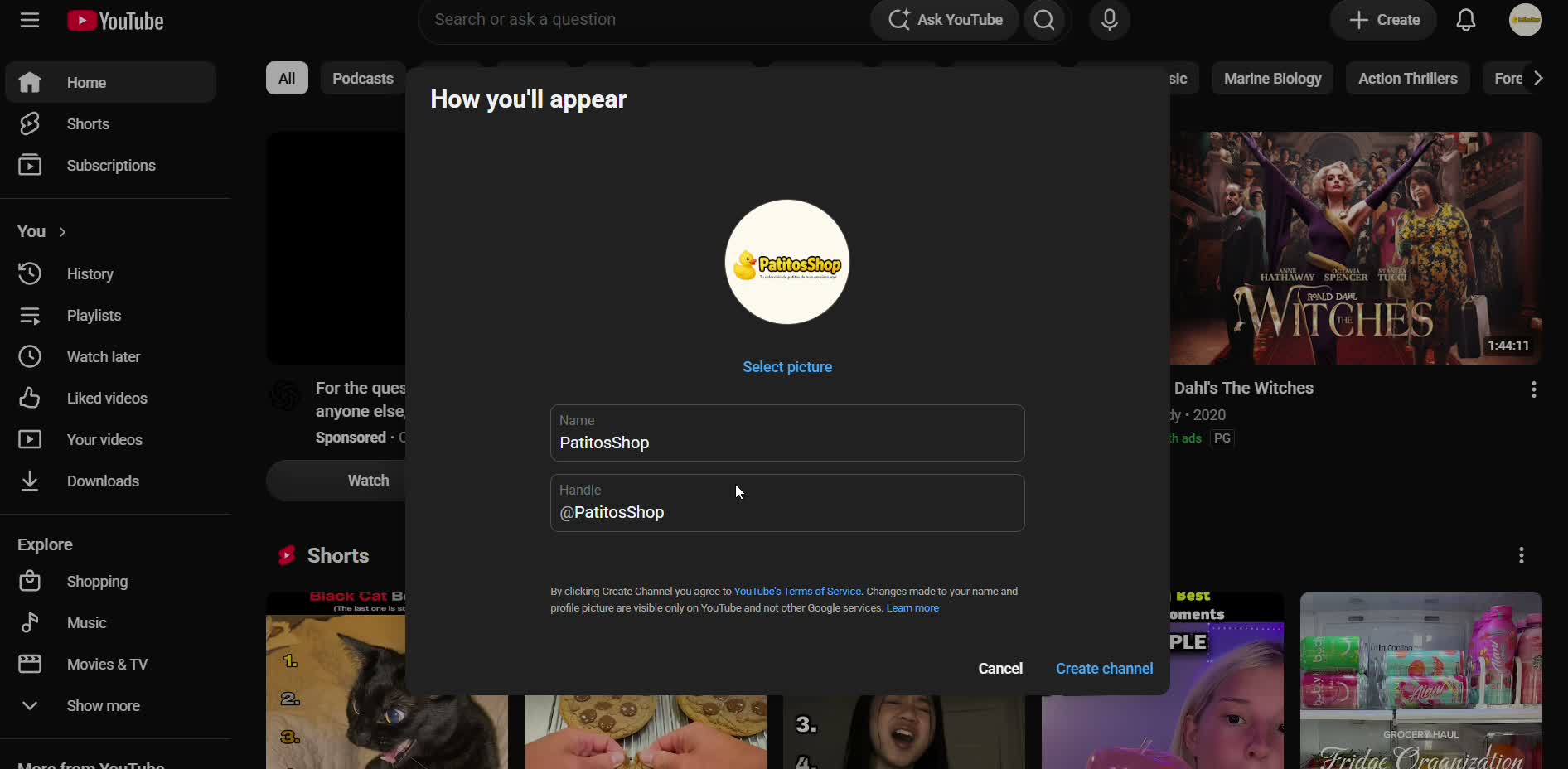
Create your channel
On YouTube, tap your profile picture → "Create a channel", and name it after your business.
- 3
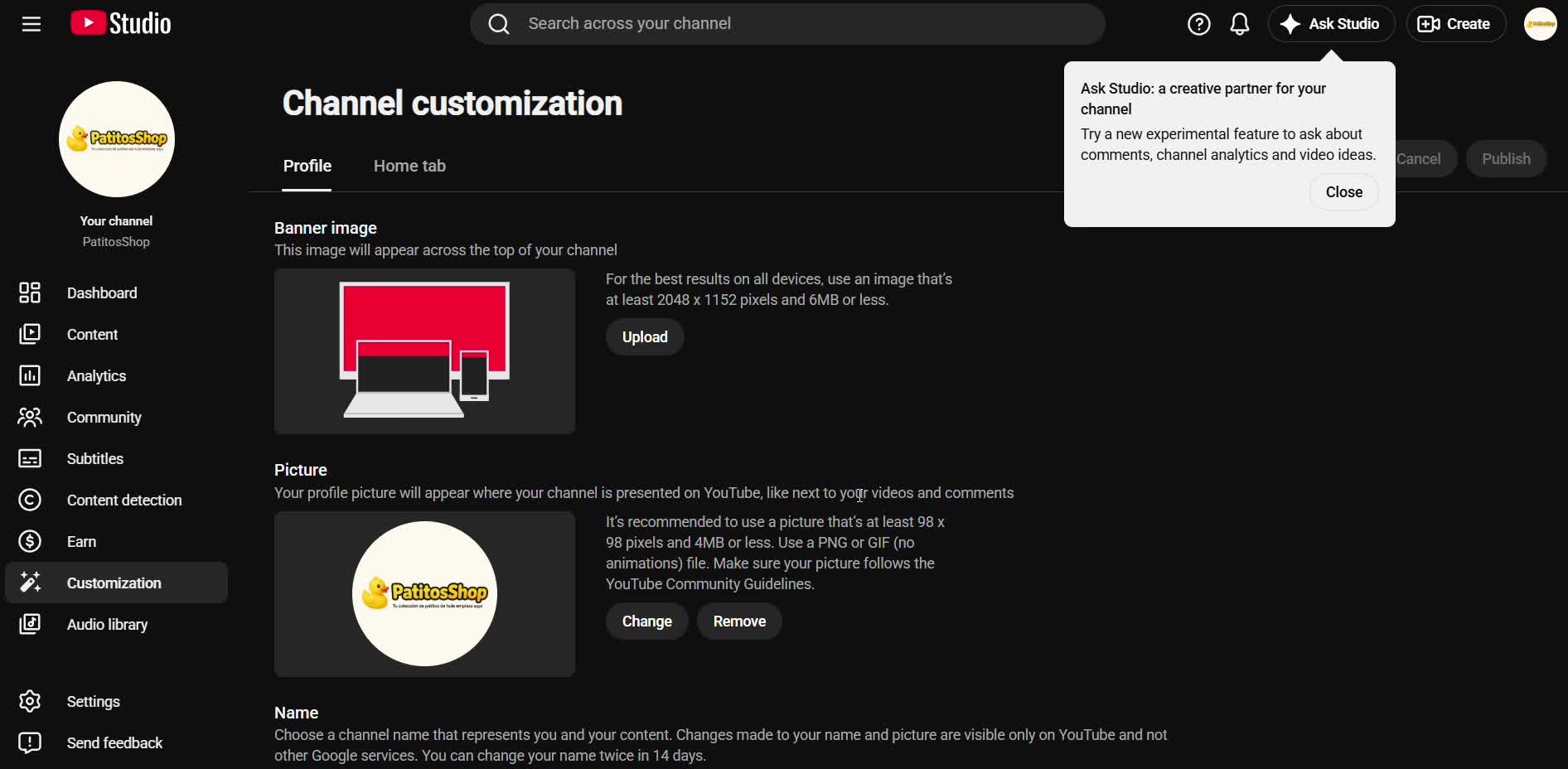
Upload your logo and customize
Add your logo as the channel picture and a cover image (banner) so it looks professional.
- 4
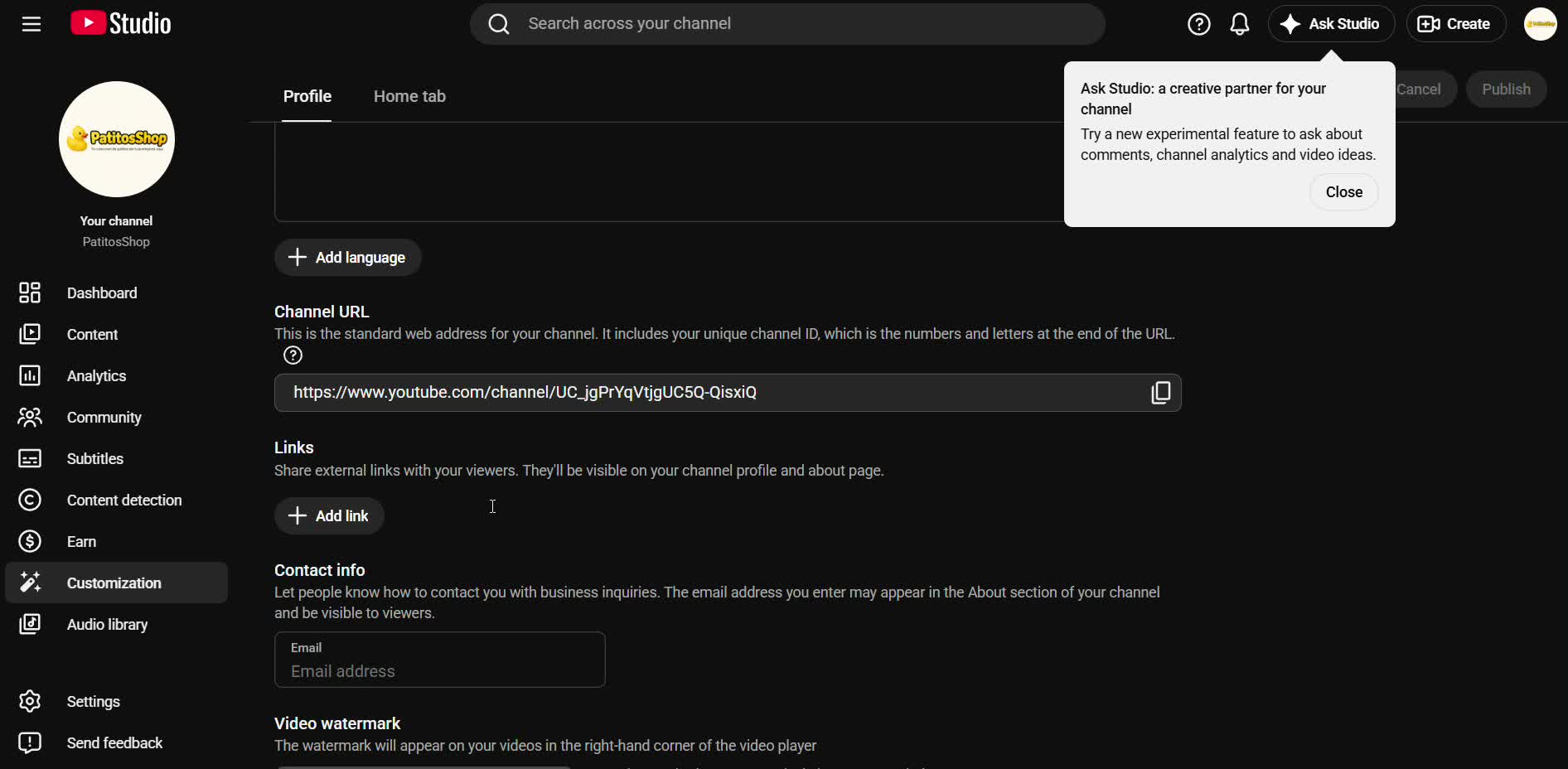
Write the channel description
Explain what your business is about and what kind of videos you'll upload — it helps people find you in search.