Resources · Create accounts
Create your TikTok account
You need a business account on TikTok before you can publish your content there.
Steps
The screenshots show RedesIA and the other apps with their interface in Spanish; the steps are the same in English.
- 1
Create your account
Go to tiktok.com or download the app, and sign up with your business email.
- 2
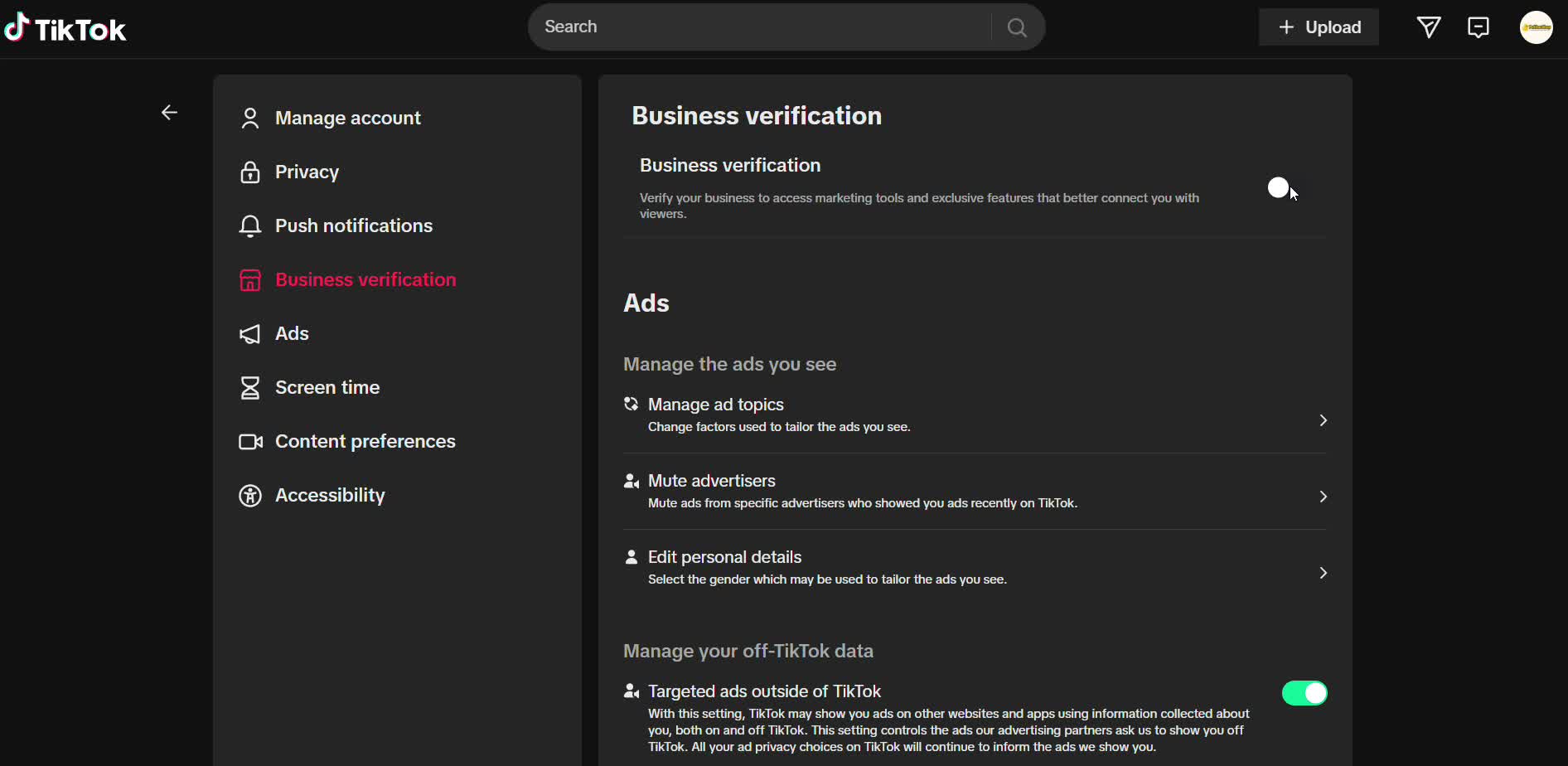
Switch to a business account
In Settings → Account, choose the option to switch to a Business Account.
- 3
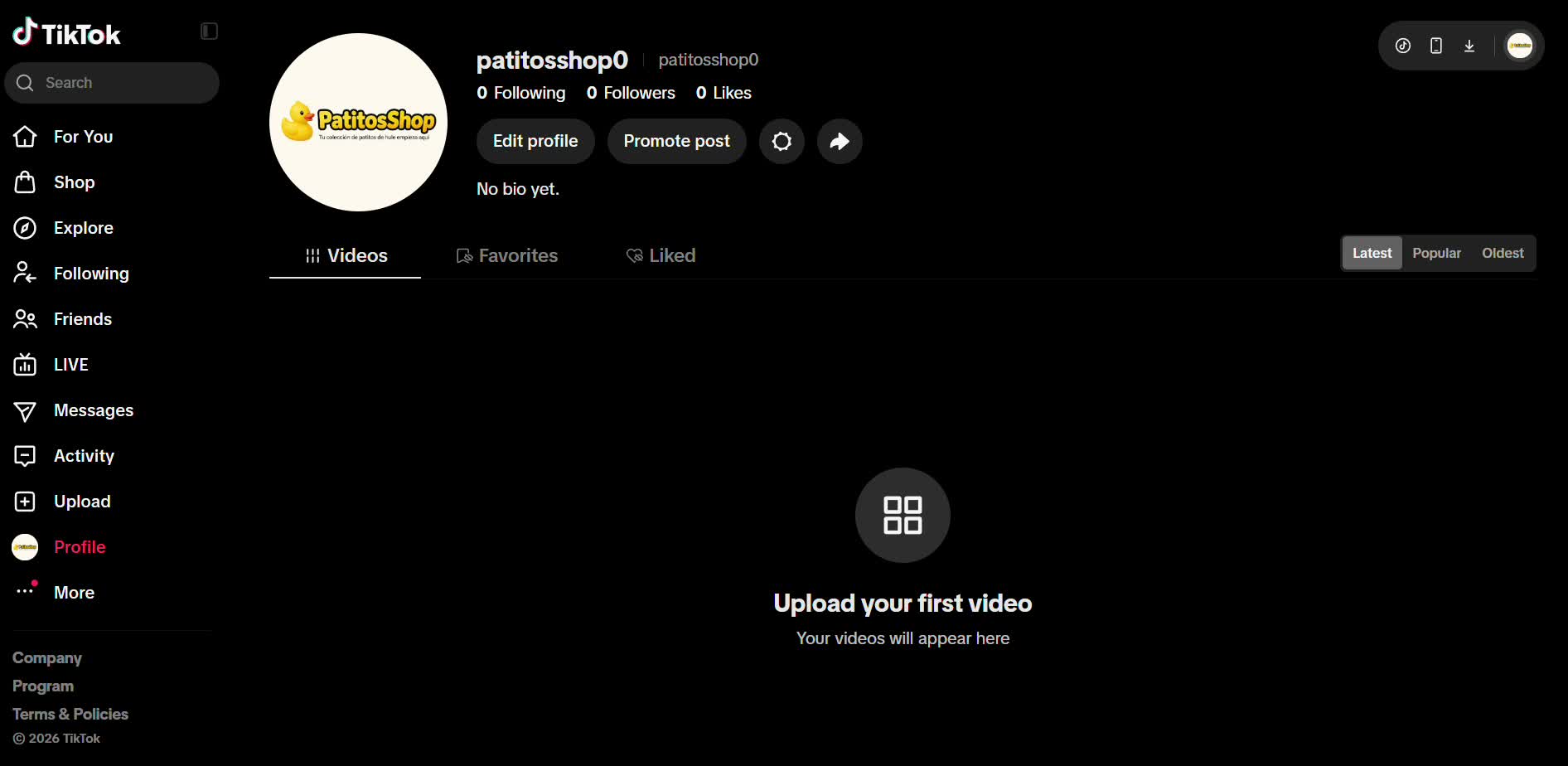
Complete your profile
Profile photo (your logo), name, business category, and a link to your website or WhatsApp.
- 4
You're ready to publish
Your business account gives you access to analytics and to the same formats RedesIA will generate.