Resources · RedesIA
I have my own asset to publish
Upload something real from your business and let RedesIA turn it into a post.
Steps
The screenshots show RedesIA and the other apps with their interface in Spanish; the steps are the same in English.
- 1
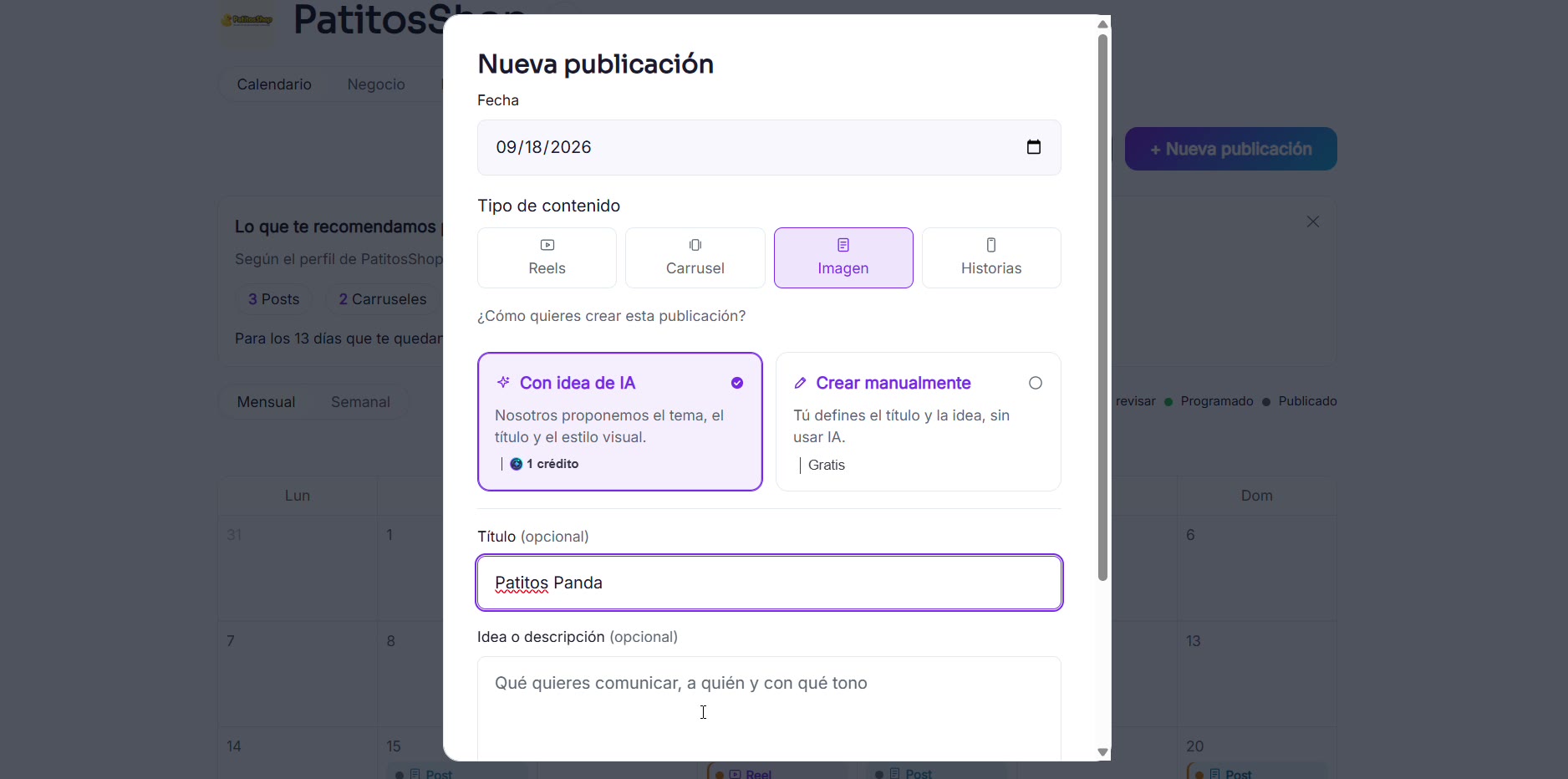
Create a new post with your idea
Write the title of your product or news item, for example a new product that just arrived.
- 2
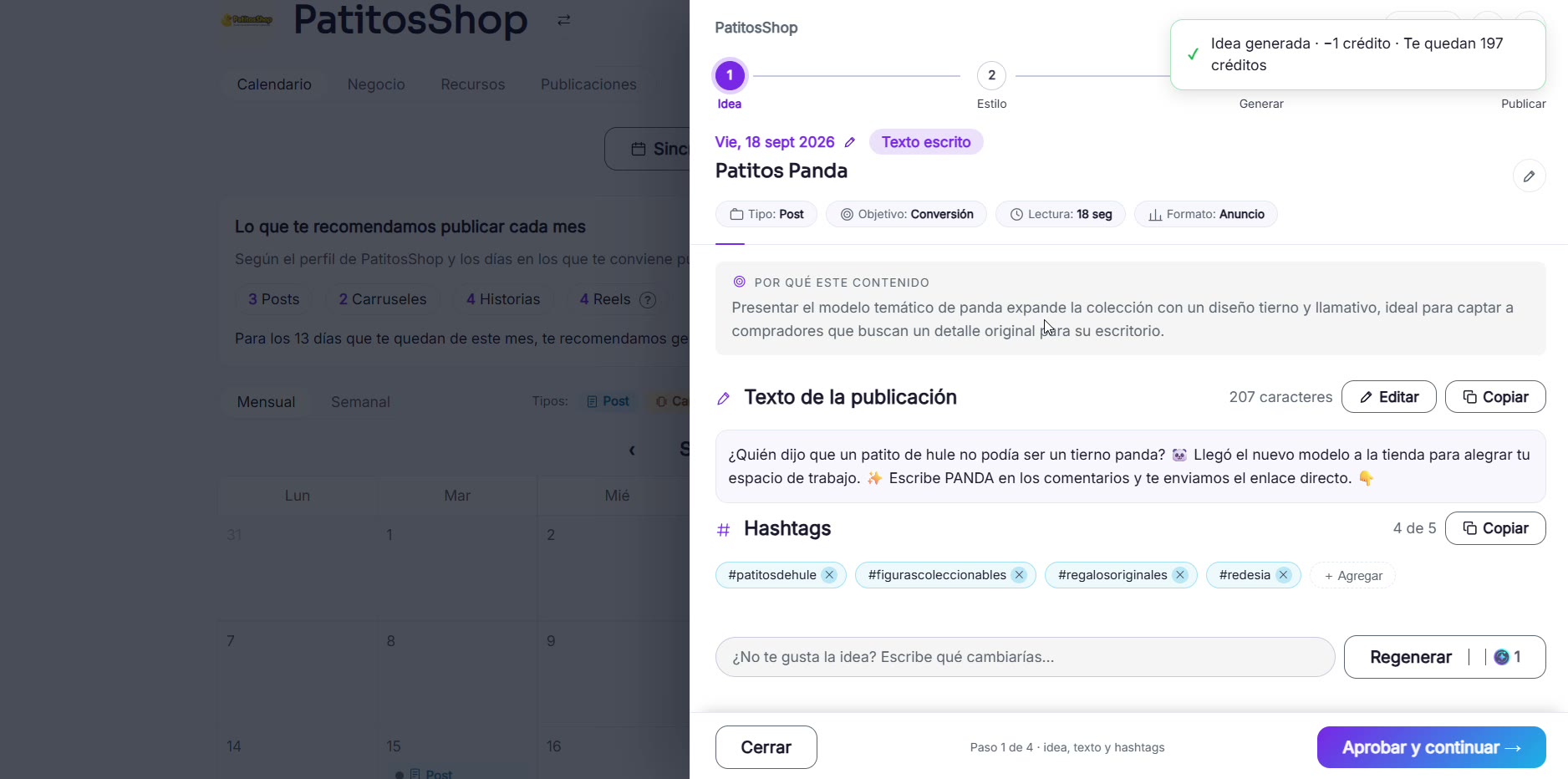
RedesIA puts together the text and hashtags
It generates how to sell your product: the angle, the post text and the hashtags.
- 3
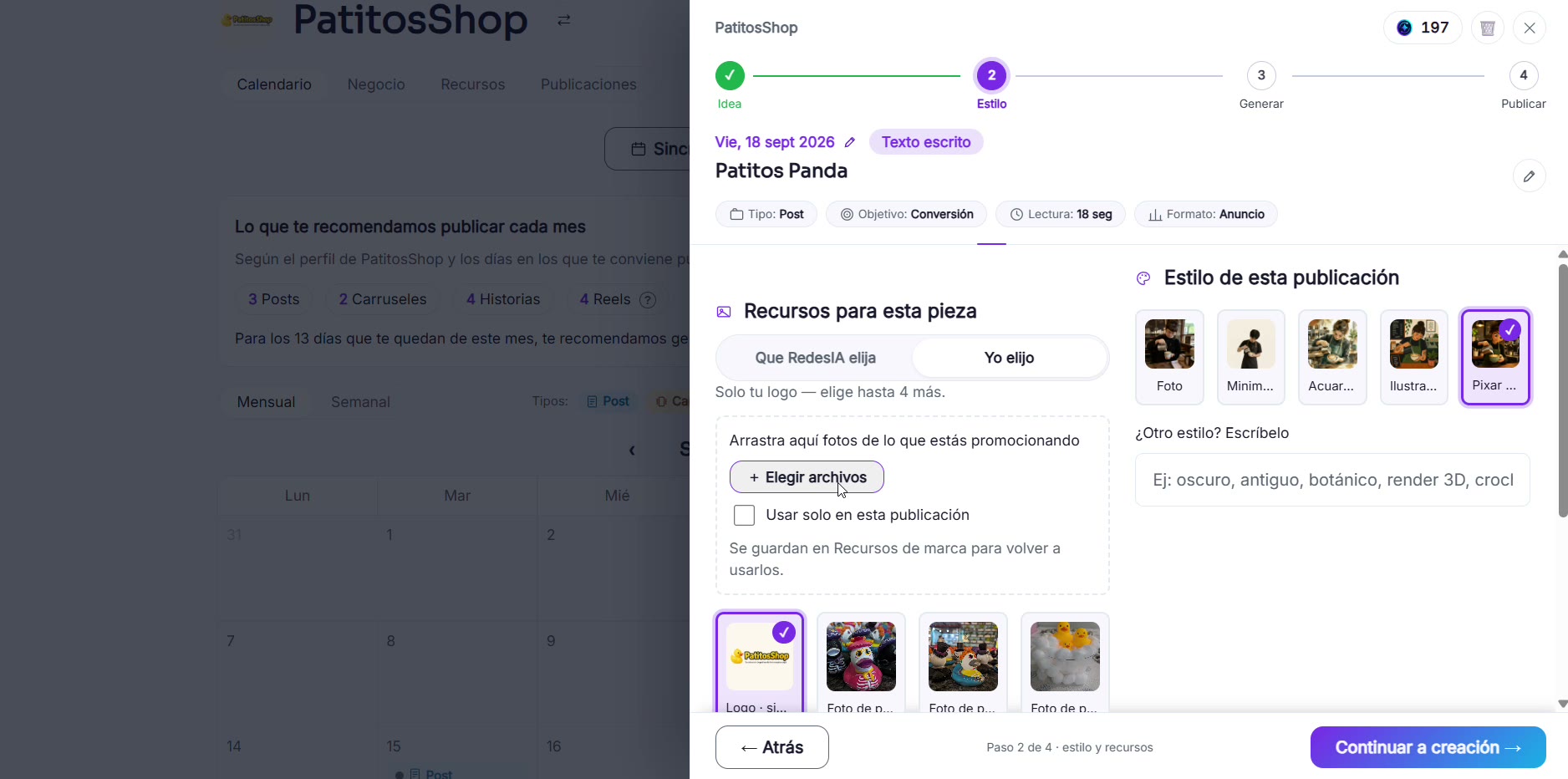
Upload a photo of your own product
Choose your real photo as a reference so the final image looks like your actual product.
- 4
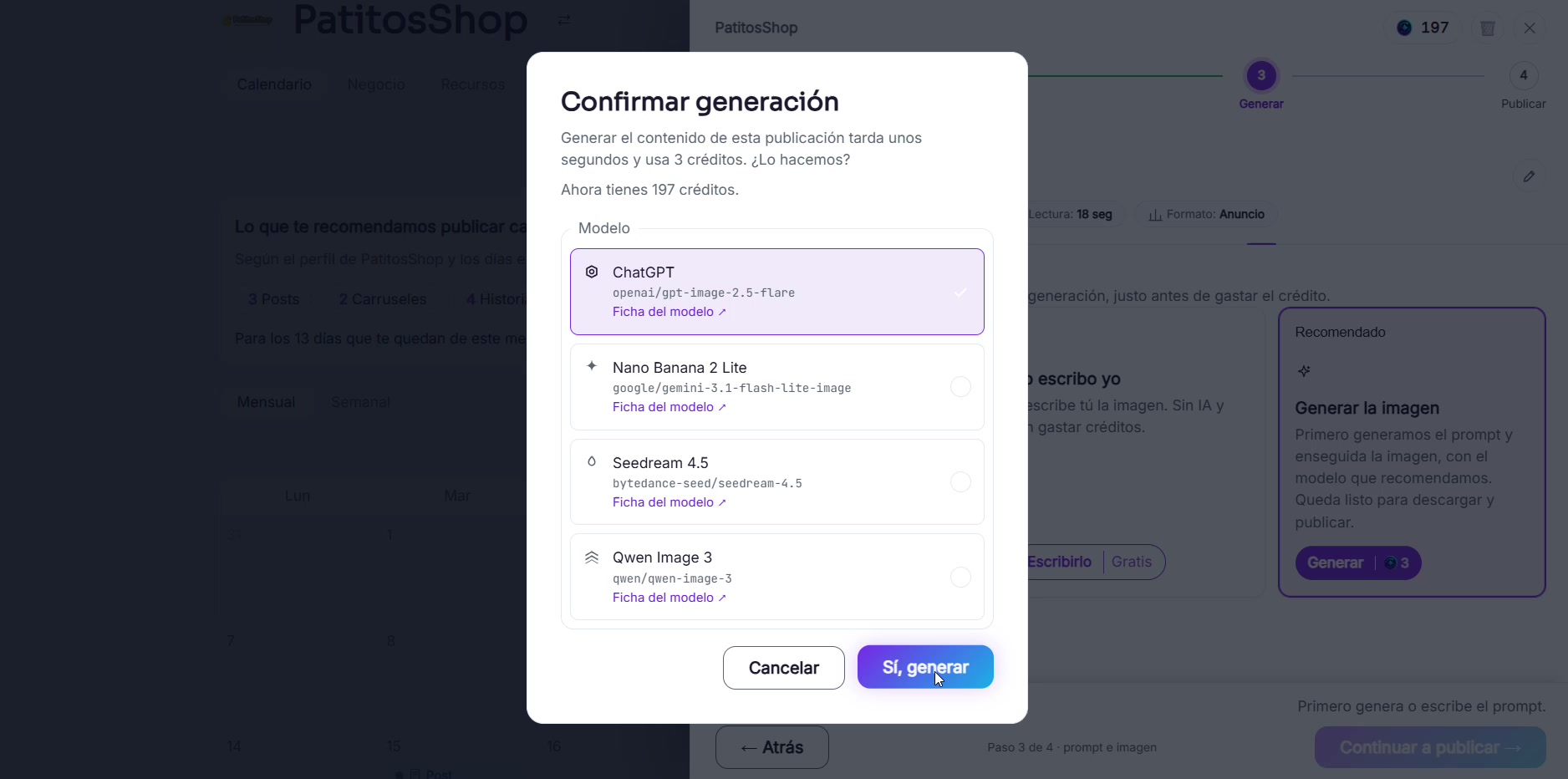
Confirm the generation
Choose the "Photo" style (not illustration or another style) so the result looks like your real product, choose the AI model, and check how many credits it uses before generating.
- 5
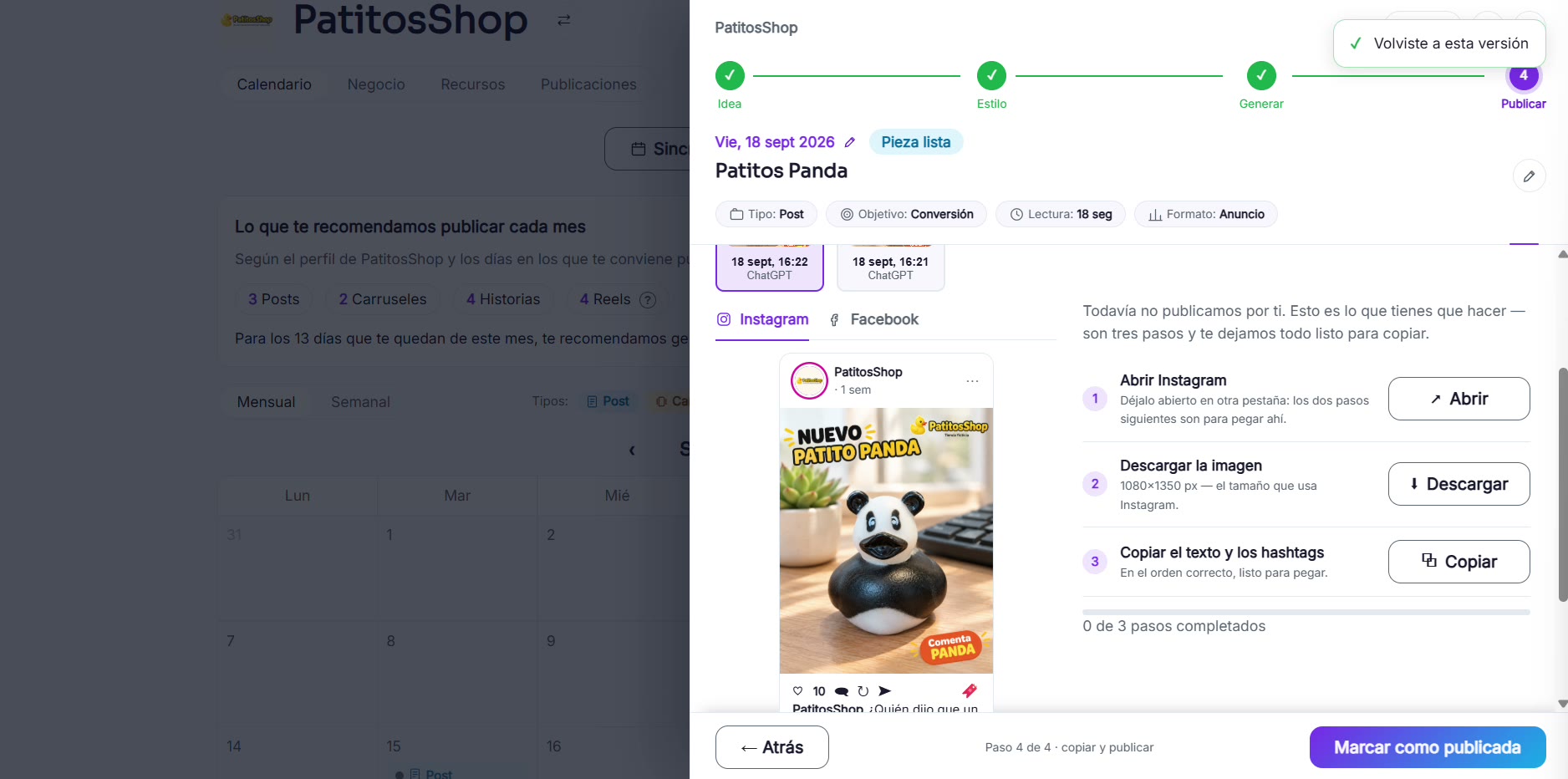
Review the result and publish
With the image ready, follow the three steps: open Instagram, download the image, and copy the text and hashtags.